

Desert Online General Trading LLC
Dubai, United Arab Emirates
Desert Online General Trading LLC
Dubai, United Arab Emirates
![EFAITHFIX for iPhone 11 Pro Screen Replacement OLED 5.8 Inch [NOT LCD] Display 3D Touch Frame Assembly Digitizer with Repair Kit Screen Protector Waterproof Adhesive for Model A2160, A2217, A2215](https://m.media-amazon.com/images/I/71r-F+0X98L.jpg)


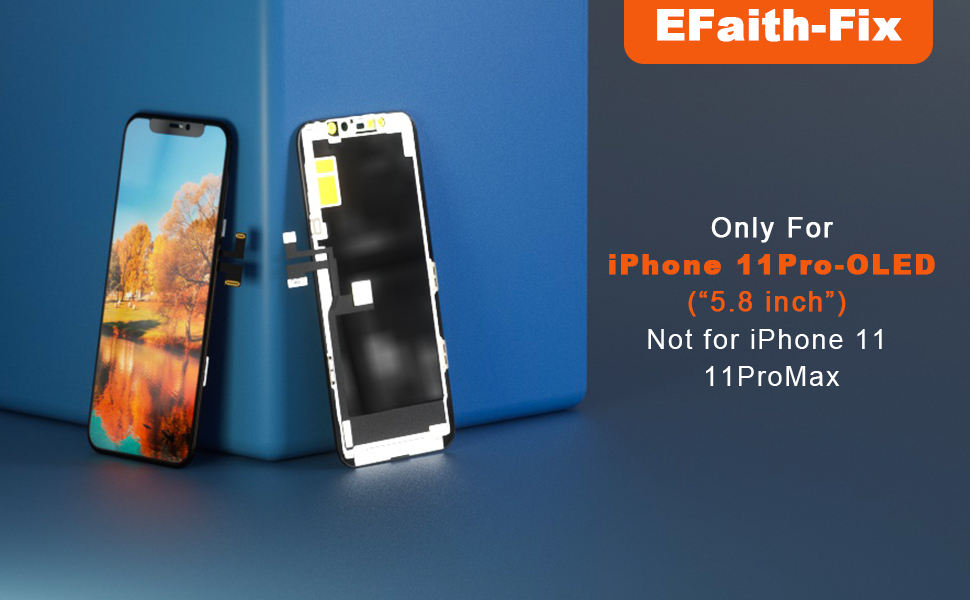
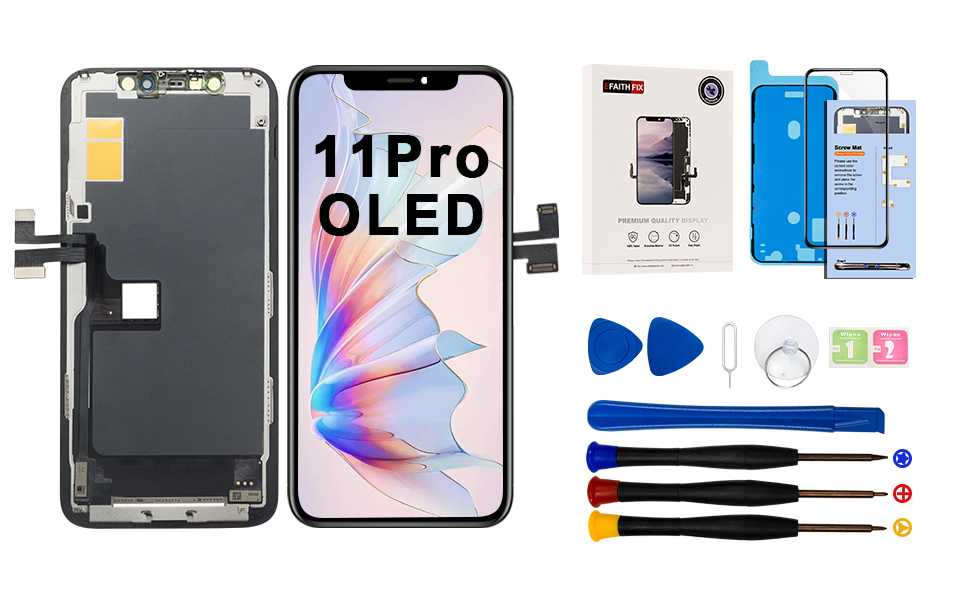
Note: Please make sure that you correctly identify your mobile phone before purchasing. The package contains maintenance tools. This iPhone 11 Pro OLED screen replacement kit does not contain the front camera and ear speaker sensors , so please transfer and install them from the old screen. Installation Steps: 1. Power off the phone. 2. Remove the bottom screw. 3. Lift the screen with a suction cup until there is a gap. 4. Open the back shell with the triangular joystick. 5. Open the screen and separate it from the back cover. 6. Remove and label all screws from the battery connector bracket. 7. Disconnect the battery cable, display and touch the cable. 8. Disassemble the old screen home button assembly. Installation Precautions: 1. Do not press the four corners, and be careful when tightening the screws, otherwise it will cause the internal glass to break. 2. Make sure that each screw is installed back to the original hole. 3. Be careful with the flexible cable connector when installing. 4. Please check the LCD and make sure that the flexible cable is in good condition and there is no debris on the connector. 5. Do not bend it excessively or tear it apart with excessive force. 6. Please disconnect the mobile phone battery flexible cable before installing the new screen, this is very important. Otherwise the screen will not open.


| OS | iOS |
| Product Dimensions | 6.81 x 14 x 0.2 cm; 63.5 g |
| Item model number | A2160, A2217, A2215 |
| Other display features | Wireless |
| Country of Origin | USA |
| Item Weight | 63.5 g |
Trustpilot
3 weeks ago
2 days ago
![EFAITHFIX for iPhone 11 Pro Screen Replacement OLED 5.8 Inch [NOT LCD] Display 3D Touch Frame Assembly Digitizer with Repair Kit Screen Protector Waterproof Adhesive for Model A2160, A2217, A2215](https://images-na.ssl-images-amazon.com/images/I/71r-F+0X98L._AC_UL116_SR116,116_.jpg)

![Ailun for Apple iPhone 11 Pro/iPhone Xs/iPhone X Screen Protector,3 Pack, 5.8 Inch Display, Tempered Glass 2.5D Edge Work Most Case [NOT for iPhone 11 6.1 inch]](https://images-na.ssl-images-amazon.com/images/I/81g8xShoy6L._AC_UL116_SR116,116_.jpg)