Desert Online General Trading LLC
Dubai, United Arab Emirates
Desert Online General Trading LLC
Dubai, United Arab Emirates

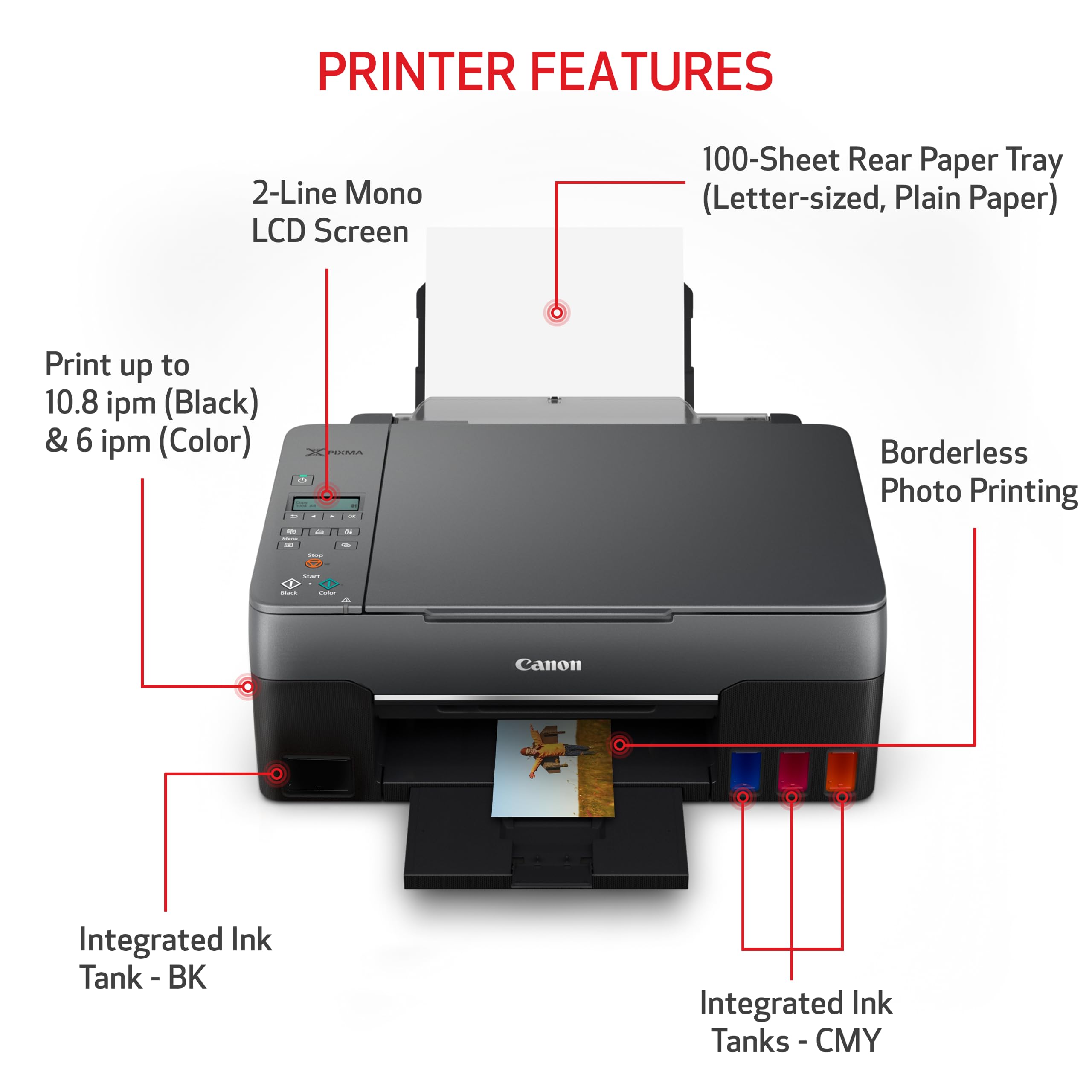



🖨️ Print smarter, live bolder—your all-in-one creative command center.
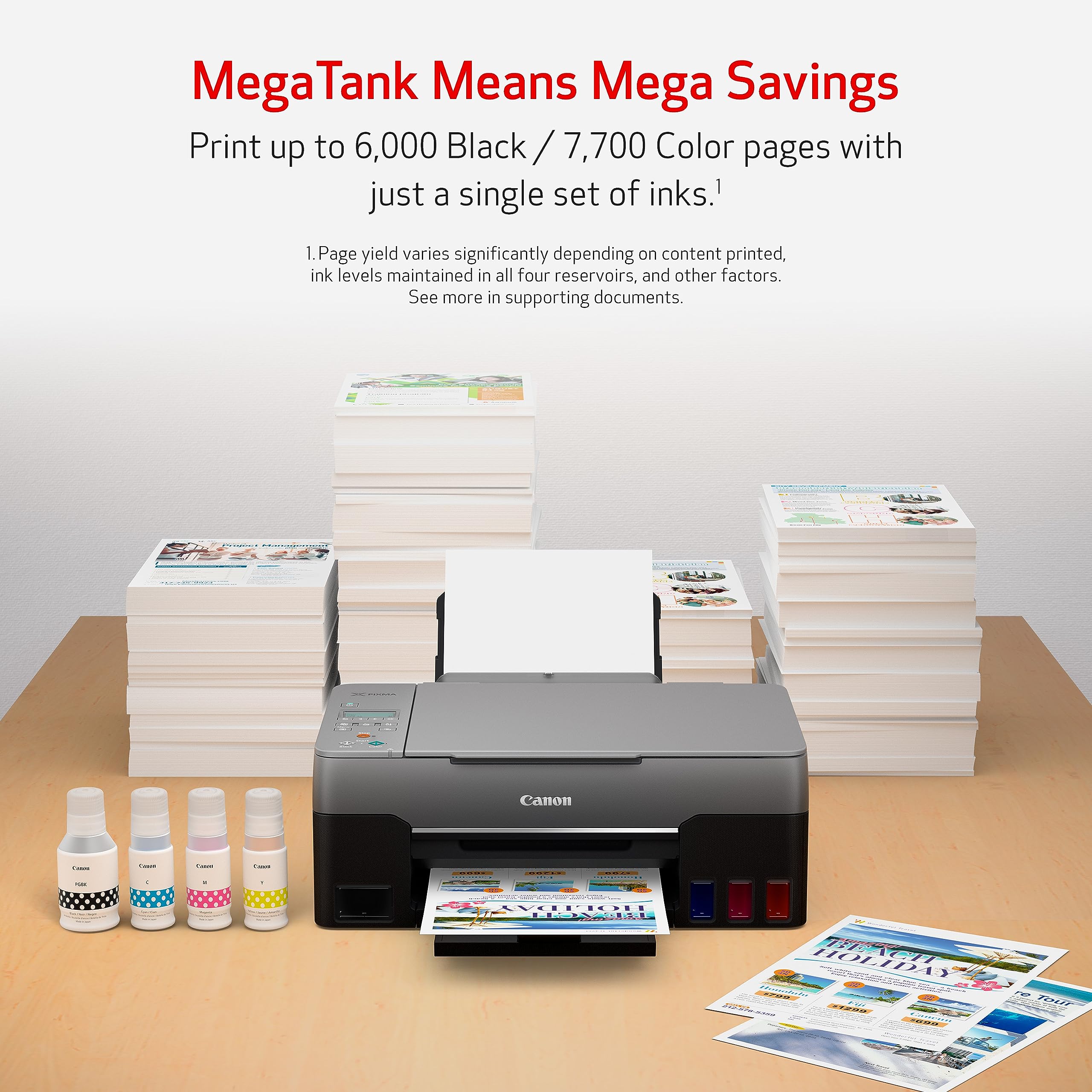
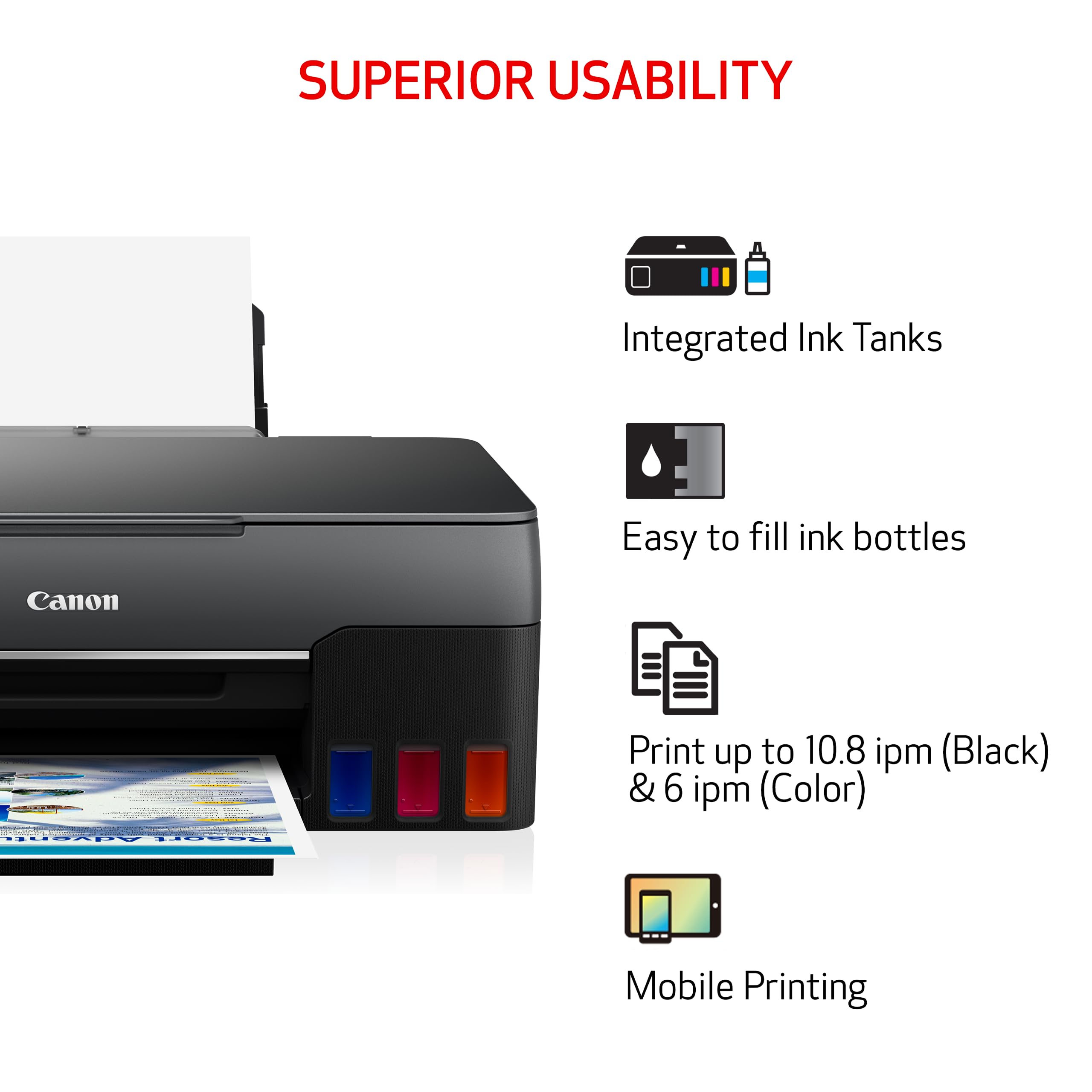
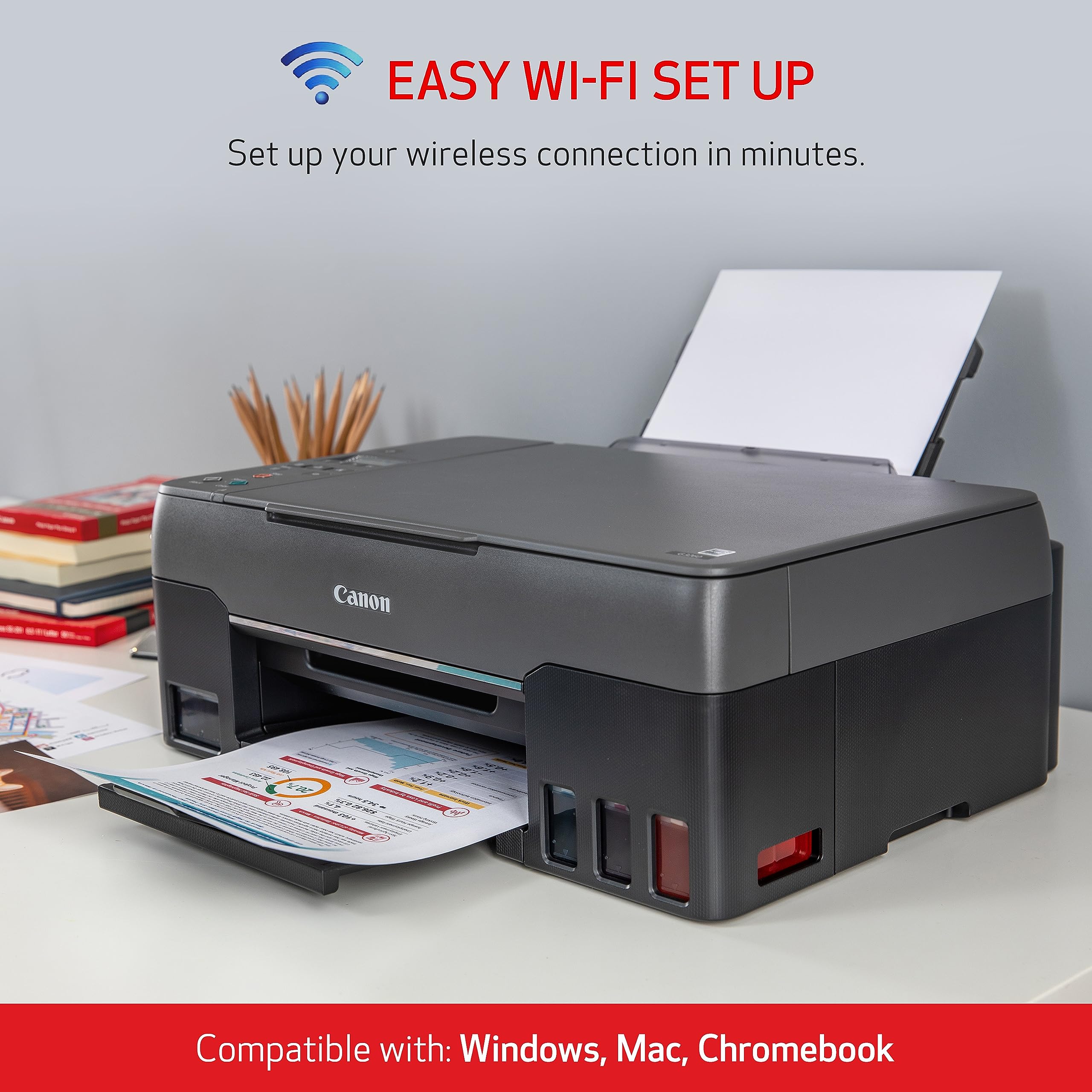
The Canon G3260 All-in-One Wireless Supertank Printer delivers ultra-high ink yields of up to 7,700 color pages and 6,000 black pages per refill, combining pigment and dye-based inks for sharp text and vibrant photos. Featuring fast print speeds, flatbed scanning, and wireless mobile printing, it integrates seamlessly with Alexa for smart ink monitoring and automatic reordering—ensuring you stay productive without interruption. Compact and versatile, it’s designed for professionals who demand efficiency and quality in one sleek device.

| Product Dimensions | 9.1"D x 9.1"W x 9.1"H |
| Controller Type | iOS |
| Maximum Media Size | 8.5 x 14 inch |
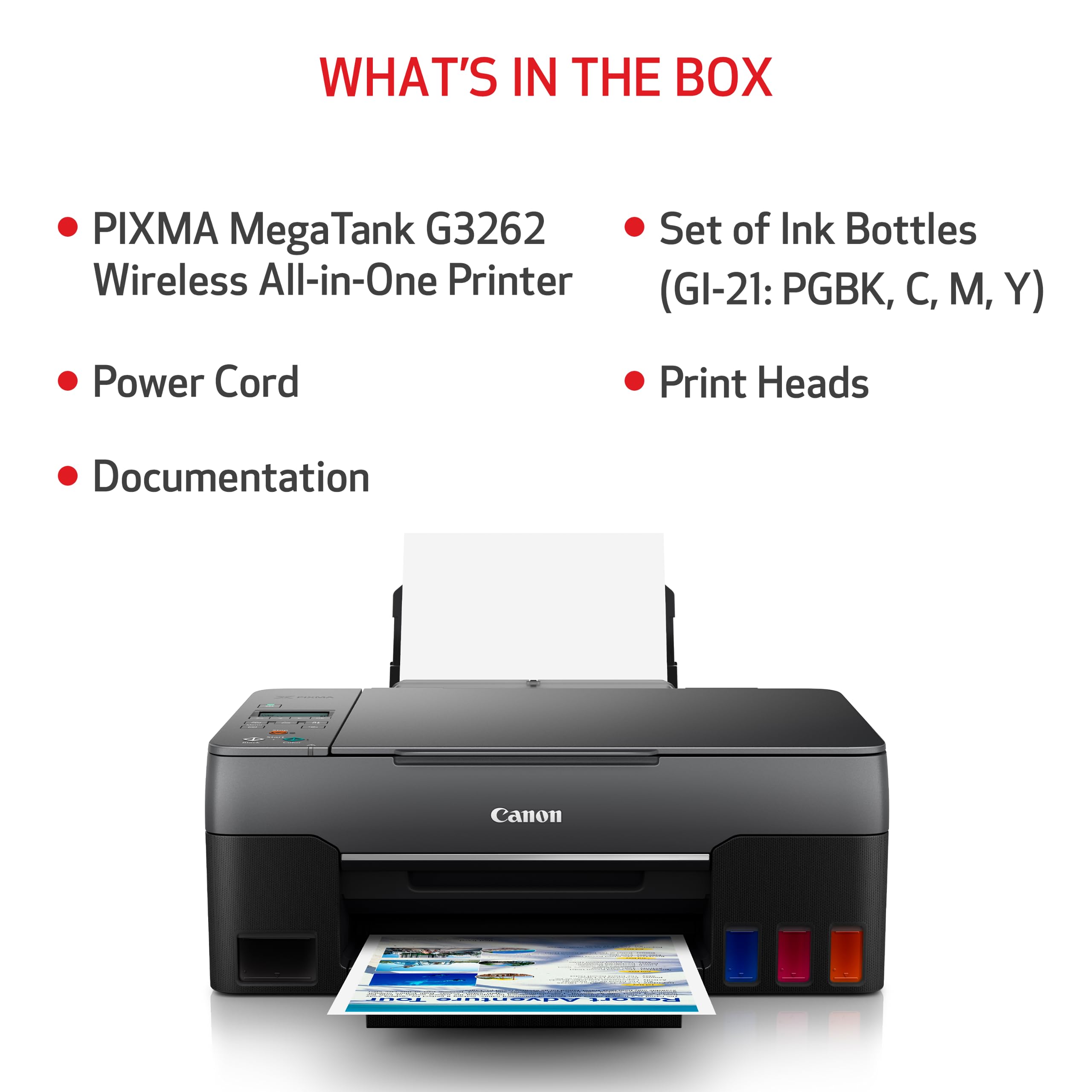
| Included Components | PIXMA MegaTank G3260 Wireless All-in-One Printer, Set of Ink Bottles (PGBK, C, M, Y), 2 Bonus Black Ink Bottles, Documentation, Power Cord |
| Print media | Glossy photo paper |
| Scanner Type | Flatbed |
| Max Input Sheet Capacity | 400 |
| Max Copy Speed (Black & White) | 15 ppm |
| Compatible Devices | Smartphones |
| Sheet Size | 3.5” x 3.5” (Square), 4” x 6”, 5” x 5” (Square), 5” x 7”, 7” x 10”, 8” x 10”, Letter (8.5” x 11”), Legal (8.5” x 14”), U.S. #10 Envelopes, Card Size (91 mm x 55 mm), Custom size (width 2.1–8.5 in, length 3.5–47.2 in) |
| Maximum Black and White Print Resolution | 1200 dpi |
| Warranty Type | Full Warranty |
| Dual-sided printing | Yes |
| Duplex | No |
| Hardware Interface | Ethernet |
| Ink Color | Color |
| Resolution | 600 x 600 |
| Additional Printer functions | Copy, Scan |
| Control Method | App |
| Number of Trays | 4 |
| Processor Count | 1 |
| Series Number | 4468 |
| Model Series | PIXMA |
| UPC | 013803330618 |
| Printer Ink Type | Inkjet |
| Memory Storage Capacity | 64 MB |
| Item model number | 4468C002 |
| Operating System | Windows 8.1, macOS 10.12 Sierra, macOS 10.14 Mojave, Windows 7, macOS 10.13 High Sierra, Windows 10 |
| Item Weight | 14.1 pounds |
| Item Dimensions LxWxH | 9.1 x 9.1 x 9.1 inches |
| Power Source | AC |
| Manufacturer | Canon USA |
| ASIN | B08P3ZKLPH |
| Date First Available | December 2, 2020 |
D**S
Great Printer! Would definitely recommend!
I love this printer! I am an elementary teacher, and we have very limited copies. This printer has saved the day! It has done a fantastic job with all of my print jobs, black and white and color. It also handles printing on cardstock wonderfully. The ink lasts forever, even with all of the printing I do with it.
A**R
life spans matter. and spare parts lists too. real p/n# too.
I got this printer new, , G3260this is like my 15th printer in 28 years.I serviced commercial printers for years too. (retired, me as PC tech)Must say best printer I've ever seen for sure this price point !No more cartridge hostage games. wow, refreshing. ,<<< no words can say how great this is... ever...The only bad reviews are folks that do no understand wifi.(it's okay, it is wifi not you.)if you are that person use the USB port. (works in seconds.)<< zero magic.wifi is RADIO and as such fails for vast reasons to fail. (I can fix any wifi made but most folks fail here)WiFi has vast ways to fail, even not knowing your credentials. (too far from router, or it is malfing or lots more ,full stop x)Pro1:The online PDF manual (saved) is 430pages long. Nice ! Job there. (with error codes explained)Cost per page, (unbeatable)The 4 tank ink site is $22, my last printer (Horse Pucky?) is $100 + and lies about ink low when not. (and not authentic lie)I see MOSTLY PRO's and very few con's, but I only need to print not do magic or other odd things.Con#1But there is no Canon parts list on line and a new head is not seen.(you must call canon service of a new head if needed)PRO'scopy or scan , no computer connected, wow, finally.USB always works not wanting to fix your bad wifi router, endless that.I have a box in the attic with 100 USB cables back to 1998, no need to buy more me, and sold at Wal---MART.){be green recycle cables not trash them)NO ETHERNET OPTION (CON#2) (sad really as it always works PnP plug in play) (the spec is clear)6000 pages, 30k pages, life span on head.Buy extra ink pads (cleaning pad ports/dumps) and clean often, 1per week? (this are sold !)Big PRO, prints black if color side is dead. and came with 3 TANKS of BLACK new, wow, nice.Big pro 2: has top panel black button to scan in black, wow, nice feature that.now a big hint to others, remove your other printers (dead) software first, or it may conflict with new printer software.I use revoUninstall app. (best of the best that) not spam this is a fact.Lay lame only after proving FiFi fails for this printer, and not your router, or channel in the hood jamming issues.(google wifi failures, and learn)Do not allow the PC , to sleep/hibernate it or the USB port (page312 RTM) or scanning can fail.(via PC)<< windows power settings.No spare parts lists is CON#1, a proactive person or small business would like some spares so down time is not 2 weeks in the mail.So buy 2 printers? sure.
K**A
Highly reccomend if you print frequently!
Great prints, very good ink efficiency, easy to refill tanks. Only thing i wish this printer had was double-sided printing and touchscreen for easier operation.
K**N
Worth the money!
First I want to say that I’ve never had a printer that prints as beautifully as this does I truly love the quality but note that you need to download the canon app for the printer and print through there because if you don’t your prints will not turn out as beautiful as they can big difference in quality you really need to use the app. I bought this printer a couple of years ago and have had no complaints until now but I am having issues right now because the printers not wanting to load the paper in the back and I’ve done all of the cleaning this night and it’s not working so basically I have to help feed each paper into it I’m gonna take it and get it repaired because it’s worth the money to get it fixed because it’s such a great quality print that you get the card that I have in the picture I printed everything you see on this printer so you can see it’s totally worth it to get it fixed And if I end up having to get a new one I will definitely be purchasing the same printer again.
C**O
It doesn't print photos.
NOT user friendly, I was able to get it connected to my wifi, then I moved, and it never connected again.It is great for printing documents, but it doesn't print photos. I get white pages, if I try to print from photoshop or photo viewer. I tried using the Canon print app, and it only prints black and white, even if the photo is color.Long story short, HP has a much friendlier user experience, it is worth the extra money you pay for the printer.As for Canon, I will stick to their cameras, but I don't think I will try any of their other products.
B**
The ink never runs out
We are a homeschool family and print a ton of stuff each day/year. I’ve had this printer for a year and a half and still haven’t had to change the ink. I’m super happy with this printer. I’ve recommended this printer to so many families. It’s a must buy. If I had to change two things about this printer it would be that the color copier is a bit slow and when you print front and back you have to flip the paper over. With that being said I make color copies everyday and print curriculum books with no issues. When I print curriculum books I print all the odd pages and then put the whole stack of pages back in and then print all the even pages. Considering how much ink I was spending on other printers having to flip the pages or wait a couple seconds longer for a color copy is okay with me.
Trustpilot
2 days ago
1 week ago