
DOWNLOAD THE APP


Customer Services
Copyright © 2025 Desertcart Holdings Limited
DOWNLOAD THE APP

🚀 Elevate your mobile workspace with power, speed, and style!
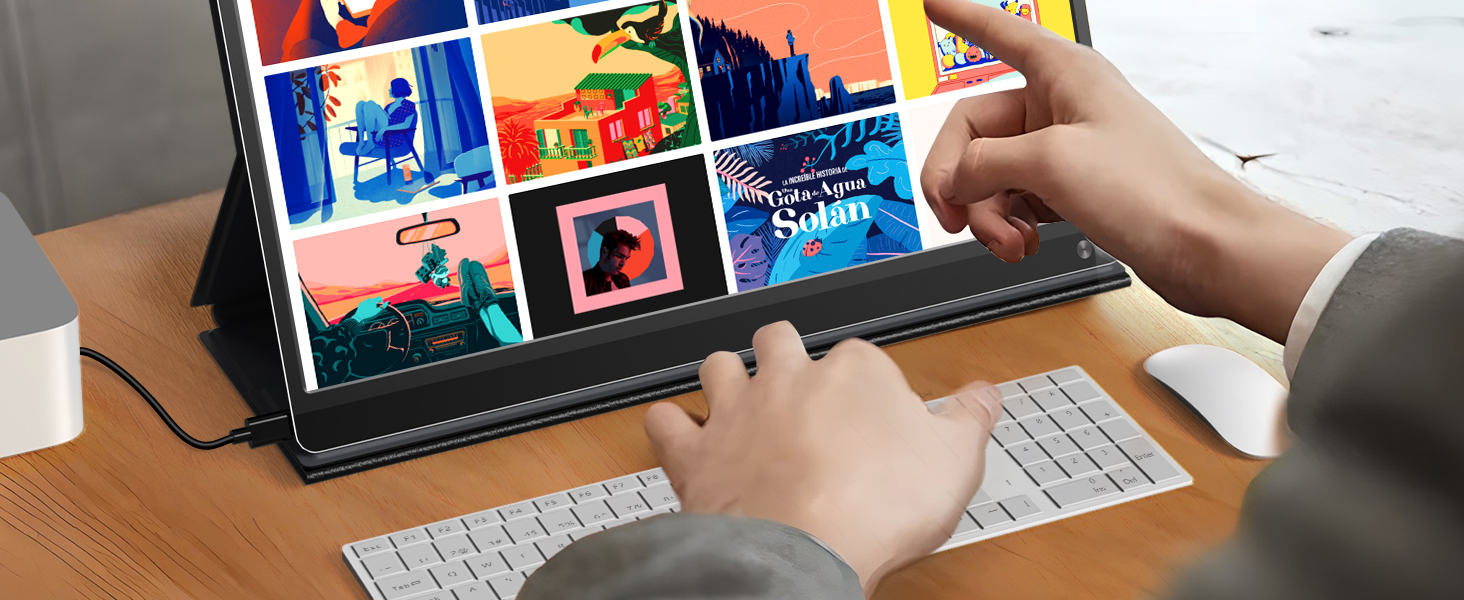
The UPERFECT Portable Monitor is a 15.6” FHD touchscreen display featuring a blazing 120Hz refresh rate and 1ms response time, perfect for gaming and professional use. Its built-in 10800mAh battery offers 6-8 hours of untethered productivity, while versatile Type-C and full-size HDMI ports ensure broad compatibility. Crafted from recyclable aluminum and equipped with quad speakers plus a smart folding case, it’s designed for durability, sustainability, and immersive multimedia experiences wherever you go.





| ASIN | B0F6YC1L4P |
| Aspect Ratio | 16:9 |
| Batteries | 1 9V batteries required. (included) |
| Best Sellers Rank | #20,640 in Electronics ( See Top 100 in Electronics ) #563 in Computer Monitors |
| Customer Reviews | 4.4 4.4 out of 5 stars (1,181) |
| Date First Available | April 30, 2025 |
| Image brightness | 350 Candela |
| Item Weight | 4.97 pounds |
| Item model number | 6926316322909 |
| Manufacturer | UPERFECT |
| Product Dimensions | 15.35 x 2.36 x 10.63 inches |
| Resolution | 1920 x 1080 Pixels |
| Standing screen display size | 15.6 Inches |
A**F
Affordable on the go companion with impressive display quality and surprising color accuracy
Finally! After months of trying to make my old 12.9” iPad Pro consistently work as an Extended Display using Apple’s Sidecar feature, that is built into MacOS, I finally have a dependable and just as portable solution. Not only does it wake up from sleep as fast as my MacBook Pro, but while I have used other UPERFECT monitors before, I have never been able to configure one to be quite as good of a color match to either my MacBook Pro 16” M4 Max or my LG UltraFine 27” connected to a Mac Studio (a display that was widely believed to be the one Apple used for the 5k iMacs until they were discontinued). After some tinkering, I’m really pleased with this configuration. Albeit one that may seem unusual at first, since I have it mounted to the wall above my desk's primary display. This way I can use the 15.6" UPERFECT screen as a quick reference point for documents I need to keep open, a way to keep an eye on my email inbox, or else for some video content on YouTube that I can half-watch while I’m working. Thankfully it’s only suspended via a simple clamp, so I can just as easily remove the portable display, attach it to the included magnetic Smart Case (which folds itself into two viewing angles, which is much appreciated) and either toss it into my bag or pack it away for an extended trip away from home. You’ll likely appreciate that this particular unit features a full size HDMI port, which is much more widely used than mini-HDMI. So, chances are someone will already have a cable on hand that you can use, if you happen to forget yours for whatever reason. In a unique design detail, as you may have already noticed, the ‘hole punch’ design in the bottom-left corner of the unit allows for a deceptively clever way to simply stick a pencil or a pen through, in order to stand the display up in either a horizontal or vertical configuration. Once I did my testing in various configurations of which ports to use with my two Mac computers and tweaked the display’s built-in settings within the OSD menu, which definitely takes some getting used to (but that might just be me, when I would accidentally hit the wrong button sometimes!) I came to the conclusion that it yields by far the most visually impressive results when you connect it via USB C and then use the other USB C port to connect it directly to power. Doing so with the included 30 watt power delivery power adapter works (or any other PD power adapter able to provide the display with an additional 30 watts of power). This yields a much higher level of brightness, it was staggering. Furthermore, I tweaked many picture and color settings, which you can view in the photos I’ve uploaded from the OSD menus, once I carefully compared a series of photographs against one another, in order to get them to match as closely as possible (going from my two Mac setups versus this portable UPERFECT display). With these settings in place, I can confidently say that I am extremely impressed with the value you’re getting at the current price Amazon is listing it for. The picture quality's accuracy was much closer than I would have expected, especially for the cost of entry (plus, as I mentioned, I love that it turns on immediately when woken from sleep, just like an Apple display). If you’re on the fence, I would say go for it — I think you’ll be similarly pleased.
F**G
The perfect monitor for the graphic designer on the go
Hey there fellow techies, I don't normally write detailed reviews for products, but this monitor has drastically improved my portable workstation/workflow, so I thought it would be fair to write down some of my thoughts. I have been a corporate graphic designer for the last 25 years, am obsessed with new technology, and am VERY particular about color and calibration with my digital/print art. I travel a lot for work and have been taking this monitor with me everywhere, and I feel that it is rugged enough to be tossed into a backpack or suitcase. So far, I've flown over 3500 miles with this thing in luggage and backpacks, and it's still as good as new. As far as calibration goes, I can confidently say that this monitor passes with flying colors (pun not intended). I did quite a bit of research on portable monitors (there are so many options) before purchasing this monitor, and I'm extremely happy I chose this one. After some very minor calibration (super easy to do with the buttons on the monitor), the screen actually looked better than my $3,500 OLED Alienware laptop monitor. For this reason, I am now using the 4K Uperfect portable monitor as my primary monitor for design, and my Alienware laptop monitor for research and reference. The Uperfect monitor is just as bright if not brighter than my laptop, which is awesome for daytime work. Something I really appreciate is the granular control of the menus, from 1-100 in settings (brightness, colors, volume). I feel like I have complete control over calibration, and the color reproduction is amazing. I like that the monitor remembers the settings when powering off and on, so it's a true plug and play experience. In my case, I'm using the thunderbolt port (which delivers power) on my pc and connecting to the port on the monitor that has a little monitor symbol next to it (see pic of side of unit in review, taken from an AirBNB rental while traveling). The monitor comes with many different cords, but all I needed was the included USB-C to USB-C cord. I LOVE that I can just whip out this monitor, plug in the one USB-C cable, and I'm good to go - no external plugging or power needed. Within seconds, I have a 2-monitor setup at a coffeshop and I feel like I'm living in the future. One thing I noticed while setting up - and this is more of my personal preference - you'll want to make sure you change your display settings to match on both your pc/mac/laptop display and the 4K Uperfect monitor display. This really has nothing to do with the Uperfect monitor, and everything to do with the settings of your pc/mac/laptop display. I set both laptop and uperfect monitors to display at 250%, and it is sharp and crisp as can be. On pc this would be right click on desktop > display settings > Scale and Layout. In the past, I used 1080p portable monitors, and the displays didn't match up due to the much higher pixel count on my laptop. This problem was solved with this 4K monitor, and my mouse transitions seamlessly back and forth as I design. Overall, I definitely recommend this 4K Uperfect monitor as a daily work station, especially for those who travel a lot or have the need for a rugged, bright, crisp, colorful, and portable monitor. It's really a great value for the price and has quickly become an essential addition to my design arsenal. Cheers!
M**.
I'm using it with my Xbox series S. Display looks stunning with 4k. And colour grading is also good
M**U
E**R
Kind of cheap and crappy. It loses the signal with my Mac Pro a lot. Sigh. Should have shelled out and bought an iPad for a second screen.
A**D
handy , 4k and good colour
A**V
I've been using this monitor for 2 years without any issues, but recently I've tried to connect it to Macbook Pro with M4 CPU using single USB-C cable, and it does not work. The only workaround I've found so far is to power the monitor first (with any external power source), and then connect it to M4 macbook - that way everything works good. Obviously, having 2 cables and a power source is not as convenient as using just one USB-C cable (it works perfectly with any other hardware I've tried it with), hence 4 stars. Hope that could be sorted by e.g. firmware upgrade.
Trustpilot
3 weeks ago
2 weeks ago