We remain fully operational. Our teams are working around the clock to ensure your deliveries continue safely.

DOWNLOAD THE APP


Customer Services
Copyright © 2025 Desertcart Holdings Limited
DOWNLOAD THE APP


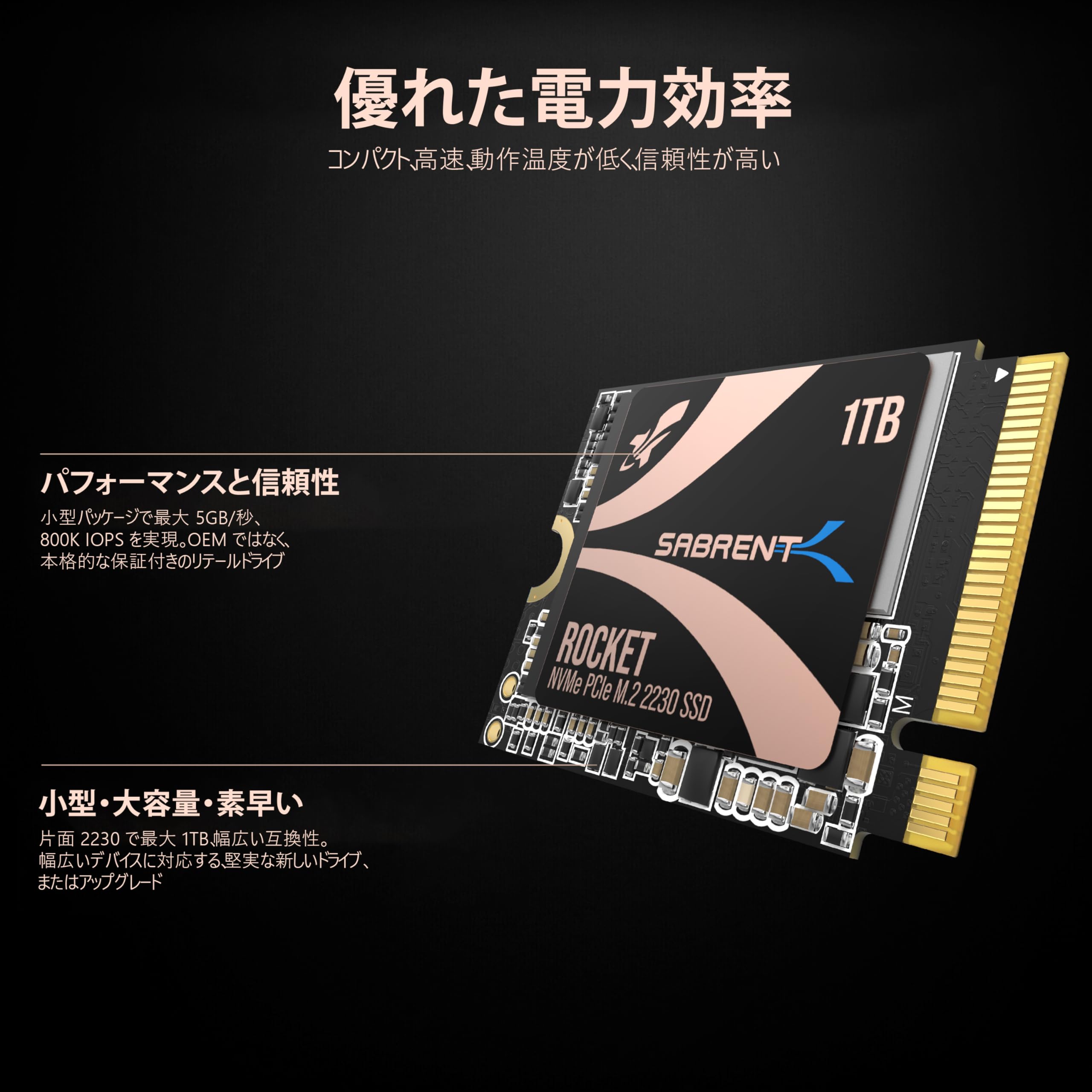
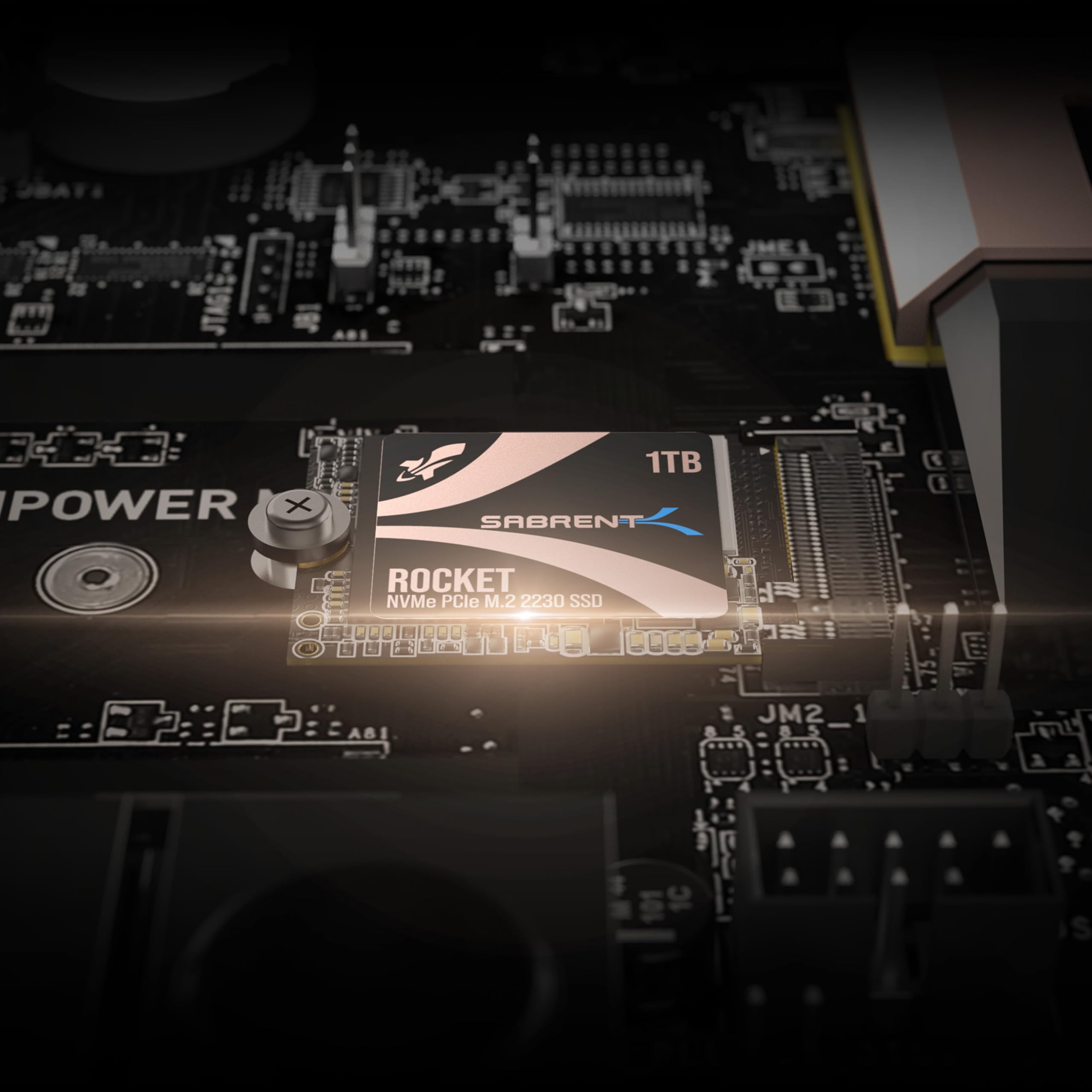
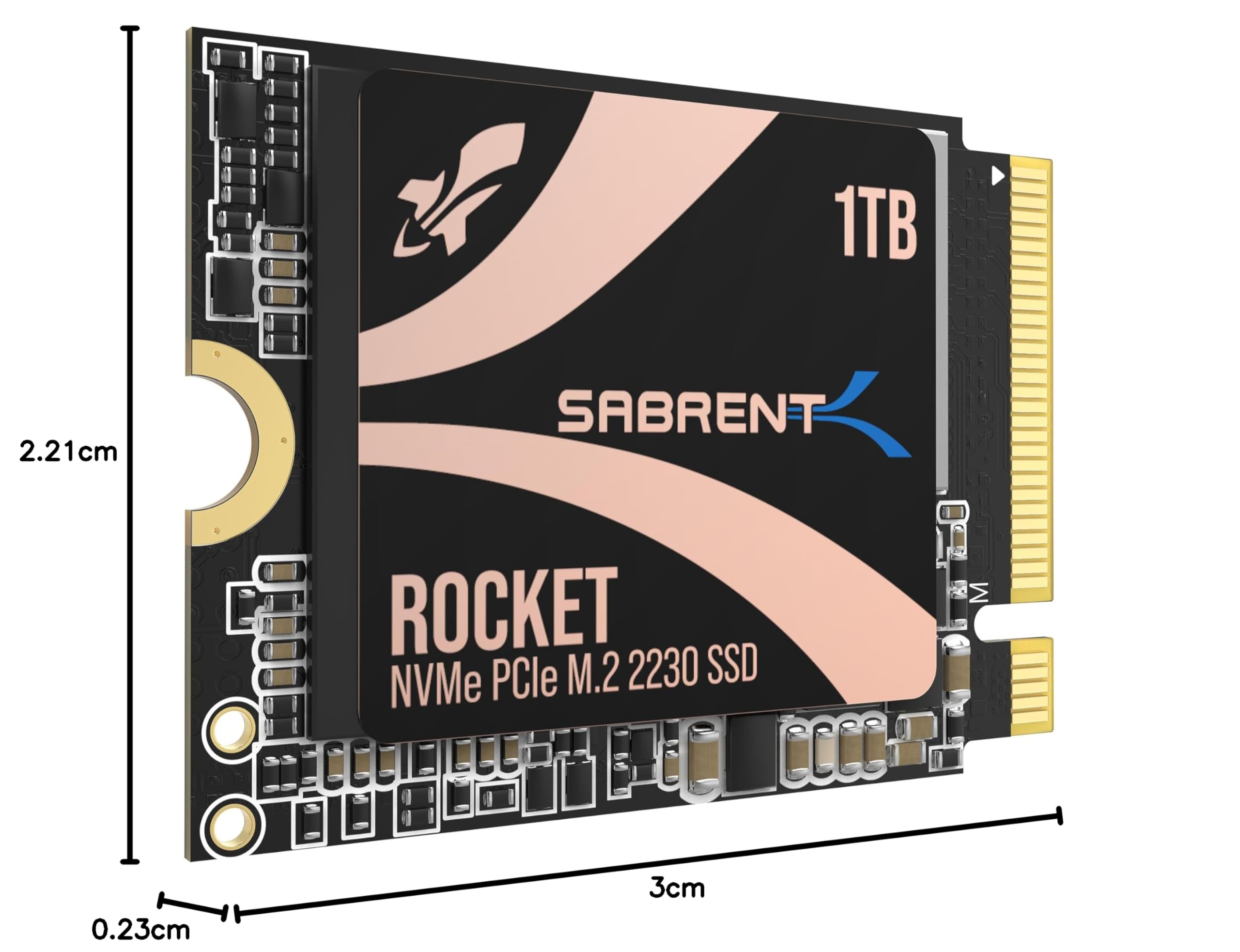
🚀 Upgrade your speed, shrink your footprint, and stay cool under pressure!
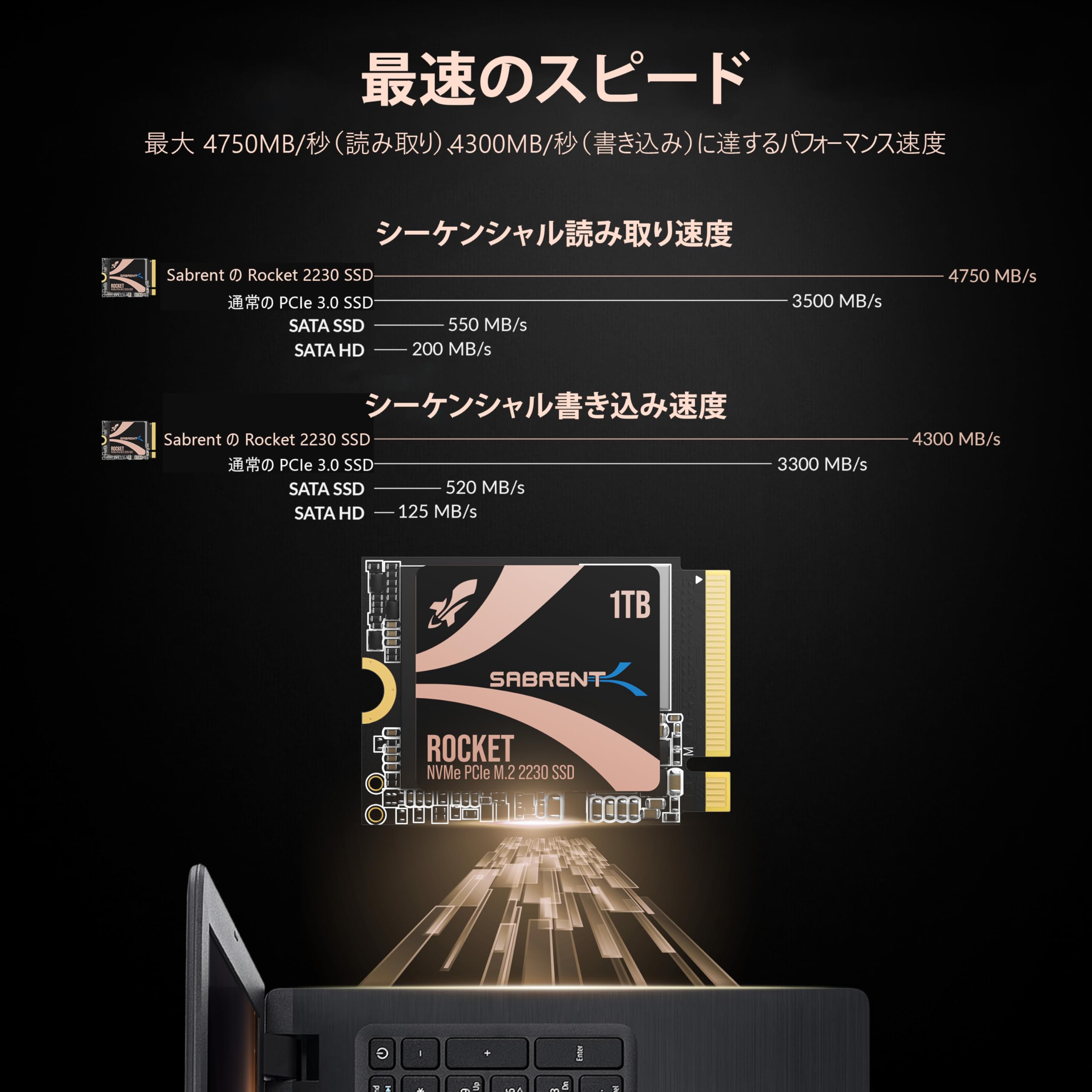
The SABRENT 1TB Rocket 2230 M.2 NVMe PCIe 4.0 SSD delivers ultra-fast read speeds up to 4750MB/s in a compact 2230 form factor. Designed for devices like Steam Deck and Microsoft Surface, it features a copper heat spreader for efficient cooling and a DRAM-less low power design for longer battery life. Backward compatible and backed by a retail warranty, it’s the perfect high-performance storage upgrade for professionals and gamers seeking speed, reliability, and sleek integration.


| ASIN | B0BQG6JCRP |
| Amazon Bestseller | #82,211 in Computers ( See Top 100 in Computers ) #593 in Internal Solid State Drives |
| Batteries Included | No |
| Batteries Required | No |
| Brand | SABRENT |
| Color Name | multicolor |
| Compatible Devices | Desktop, Game Consoles, Gaming Console, Laptop, PC, Tablet |
| Connectivity Technology | M.2 |
| Customer Reviews | 4.7 4.7 out of 5 stars (4,325) |
| Date First Available | December 19, 2022 |
| Included Components | If, M.2 SSD, User Manual |
| Item Model Number | SB-2130-1TB |
| Item Weight | 20 Grams |
| Item model number | SB-2130-1TB |
| Manufacturer | SABRENT |
| Material | ファイバーグラスまたはエポキシド-Verbundwerkstoff。 |
| Model Year | 2024 |
| Product Dimensions | 3 x 2.21 x 0.2 cm; 20 g |
| Release date | December 26, 2022 |
| Size | 1 TB |
| Special Features | Backward Compatible |
P**G
Works great with Zitay CFExpress adapter
Bought to use with the Zitay CFExpress adapter, for use in my Canon R5C. Works great and is super fast to offload. Get the 1TB if this is your application as the 2TB uses quad level memory which has lower sustained write speeds. Recommended!
き**ち
Fast, but with Windows you may need to tweak power options to avoid permanent random shut downs
This SSD is as fast as promised. But you may have to apply a tweak. I tried to upgrade my Surface 8 Pro with this SSD, but experienced frequent random shutdowns. Then I deployed the newest Surface firmware and changed the Power Options / Advanced settings / PCI Express / Link State Power Mgmt. from Maximum to Moderate power savings. Since then, no more shut downs during the last 10 hours.
N**A
2023年6月下旬に1TB版を購入して、当時購入したばかりのSteamDeck OLEDに換装しました。半分にSteamOS、残りにWindows11を入れています。2年経過して、ほぼ毎日(Win11でトレードにも使用)使っていますが全く問題はありません。これの2TBが安くなっていないかとチェックしましたが逆に値段が上がっていました。ともかく, オススメです。バッテリも持ちます!
T**L
海外のクラウドファンディングサイト「Indiegogo」の返礼品として、 一般販売に先駆けて7月25日にGPD WINMAX2 2023(7840U・64GB・2TB)を入手しました。 SSD:2230のスロットが空いているのは勿体ないので、こちらの1TBを購入してみました。 ドライバーでカバーを外して、中のスロットにSSDを挿すだけという簡単な作業で導入が完了。 ドライブを割り当てると問題なく認識しました。 転送スピードも申し分なく、あとは耐久性が高ければ言うことなしです。
E**S
以前使えなくなったと評価してしまっていましたが、SteamDeckLCD64GBの問題でした 現在も使えています
霧**雨
1TBのやつが512GBより安かったので買ってみました。 今更ですが、2017年式MacBook Pro タッチバーレス13インチの本体ストレージとして乗せ替えました。 ネット界隈で定番のSABRENTの2242タイプと違い、この2230タイプはコントローラチップが他社製みたいなので多少心配でしたが、今のところ大丈夫です。 物理的なクリアランスもギリギリ問題ありませんし、熱もCPUのほうが激しい印象です。 PCIe4.0対応の本商品に対し、2017年式だとPCIeは3.0までだと思うので、その辺の余裕もあるのかもしれません。 至って普通に使えてます。 あとNMVe対応のM.2-USBのケースも一緒に買いました。 既存システムのSSDは正常だったので、USB接続からのクローンで移行しようと思ったからです。 クローン作業はリカバリのディスクユーティリティから行いましたが、かかった時間は10分とかそんなもんだったと思います。 システムディスクのデータ量は230GBくらいありましたが、USB接続でも爆速でした。 SATAだと特にファイル数が多い時に遅い印象があったので感動しました。
K**Z
iPhone外付け用SSDとして、エンクロージャーケースに入れ利用してます。 SABRENT製のSSDは初めて購入しましたが速度も早く大満足です。
ジ**ト
steam deck で使用 取り付け時で Read 3000mb/sec くらい出ていました
B**O
Works wonders for the steam deck swap and still golds up to this day almost since the console came out!!
C**S
Het product werd ontzettend goed verpakt en in een klein trommeltje geleverd. De installatie was in mijn geval zo gedaan en de performance is zoals omschreven. Goed product.
A**C
Har den som ssd disk till min RPI5 med full desktop. Startar på <4sek
M**0
J’ai acheté ce SSD pour booster les performances de mon ordinateur portable, qui dispose d’un emplacement M.2 2230. Le SSD est compatible avec la norme PCIe 4.0, ce qui lui permet d’atteindre des vitesses de lecture et d’écriture impressionnantes. Le SSD a une capacité de 1 To, ce qui est rare pour un SSD de cette taille. Il me permet de stocker tous mes fichiers, mes jeux et mes applications sans problème. Le SSD est de qualité et facile à installer, il suffit de le glisser dans l’emplacement M.2 et de le visser. Le SSD a un design sobre et compact, il ne chauffe pas trop et ne fait pas de bruit. Je suis très satisfait de ce SSD, il a transformé mon ordinateur portable en une bête de course. Je le recommande à tous ceux qui cherchent un SSD M.2 2230 performant et abordable.
B**B
I had read a lot of horror stories about upgrading the M.2 NVMe drive on the Surface Pro 8 (SP8). There were a lot of stories about overheating and BSOD when trying to re-install Windows. When I saw this Sabrent drive advertised on Amazon it specifically said Surface Pro compatible and that it ran cool, so I took a chance on it. I am very pleased with the result. I'll do the TL;DR part up front: I upgraded my 256GB M.2 Drive on my Surface Pro 8 with the 1 TB Sabrent Rocket 2230 NVMe M.2 drive, and the drive runs great at PCIe 4.0 Speeds according to CrystalMark 8. No BSOD and runs under 50 Celsius *EDIT*: Under maximum load, about 35 degrees celcius degrees idle/normal operations *END EDIT* according to CrystalDiskInfo 8. I was able to copy all of my files using Acronis partitioning software you get to use free from Sabrent when you purchase their drive. If you want to know exactly how I copied everything over without ever having to go into the BIOS, keep reading: UPFRONT DISCLAIMER: You will need to purchase three things to do this upgrade if you don't have them already. Two of them you would need anyway if you were to upgrade like Microsoft suggests: #4 Torx screwdriver/bit, thermal compound, and an external NVMe drive enclosure. 1) First I did purchase an external NVMe enclosure to copy the old drive to the new one. You can find them on Amazon for under $30 US. You need to make sure the enclosure can take 2230 size drives. I got one that had USB C to USB C cable and was thunderbolt compatible. Another consideration is that after you swap the NVMe drives you can use the enclosure with your old drive and have another high speed hard drive to back stuff up on, although I found you will need an NVMe thermal pad/heatsink for the old drive or it can overheat. 2) After reading about BSOD NVMe upgrade horror stories on the SP8 it lead me to articles talking about AHCI Link Power Management - HIPM/DIPM. HIPM/DIPM power management is not on by default and you actually have to do a Windows registry edit to make it available. There are some good guides on how to do this via a quick google search. I recommend you enable it and turn the feature on. 3) I had to disable drive encryption before copying files over (it is on by default). You can either disable encryption or get a USB encryption key. I chose to decrypt the drive which will take hours depending on how much data you have on the drive. You can re-encrypt once everything is over to the new drive. THIS NEXT PART IS WHERE MOVING FILES OVER AND GETTING WINDOWS SETEP ON THE NEW DRIVE DIFFERS FROM WHAT MICROSOFT WANTS YOU TO DO. 4) I cannot stress enough the kudos to Sabrent for having their own disk partition software. Acronis, which you can get from Sabrent's website, will copy all of your files over for you verbatim; no reinstalling necessary. Follow the disk cloning prompts, and the best part is it will automatically increase the size of your main windows drive to maximum while keeping your boot partition and recovery partition intact (just make sure you chose the correct cloning prompt). Acronis alone makes it worth it to go with Sabrent. 5) The SP8 comes with a front and back metal sleave for the NVMe drive. YOU WILL NEED a #4 Torx screwdriver bit (very tiny!) to unscrew the drive and screw it back in. The metal casing snaps off (do so gently so as not to bend the casing). I cleaned off the thermal compound the old drive had, put in the Sabrent drive, re-applied some CPU thermal compound I already had, and put the casing back together, then screwed it back into the SP8. A lot of videos show using a thermal pad instead of re-using the Microsoft drive enclosure. I think the drive enclosure helps distribute heat evenly back into the SP8 chassis. I turned the SP8 on and it recognized me with all of my files intact without ever having to go into the BIOS the first time. I have been running normally for almost two weeks and not a single issue. Drive runs cool and fast. Works great and couldn't be happier. I hope this helps you out if you are on the fence!
Trustpilot
3 weeks ago
1 month ago