
DOWNLOAD THE APP


Customer Services
Copyright © 2025 Desertcart Holdings Limited
DOWNLOAD THE APP
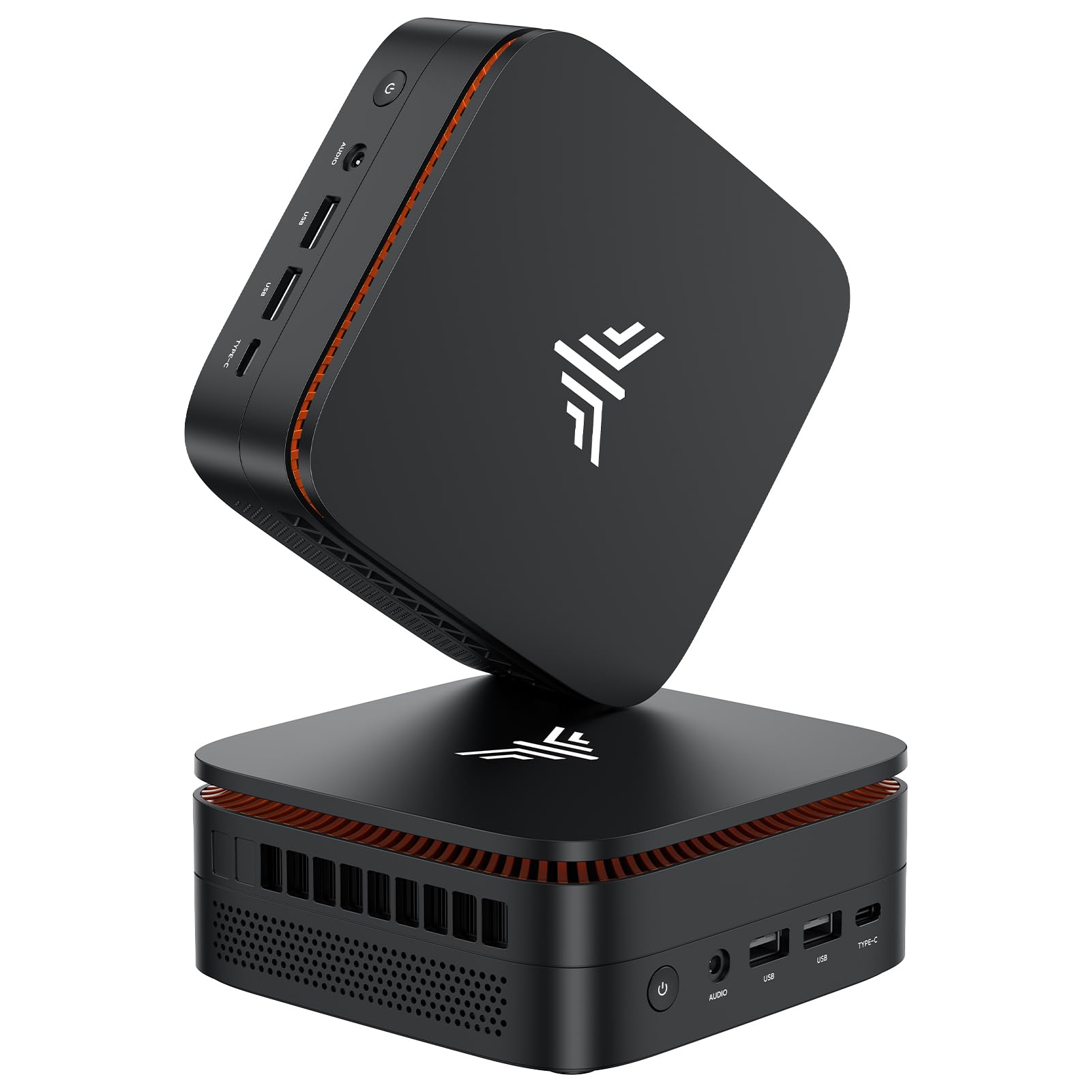

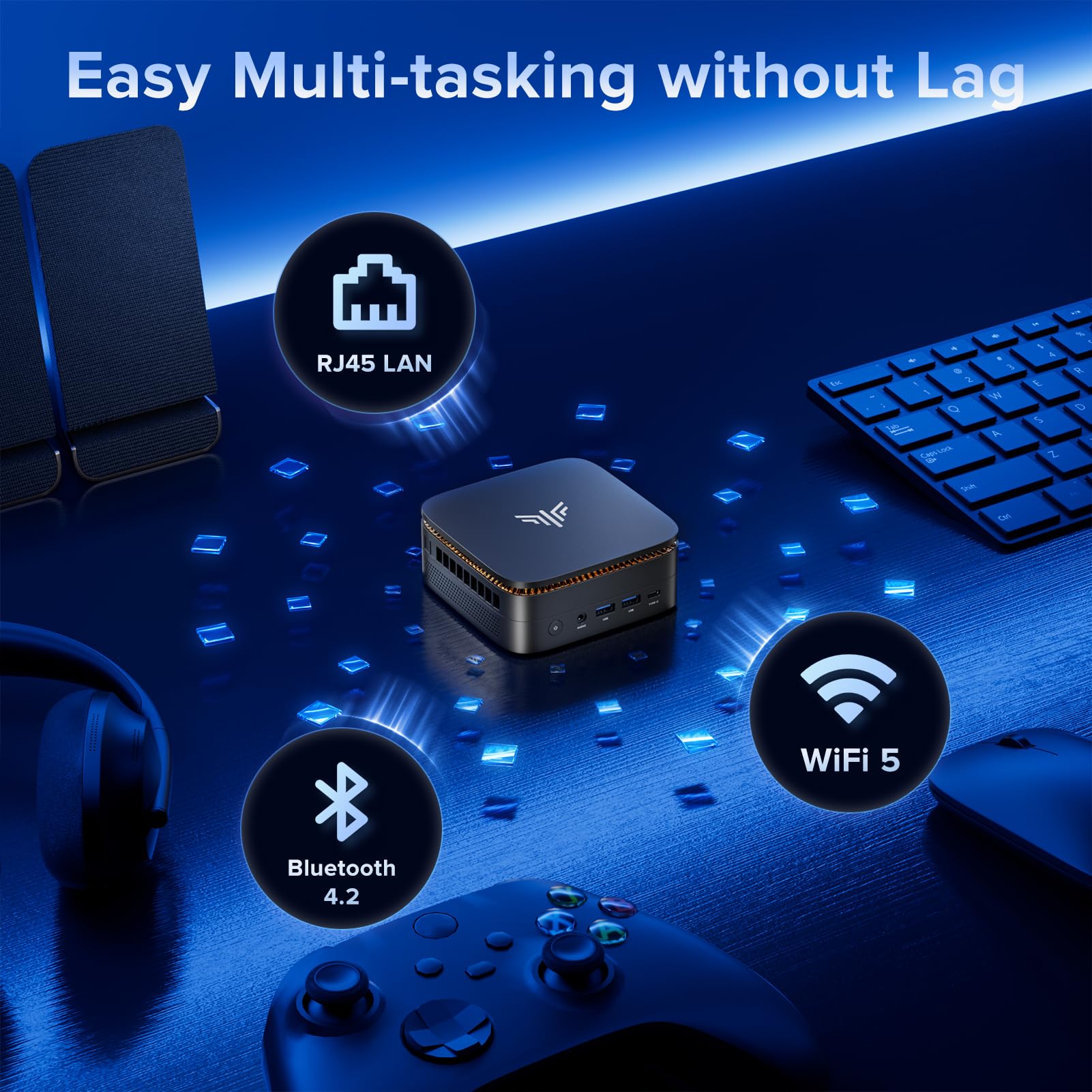
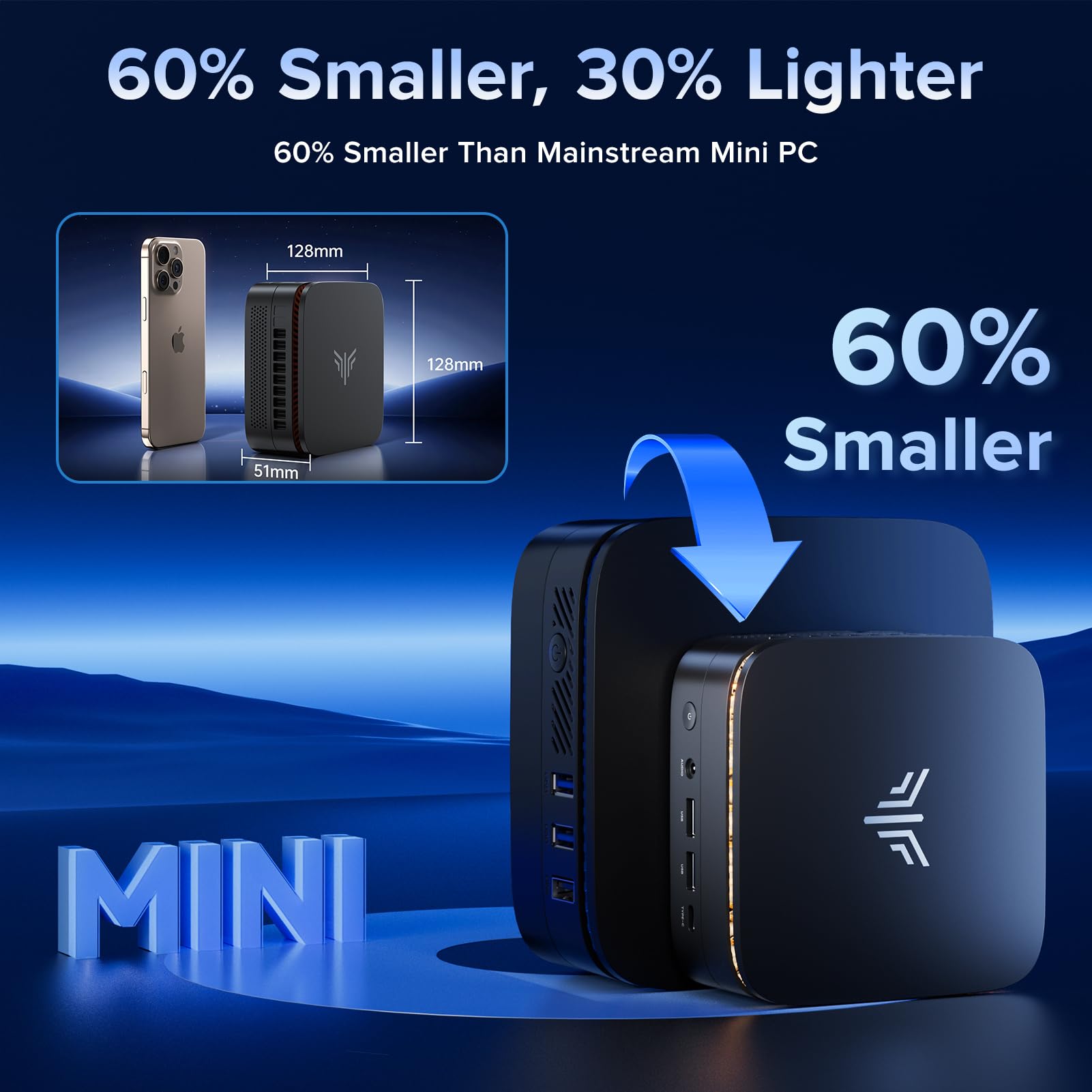


🚀 Mini PC, Major Impact: Power, speed, and triple 4K brilliance in a pocket-sized powerhouse!
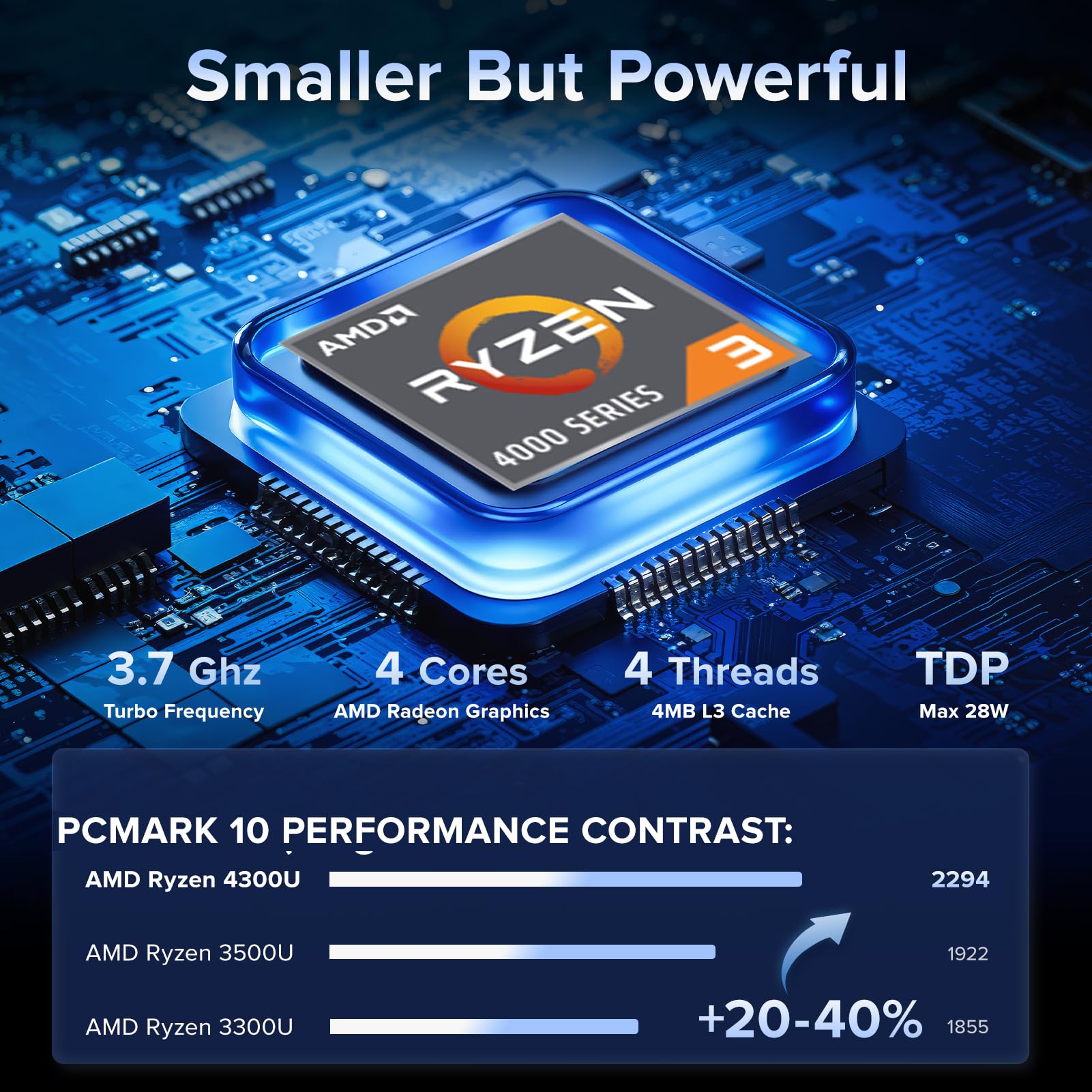
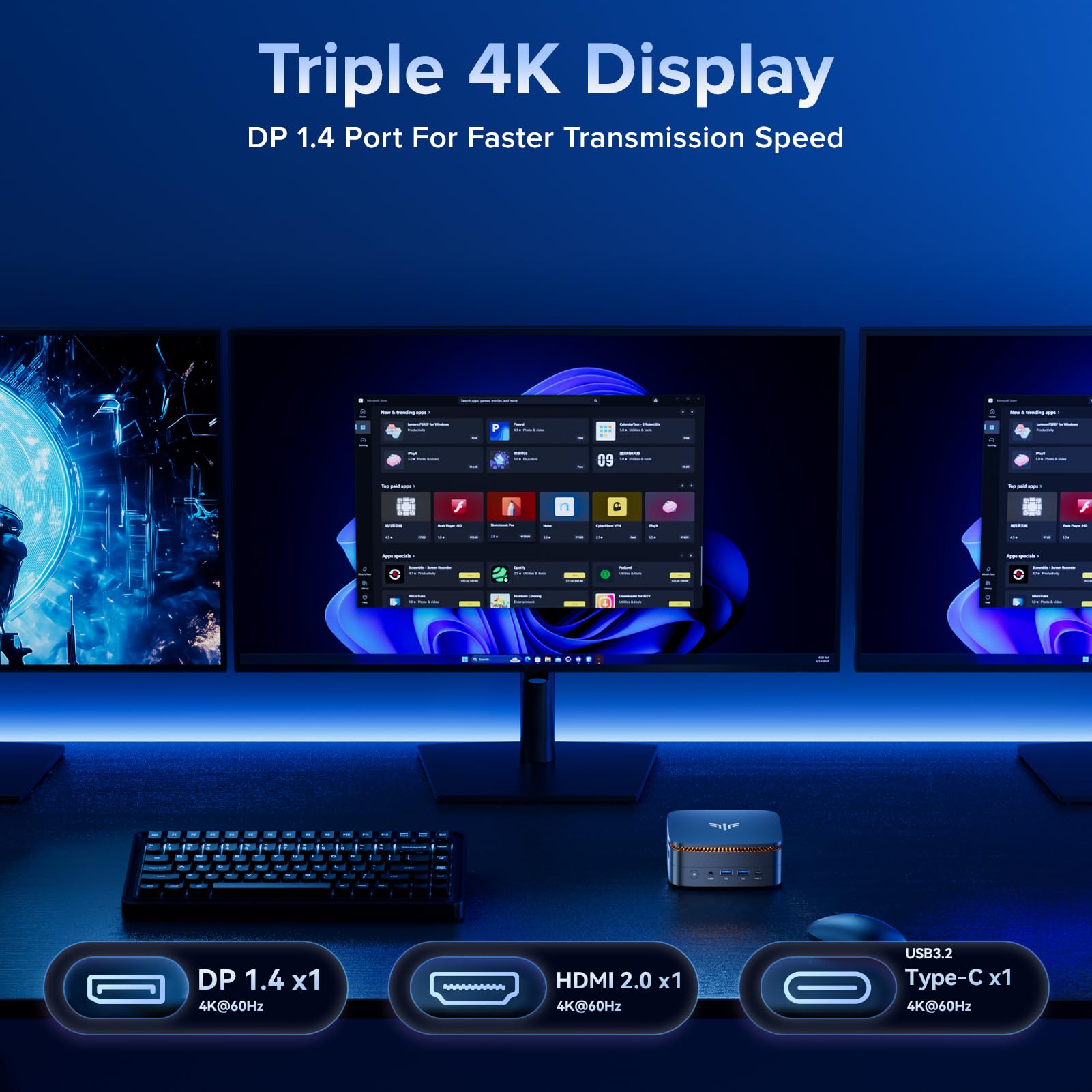
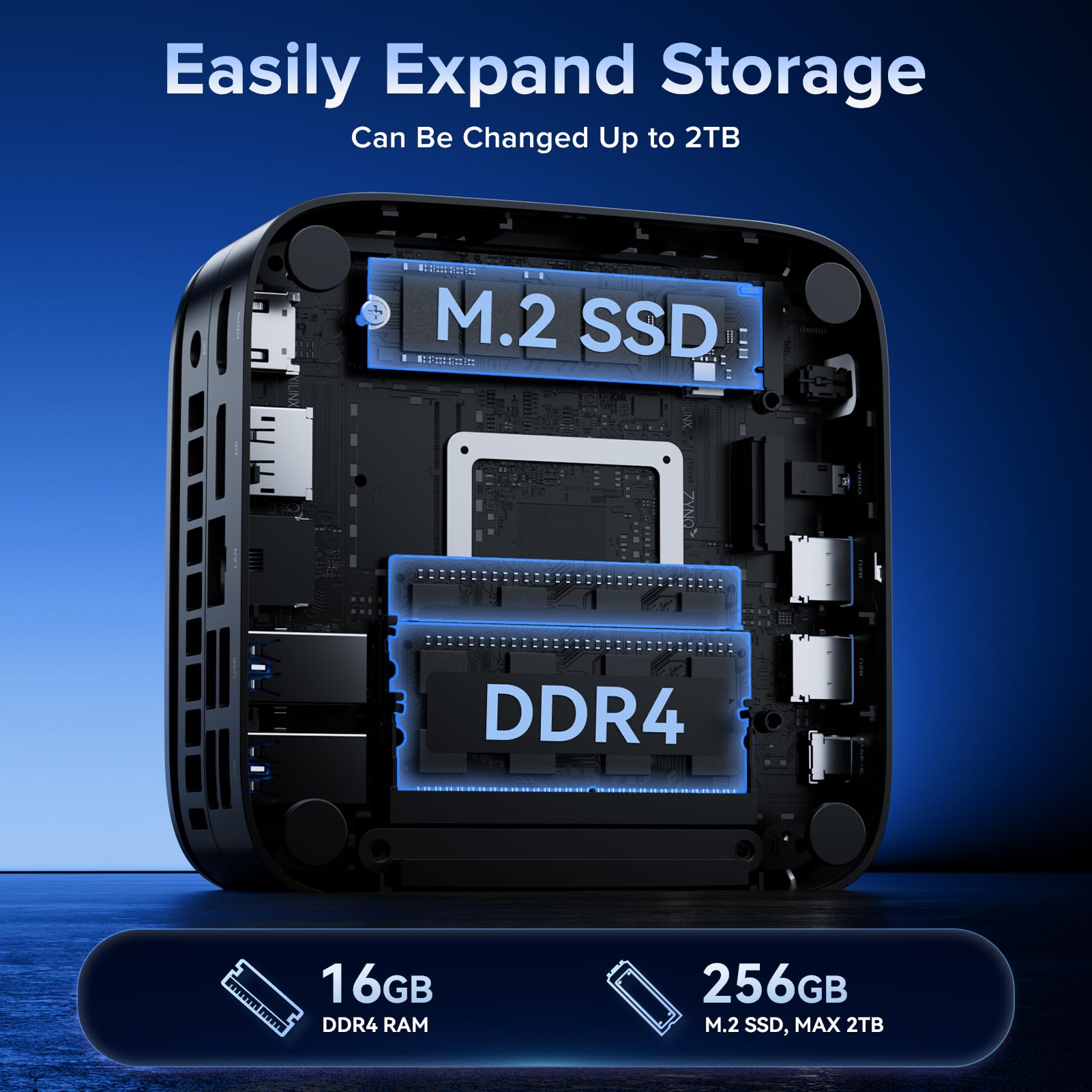
The NiPoGi Pinova P1 Mini PC is a compact yet powerful desktop solution featuring an AMD Ryzen 3 4300U processor with integrated Radeon graphics, 16GB DDR4 RAM, and a 256GB SSD. It supports triple 4K displays via HDMI, DisplayPort, and USB-C, making it ideal for multitasking professionals and home office setups. With silent cooling, VESA mount compatibility, and Windows 11 Pro pre-installed, it combines performance, expandability, and sleek design in a space-saving form factor.


| ASIN | B0DQD9DPTJ |
| Are Batteries Included | No |
| Best Sellers Rank | 7,093 in Computers & Accessories ( See Top 100 in Computers & Accessories ) 32 in Desktop PCs 4,615 in Climate Pledge Friendly: Shop All |
| Brand | NiPoGi |
| Colour | Silver |
| Computer Memory Type | DDR4 SDRAM |
| Connectivity Type | Ethernet, WiFi Built-in, Bluetooth, USB, Wireless |
| Customer Reviews | 4.6 4.6 out of 5 stars (766) |
| Date First Available | 13 Dec. 2024 |
| Graphics Card Description | AMD Radeon Graphics |
| Graphics Card Interface | Integrated |
| Graphics Card Ram Size | 16 GB |
| Graphics Chipset Brand | Intel |
| Graphics Coprocessor | Graphics 4K UHD Dual Display |
| Graphics RAM Type | DDR4 SDRAM |
| Guaranteed software updates until | unknown |
| Hard Disk Description | SSD |
| Hard Disk Rotational Speed | 2666 RPM |
| Hard Drive Interface | Solid State |
| Hard Drive Size | 256 GB |
| Hardware Platform | Linux, OS, PC |
| Item Weight | 500 g |
| Item model number | P1(4300U+16+256) |
| Manufacturer | NiPoGi |
| Maximum Memory Supported | 16 GB |
| Memory Clock Speed | 2666 GHz |
| Memory Technology | DDR4 |
| Number of HDMI Ports | 1 |
| Operating System | OS & Windows 11 Pro |
| Processor Brand | AMD |
| Processor Count | 4 |
| Processor Socket | FP6 |
| Processor Speed | 2.7 GHz |
| Processor Type | Ryzen 3 4300U |
| Product Dimensions | 12.85 x 12.85 x 5.1 cm; 500 g |
| RAM Size | 16 GB |
| Resolution | 3840x2160 Pixels |
| Screen Resolution | 3840 x 2160 |
| Series | P1(4300U+16+256) |
| Standing screen display size | 51 Inches |
| Wireless Type | Bluetooth |
M**N
Surprisingly good device.
I have been thinking of buying a mini pc for some time, but always backed out at the last minute. Eventually I took the plunge and purchased a 'cheap' system, just to try one out. I have to say I was most impressed by the device build quality and how well it runs. It is small, yet has lots of sockets for monitors and USB devices. I would advise that you do an update on the operating software immediately. A windows 11 update will be available. It has full Wi-Fi connectivity and runs fast. This is not a high-end pc, but it will be more than adequate for general use. It runs virtually silent and does not get too hot. All in all, this is a robust little machine and seems to be compatible with most peripheral devices in my studio.
G**.
Good price
I recently purchased this mini PC, and I must say it is exactly as described. It came with Windows 11 Pro pre-installed and updated seamlessly once I connected it to the internet. I did heed the advice on the yellow sticker that warned against connecting to the internet initially, as it could slow down the setup process. However, I found myself needing to connect early on due to a prompt on the screen. If there was any delay, it was negligible. The PC includes a bracket for mounting on the back of a monitor, but unfortunately, I couldn't use it with my Dell monitor since it doesn't support that feature. However, this was not a significant issue, as the mini PC is so compact that it takes up hardly any space at all. I was looking for an affordable solution for my son to do his homework, as he was getting easily distracted by pop-ups on his gaming PC. The price and simplicity of this product are unbeatable. As someone who isn't very tech-savvy, I found it easy to set up after researching online to find a product that met my needs. It’s incredibly simple to use, takes up virtually no space, operates silently, and looks great. Given the price point, I was genuinely impressed with the build quality. The plastic casing is sturdy and doesn’t creak, making the product feel solid. The design is aesthetically pleasing, and the dimensions are impressively compact, even for a mini PC. Overall, I highly recommend this mini PC for anyone looking for an affordable, efficient, and stylish solution for basic computing needs.
Q**R
Great Value for Money.
For the price, this was a stunningly good mini-PC. I used this to replace my wife's aging desktop. Foe her use case, this was absolutely ideal. She uses it to surf the Web for her cross-stitch patterns and recipes, as well as looking up various facts. It is also used for word-processing. It integrated seamlessly with our existing setup. I added a large SSD for photo-storage, and this little beauty runs 24/7, using minimal power. Small but with plenty of ports, it does everything asked of ir. Functions exactly as it should dp and a solid, sturdy piece of equipment.
N**N
A decent option, but competition is stiff for this type of product
The marketplace for these Celeron Mini PCs is oversaturated and competitive. I managed to get this Nipogi branded AK1 N5105 mini PC for £159.99 following a £40.00 reduction and further £30.00 off coupon from the original price of £229.99. The box itself is nice and has a bottom expansion section that you can either use to add a 2.5” SATA drive, or remove to reduce the height of the system, which I thought was quite nice. Internally, it will also accept a Gen 3 2280 NVMe SSD M.2 SSD, as well as SATA models, of which a 256GB SATA M.2 is already included. You can also add an up to 2TB 2.5in drive in addition to this and have a nice small media server that runs relatively quiet with low power consumption. The Processor is decent for low power low clocked CPUs. Installed programs run fine, but I have noticed that when internet browsing, its not as fast as I thought it would be. I also noticed that when using the AC Wi-Fi, there were persistent dropouts which were annoying, and that didn’t happen when I ran from an AX Wi-Fi card on my larger desktop to the same modem/router. Over Ethernet, internet is stable, however. There are some downsides to the way the AK1 has been configured. The CPU cooling fan, although not at jet engine levels, is audible. The 8GB of RAM only runs at 2400 Mts in single channel, where competitors such as the Aerofara A2 Pro Mini run a 2X4GB dual channel configuration at 2933 Mts. This model also has some competition with the MELE Queiter 3 which is also currently reduced to around the same base price of £230, although only 128GB eeMC storage capacity out of the box. PROs Really flexible internal storage expansion Dual HDMI at 4k 60fps Relatively faster compared to older Celerons such as a J4125. CONS Weak Wi-fi Fan noise Less than optimal RAM configuration I was considering returning this and getting the Aerofara instead, but that only has 1 single HDMI, whereas this has 2. The Aerofara uses 2242 M.2 only and you can’t fit a 2280. The only other internal storage expansion option with the Aerofara is a MicroSD slot which this model doesn’t have, but this has much better SATA/M.2 flexibility. For my use case, the AK1 is probably the better choice. However, I’m tempted to return and pay the extra for the MELE which is silent and passively cooled, as well as expandable and can run from USB C. Overall, this is a good option, but you really need to consider your use case before deciding what to go with. It’s ok, but DO NOT OVERPAY.
G**T
Excellent budget Desktop mini-PC
Bought this to replace an old N95 Beelink media pc that cost a similar amount; wasn't sure from the specs if it would speed performance or not -answer is ITS AMAZING. Currently used for general office duties, zoom and browsing. Really pleased with performance so far:- + Reasonably easy to set up (manual says almost nothing) - just plug it in. + Quiet as the grave; apparently it has a fan, but I've not heard it + 500 GB SSD and 16GB Cache as good as gold, small, sexy, just cool! - Bought with a £90 discount (so effective price increase since) - Has a standard 12V wall mounted PSU (a 'Wall Wart') - Not too sure what's going on with the USB's - not all USB's are equal! No SD card reader (wasn't one advertised - but am used to using SD card on other media PC's). Would probably buy again (if I needed another), although the price 2 days later is a lot higher.
A**A
Ottimo PC, usato come server per alcuni siti web, prestazioni buone, ottimo prodotto
Y**Z
Ich bin wirklich erstaunt, was in diesem kleinen Winzling steckt. Gleichzeitig Video schauen, Online Spiel und Hintergrundprozesse. Natürlich macht man das im Alltag nicht. Aber das ist mein Test, um zu schauen, wie leistungsfähig der Prozessor ist. Während einige andere teurere PC's längst aufgegeben hätten, hat dieser Winzling das alles geschafft -ohne zu murren. Er lief gestern 16 Stunden ! und wurde auf Herz und Nieren von mir geprüft. Mit Bravur bestanden. Bei Belastung schaltet sich der Lüfter ein, ist aber kaum zu hören. Wenn im Hintergrund der Virenscanner einen vollständigen Scan durchführt, kommt er an seine Grenzen und das Video friert teilweise ein. Ist aber zu verkraften. Von mir einen Daumen hoch und klare Kaufempfehlung. Update nach knapp 3 Monaten: Läuft immer noch topp. Allerdings habe ich eine Empfehlung an Käufer: Das Betriebssystem schluckt sehr viel RAM. Auch wenn einige Autostart Programme deaktiviert werden. Deshalb von mir folgender Ratschlag: Eine bootfähige externe Festplatte (ca. 300 - 500 GB) Linux Mint ( ISO-Datei ) runterladen Die externe Festplatte formatieren und mit Hilfe eines Programmes (gibt es kostenlos zum runterladen und Anleitungen zum Erstellen einer bootfähigen externen Festplatte gibt es bei Youtube) Wenn die Festplatte bootfähig gemacht wurde, unter Windows (Erweiterten Start) und beim BIOS die Startkonfigiration auf USB (externe Festplatte) umstellen. Danach startet der Computer neu. Unter Linux müssen dann Sprachen usw. eingestellt werden. Weil Linux den W-LAN Treiber nicht erkennt, muss man zunächst über Kabel mit dem Internet verbunden sein. Dann werden Treiber (unter Treiberverwaltung) runtergeladen und der Treiber auch richtig erkannt. Achtung: Linux nicht auf dem Computer installieren!! Sonst gibt es erhebliche Schwierigkeiten, wenn man Linux löscht, weil der Computer noch denkt, dass er Linux hat und da braucht man Programmierkenntnisse, um dem Chip das klar zu machen. Also nicht auf dem Computer installieren!! Vorteile bei Linux via externer Festplatte: - Linux braucht maximal 1 GB RAM - Geht flüssig - Wenn man sich Viren fängt, bleiben die auf der externen Festplatte stecken und können nicht das System angreifen. Von mir also weiterhin eine klare Kaufempfehlung!
A**E
Alles ok... die mini-pc's machen was sie sollen.
A**E
tres lent, rame sans arret, impossible de regarder correctement une simple video you tube,
A**.
Arrivato un giorno prima, confezione ben protetta, richiesta password da dare al corriere. Molto semplice l'avvio e la configurazione di windows. Ho acquistato questo mini pc perchè dopo due resi di pc desktop ricondizionati, ne volevo uno nuovo al prezzo di uno ricondizionato, ed ho trovato questo da 256 GB di SSD, 8 GB di RAM ddr4 al prezzo di 129,00€. Un affare. Funziona benissimo per uso domestico, ufficio, internet, elaborazione di qualche video, e fotografia. quello che mi serviva. 5 stelle. consiglio questo prodotto.
Trustpilot
3 weeks ago
2 weeks ago