
DOWNLOAD THE APP


Customer Services
Copyright © 2025 Desertcart Holdings Limited
DOWNLOAD THE APP
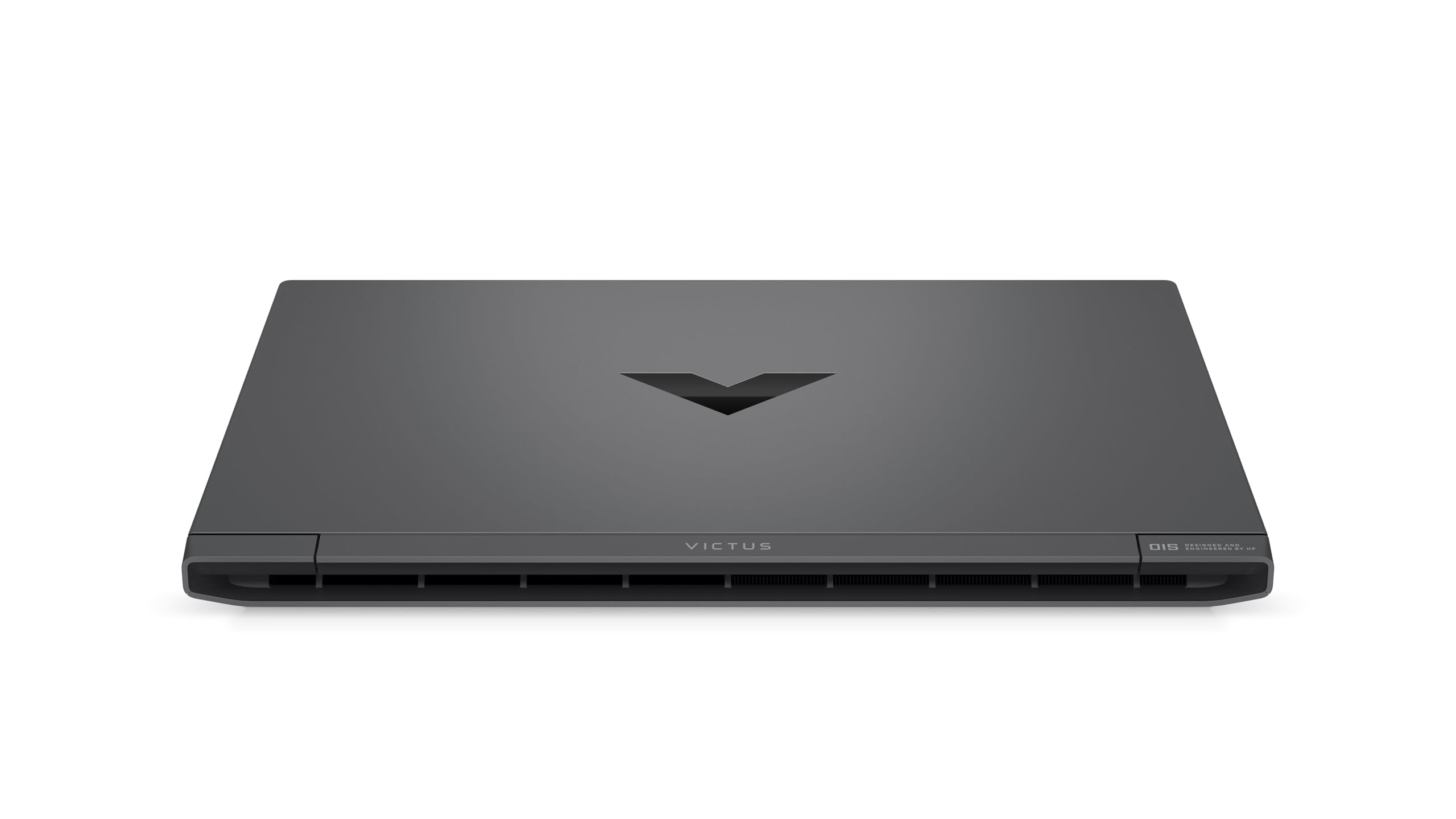
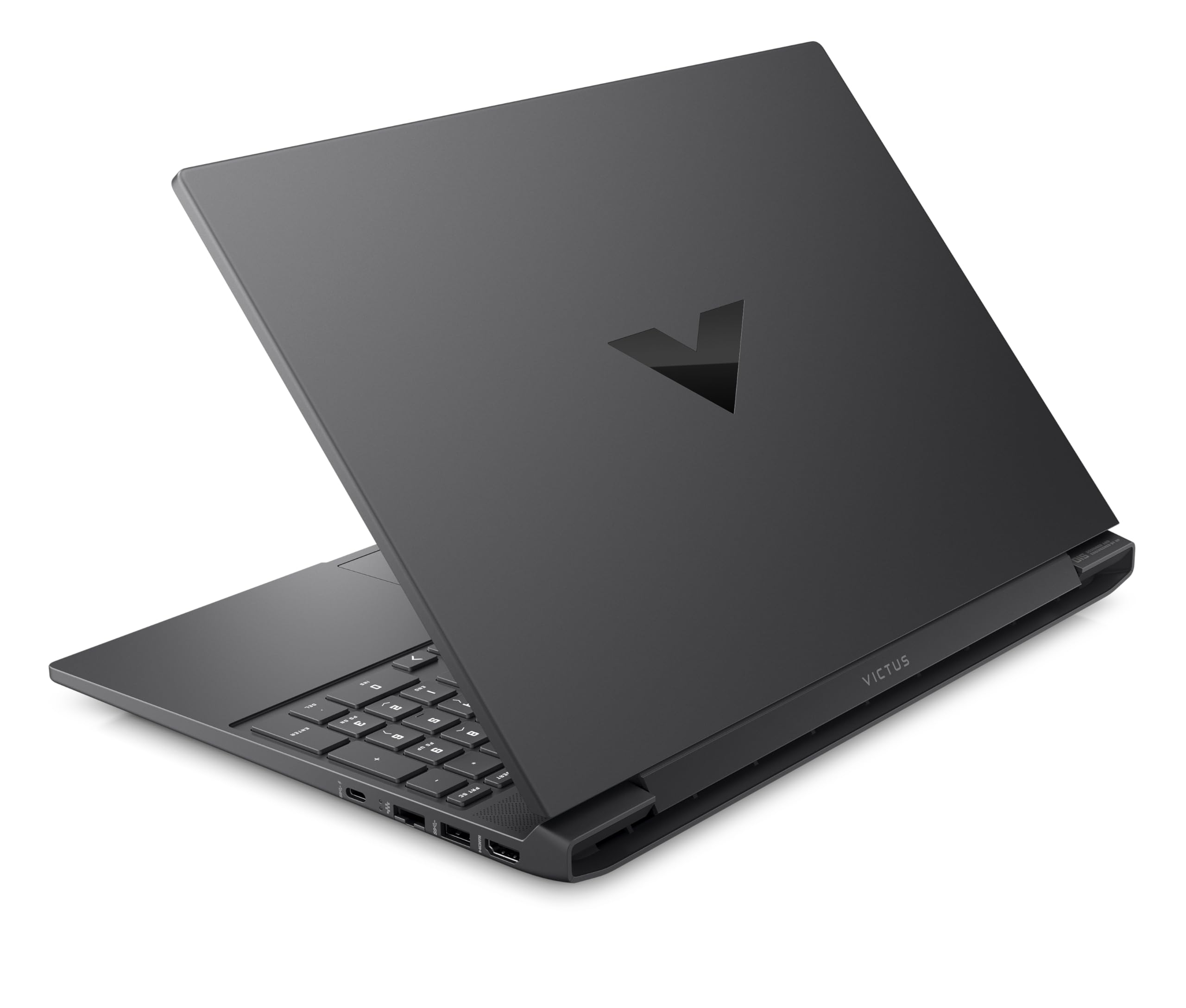
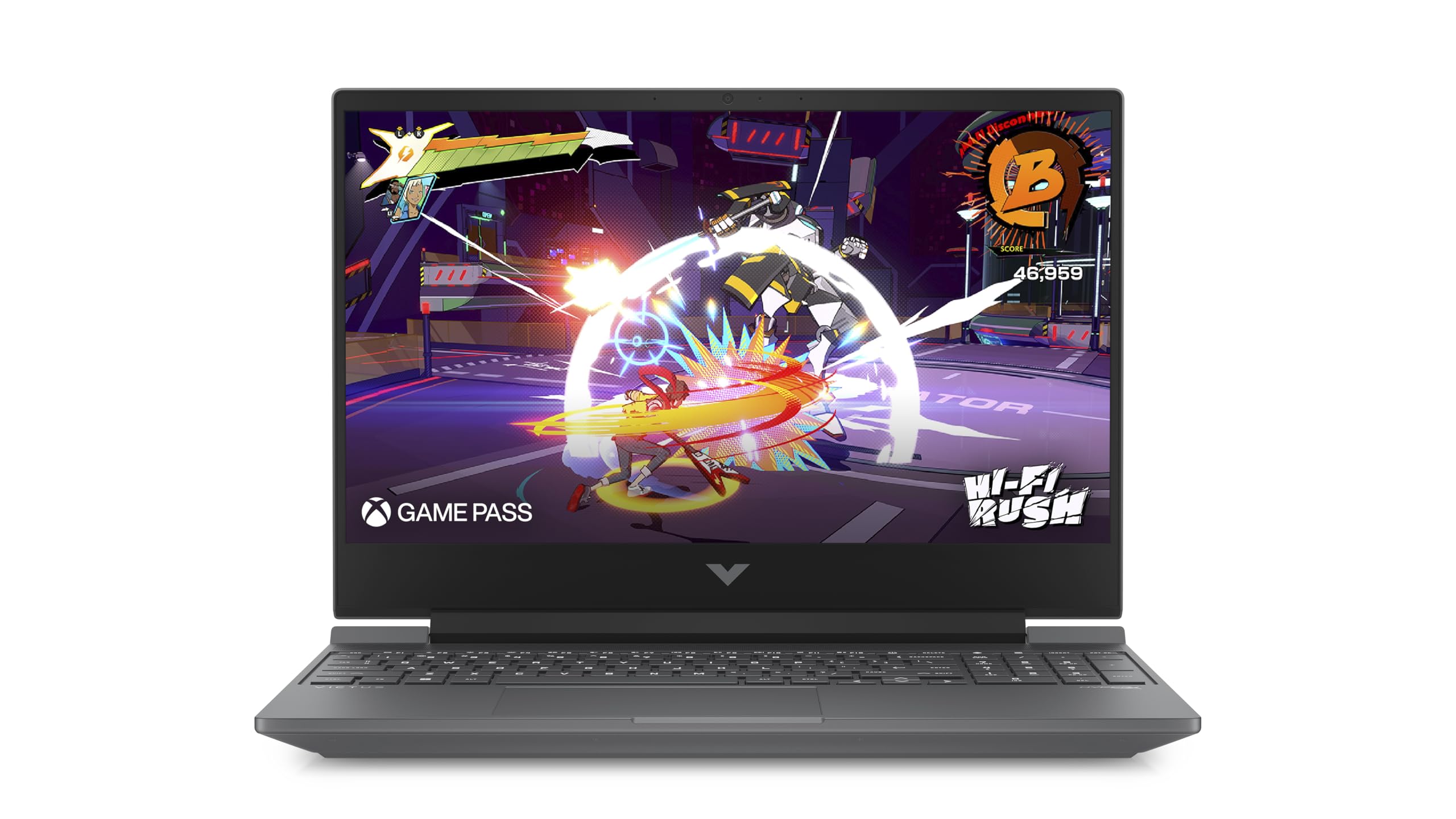
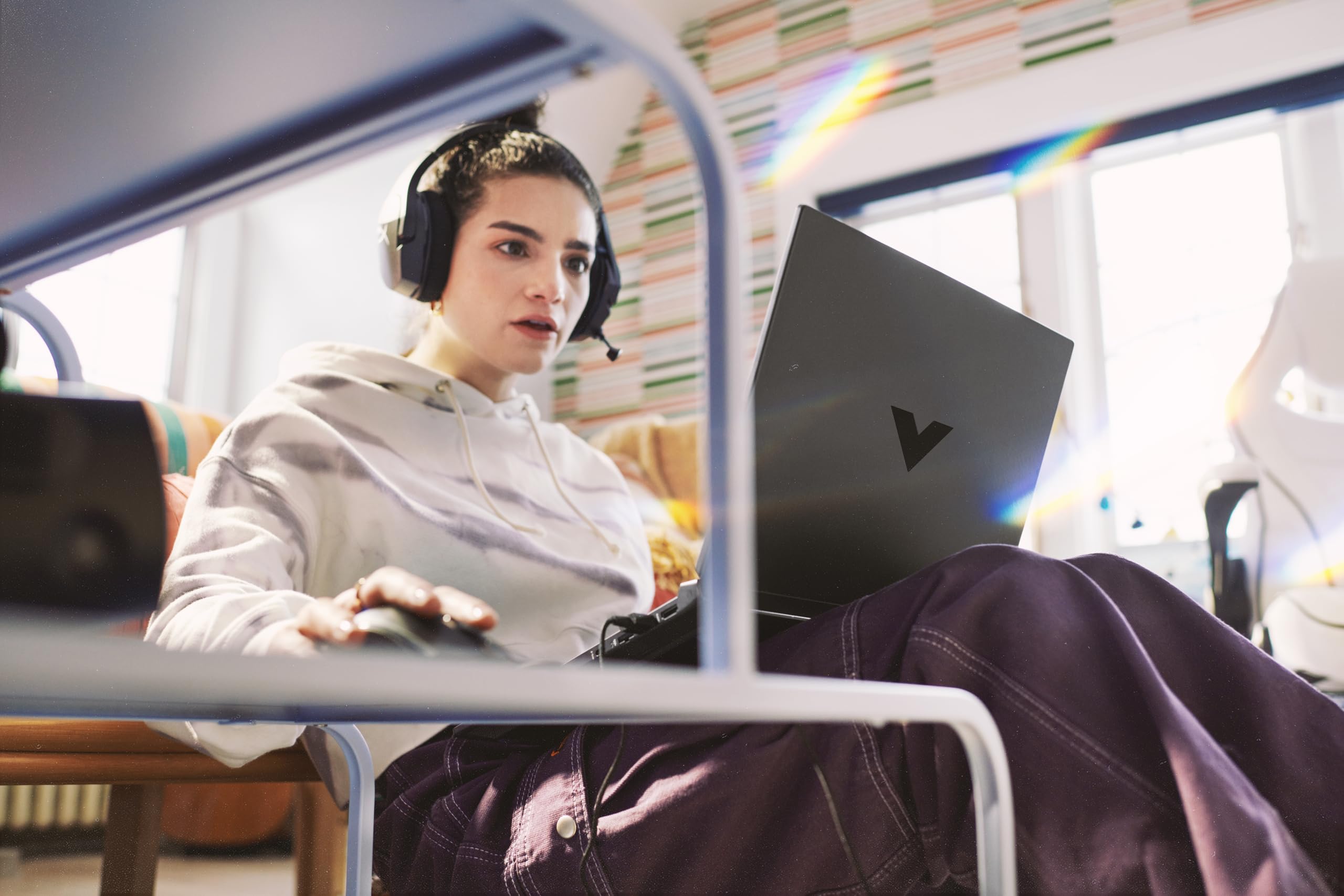
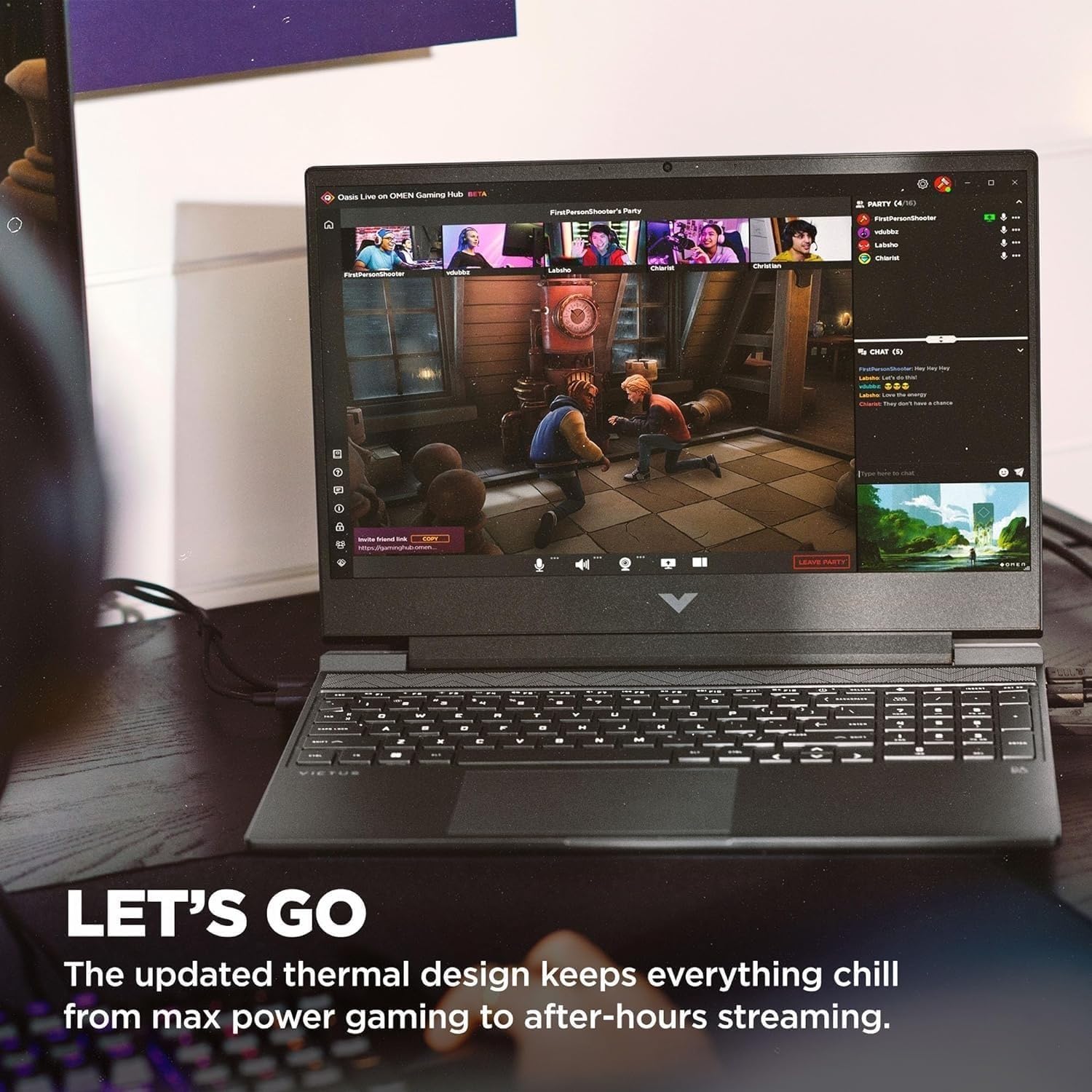
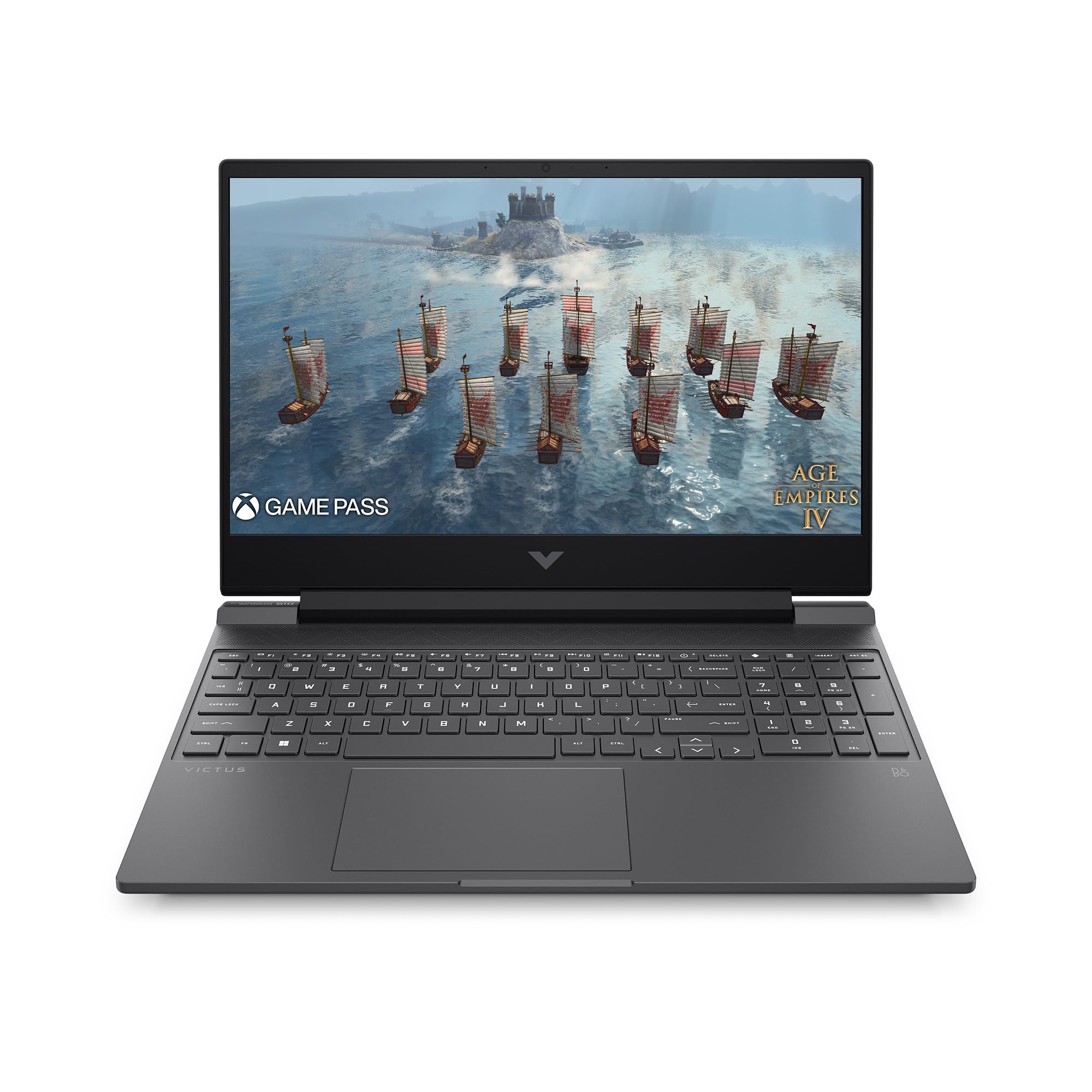
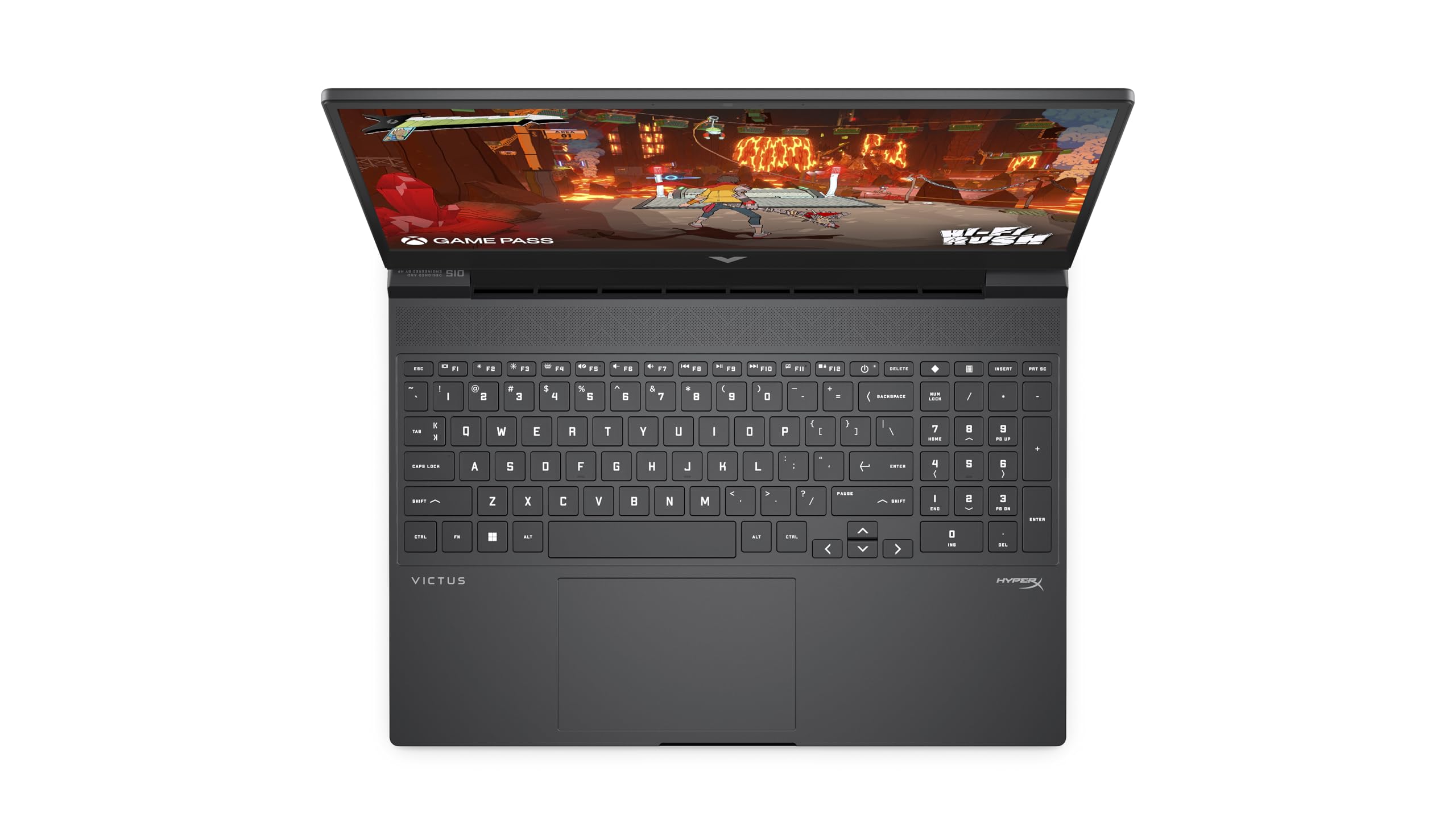
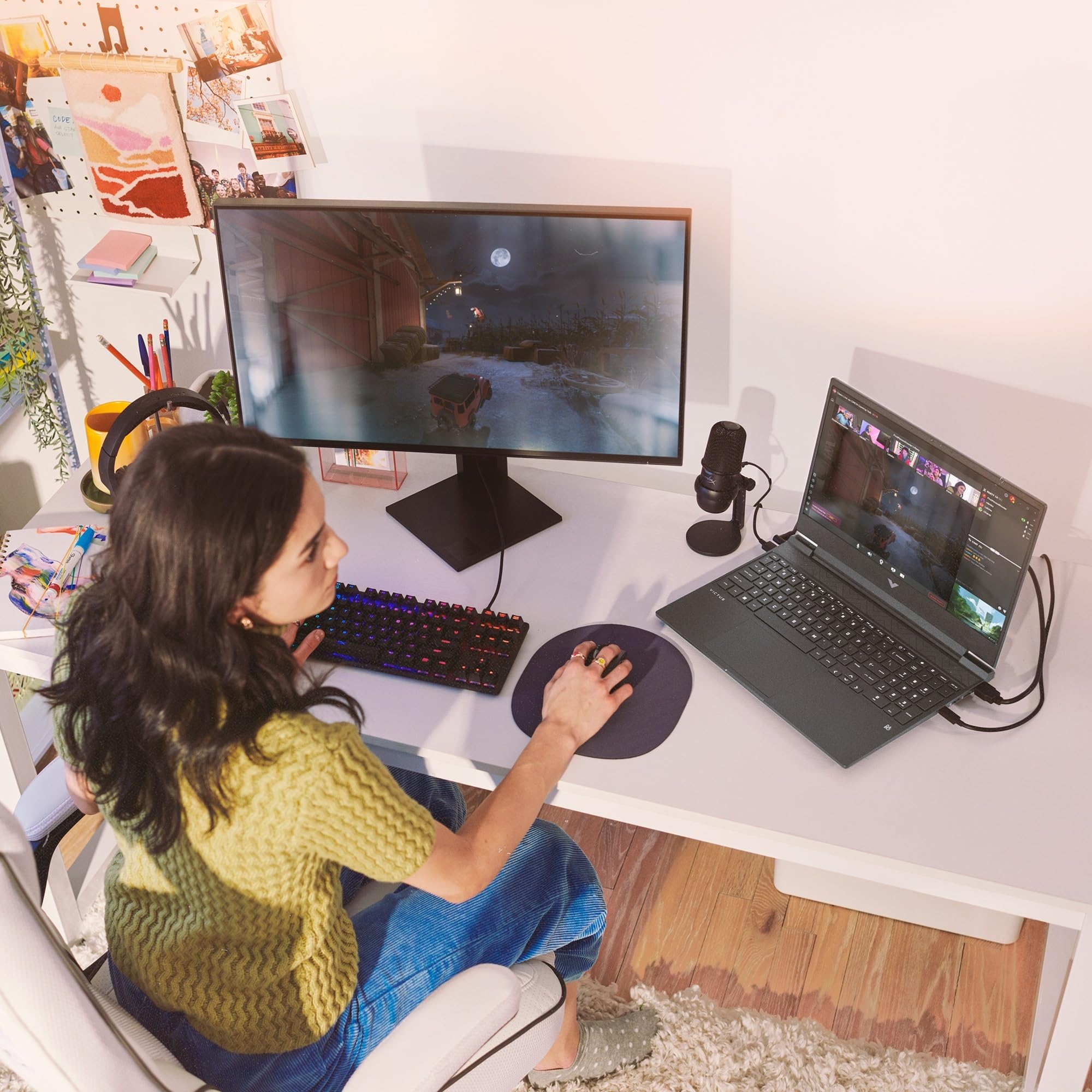


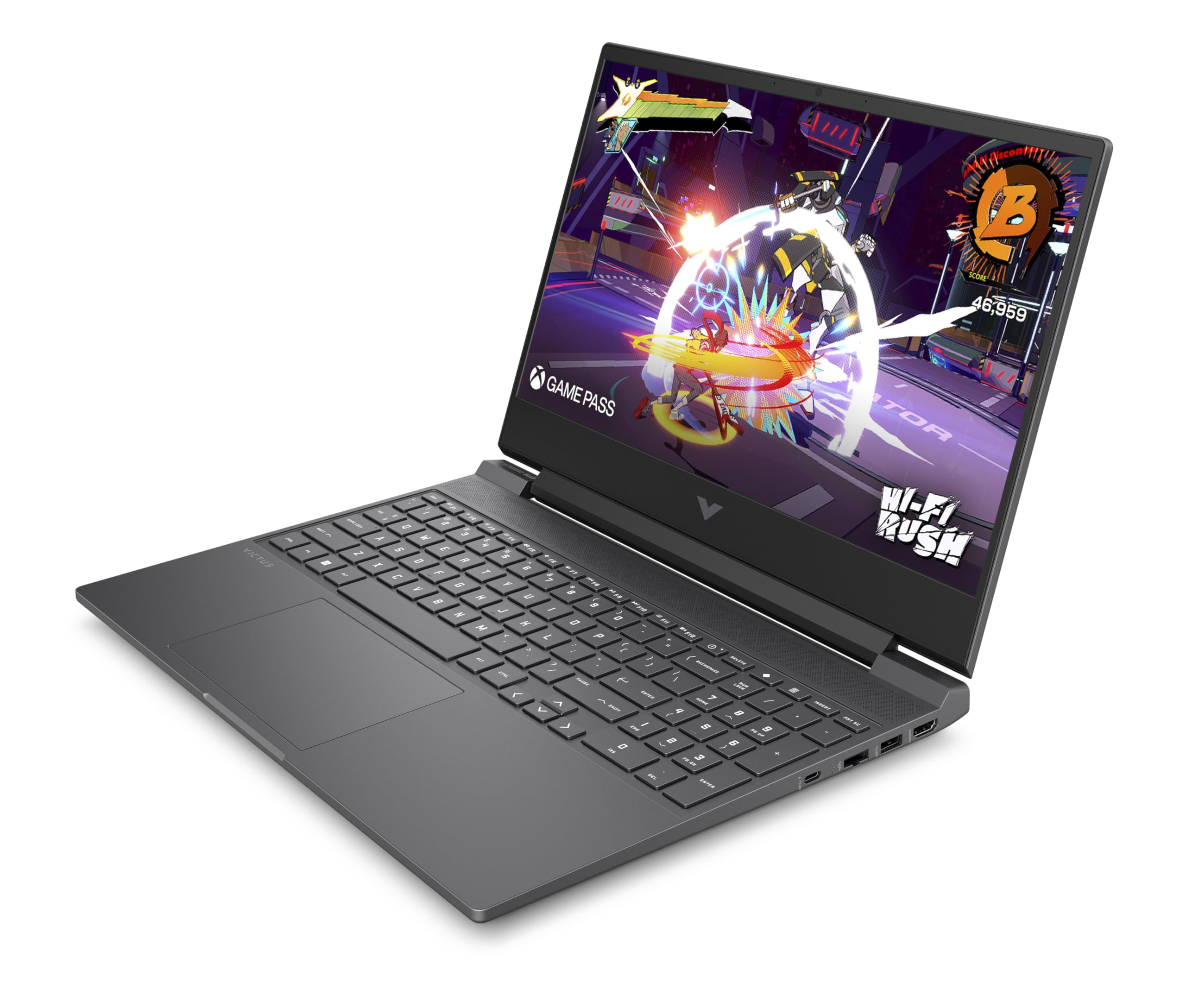
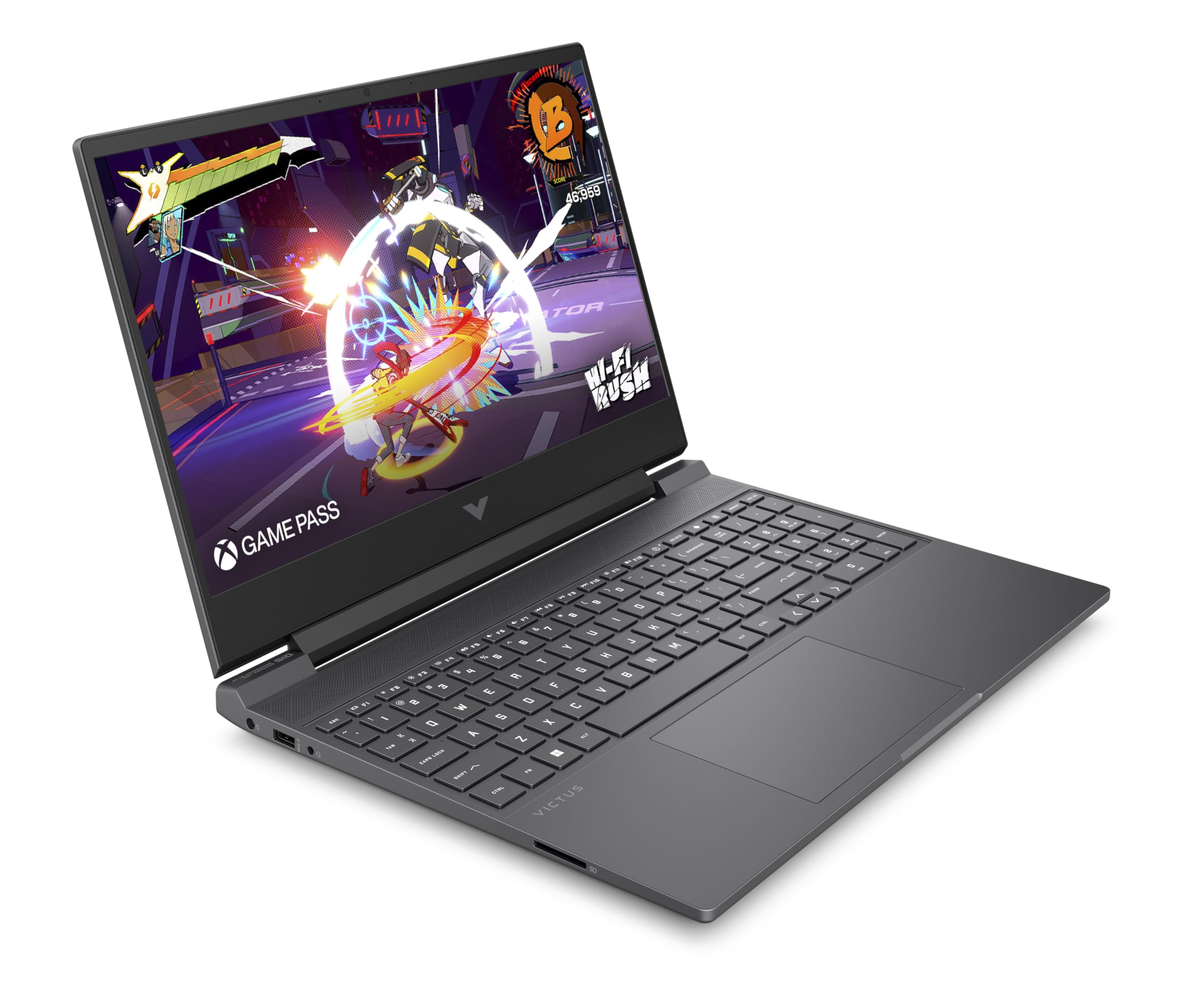
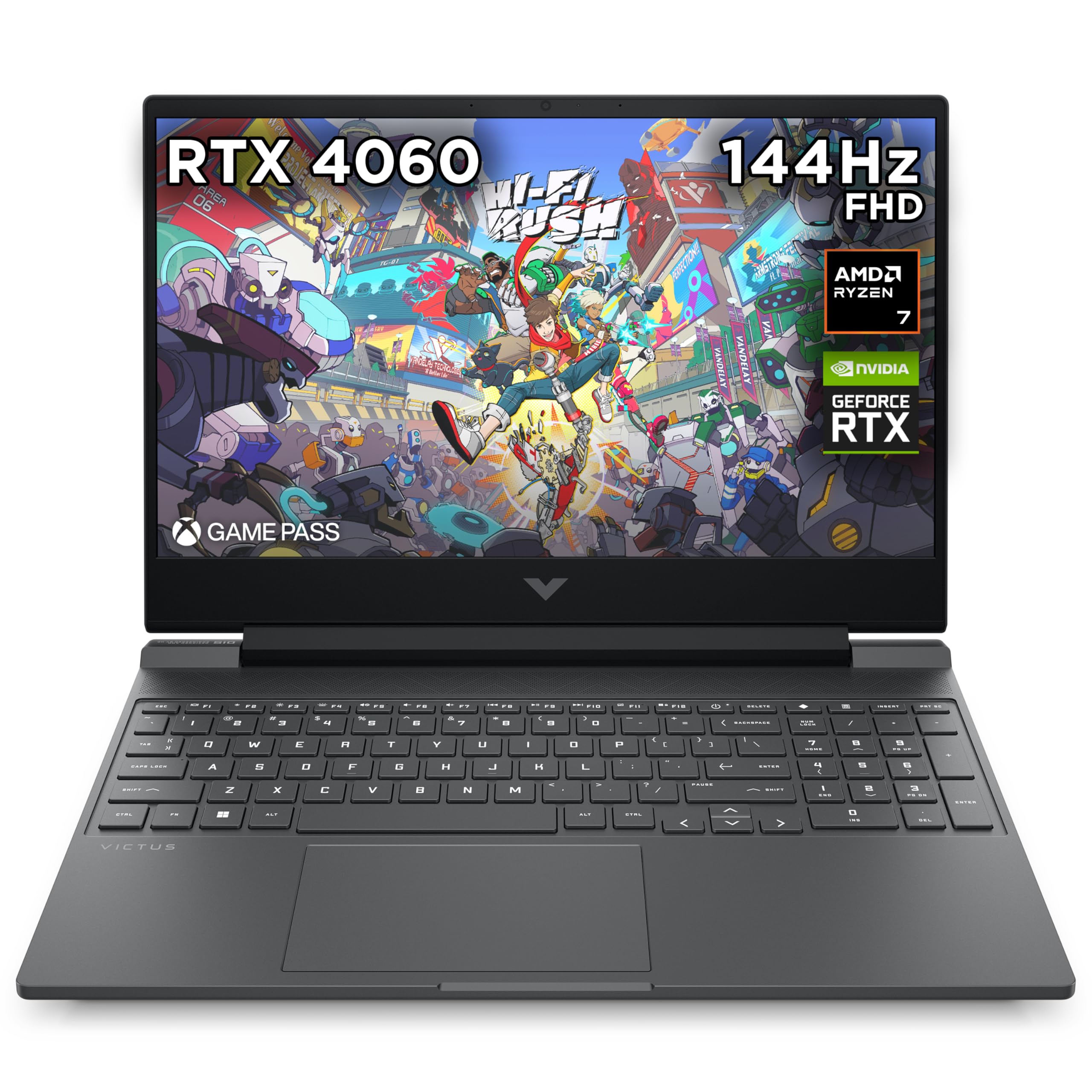

🎯 Power Meets Portability — Game, Create, Dominate!
The HP Victus 15.6" Gaming Laptop combines a blazing AMD Ryzen 7-8845HS processor with NVIDIA GeForce RTX 4060 graphics and 16GB DDR5 RAM, delivering desktop-level gaming and multitasking in a sleek, portable design. Its 15.6-inch FHD IPS display with 144Hz refresh rate ensures smooth visuals, while advanced thermals maintain performance during intense sessions. With up to 13 hours of battery life and Windows 11 Home, it’s engineered for professionals and gamers who demand power and mobility in one stylish package.


| ASIN | B0DJFN6GT6 |
| Are Batteries Included | Yes |
| Audio Details | Headphones |
| Average Battery Life (in hours) | 7.75 Hours |
| Batteries | 1 Lithium Polymer batteries required. (included) |
| Best Sellers Rank | 2,529 in Computers & Accessories ( See Top 100 in Computers & Accessories ) 17 in Traditional Laptops |
| Brand | HP |
| Colour | Silver |
| Computer Memory Type | DDR5 RAM |
| Connectivity Type | Bluetooth, Wi-Fi |
| Customer Reviews | 4.4 4.4 out of 5 stars (52) |
| Date First Available | 29 May 2025 |
| Delivery information | We cannot deliver certain products outside mainland UK ( Details ). We will only be able to confirm if this product can be delivered to your chosen address when you enter your delivery address at checkout. |
| Form Factor | Notebook |
| Graphics Card Description | NVIDIA GeForce RTX 4060 |
| Graphics Card Interface | PCI Express |
| Graphics Card Ram Size | 8 GB |
| Graphics Chipset Brand | NVIDIA |
| Graphics Coprocessor | NVIDIA GeForce RTX 4060 |
| Graphics RAM Type | GDDR6 |
| Guaranteed software updates until | unknown |
| Hard Disk Description | SSD |
| Hard Drive Interface | Solid State |
| Hard Drive Size | 512 GB |
| Hardware Platform | Windows |
| Item Weight | 2.29 kg |
| Item model number | A2DD8EA#ABU |
| Lithium Battery Energy Content | 70 Watt Hours |
| Lithium Battery Packaging | Batteries contained in equipment |
| Manufacturer | HP |
| Maximum Memory Supported | 16 GB |
| Memory Clock Speed | 5600 MHz |
| Memory Technology | DDR5-SDRAM |
| Number Of Lithium Ion Cells | 4 |
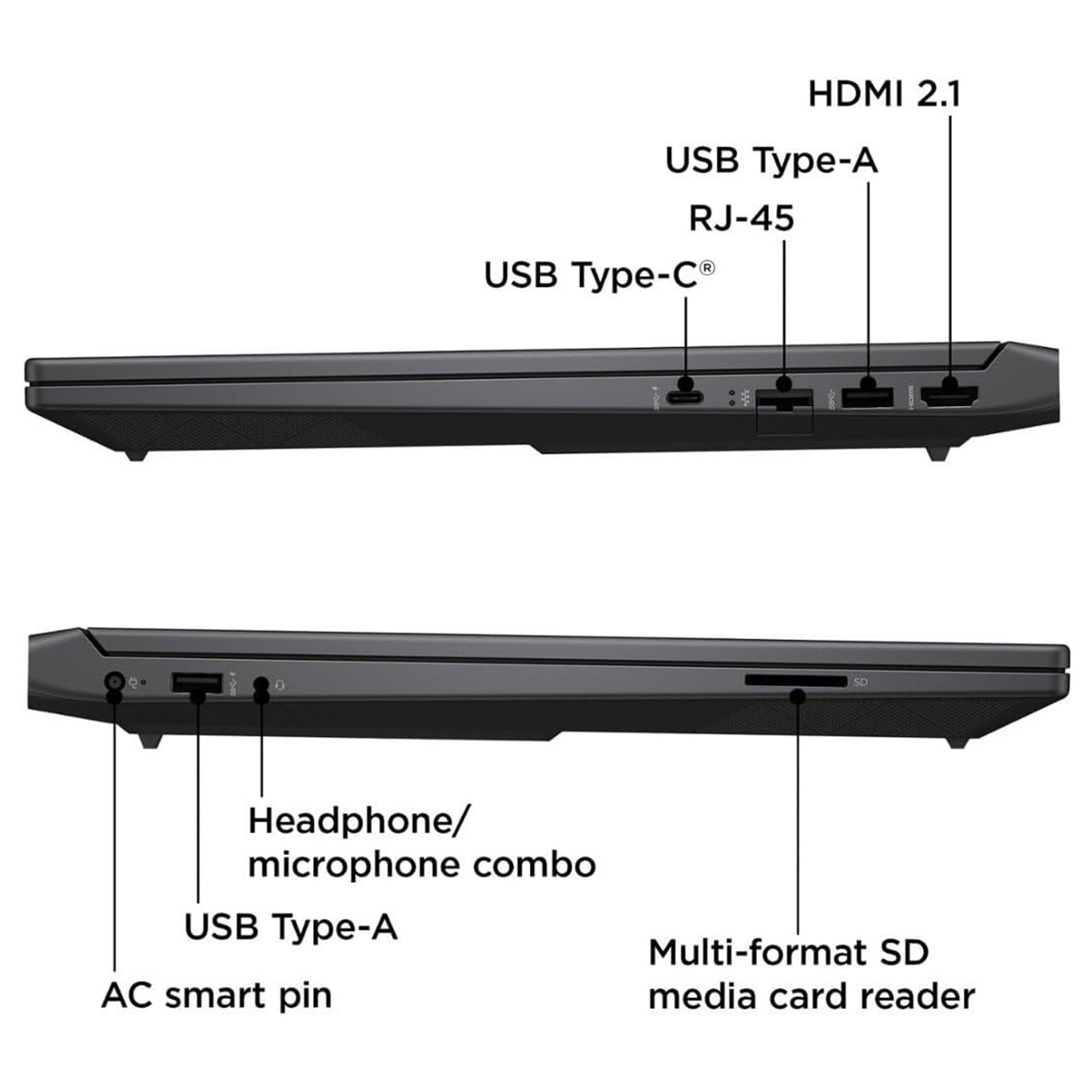
| Number of Ethernet Ports | 1 |
| Number of HDMI Ports | 1 |
| Number of USB 3.0 Ports | 3 |
| Operating System | Windows 11 Home |
| Optical Drive Type | No |
| Processor Brand | AMD |
| Processor Count | 8 |
| Processor Speed | 5.1 GHz |
| Processor Type | AMD Ryzen 7 |
| Product Dimensions | 25.5 x 35.79 x 2.35 cm; 2.29 kg |
| RAM Size | 16 GB |
| Resolution | 1920x1080 |
| Screen Resolution | 1920 x 1080 pixels |
| Series | A2DD8EA |
| Speaker Description | DTS:X Ultra, Number of built-in speakers: 2 |
| Standing screen display size | 15.6 Inches |
| Wattage | 200 watts |
| Wireless Type | 802.11ax |
J**.
Excellent Gaming Laptop
Excellent gaming laptop for the money!
H**H
Best for gamers, students, and casual content creators.
HP Victus 15.6” (Ryzen 7 8845HS, RTX 4060) – Quick Review (Performance: Ryzen 7 8845HS + RTX 4060 delivers smooth gaming and multitasking. Cooling: Improved thermals with minimal throttling. Display: 144Hz refresh rate, but brightness and color accuracy could be better. Battery: 5-6 hours for casual use, much less for gaming. Build: Sturdy but plastic; simple design. Keyboard & Trackpad: Decent, but no per-key RGB. Speakers: Average, lacks depth.) Verdict: Great value-for-money gaming laptop with strong performance, good thermals, and a smooth display.
R**E
Excellent laptop with a couple of problems for gaming.
See Headline... Got this on a Black Friday deal at a great price, it is a lovely entry level gaming laptop PC in just about every area with a couple of issues, 8 GB RAM is not enough for the latest games and this will need to be upgraded to 16 GB minimum really. Also be aware that the RTX3050 Graphics Card in this laptop is only 4GB VRAM and again that is not enough for quite a few of the latest games, older games run superbly on it but newer stuff is very much 50/50, as a general laptop it is brilliant however. Oh, and don't expect the battery to last long on gaming, again it is perfectly fine for general use but games will obliterate it in under a couple of hours so it is definitely best plugged in for gaming which I did expect anyway. 4 Stars without a RAM upgrade and be aware of the VRAM on the graphics card which cannot be changed as I have made a mistake with that to be honest.
C**H
Amazing laptop
Worth every penny amazing graphic and speed .
T**R
Perfect laptop for games, work, etc.
Such a great laptop, runs new games at high framerates with no stutter, very happy with it. Only negative is the storage space, although it's a fairly standard size. It also gets quite warm but not had any problems, especially with ensuring theres room for air circulation under the laptop.
A**X
Would not recommend
After 3 delivery attempts in which i received an empty box , eventually i got the laptop and was shocked after a few days of testing it. It constantly freezes , takes ages to load an app that you need. If you play a game like lets say World of Tanks on minimum quality it will eventually shut down on you cause it overheats like crazy considering i have a cooling rack for it also. Just a horrible laptop for this money .
Z**A
Gaming laptop
Really good laptop it’s download all my son games he’s so happy with it. Great photo as well
K**N
Brilliant
Brilliant gaming laptop and has fantastic battery life
Trustpilot
1 week ago
2 months ago