
DOWNLOAD THE APP


Customer Services
Copyright © 2025 Desertcart Holdings Limited
DOWNLOAD THE APP



💖 Elevate Your Everyday: Where Style Meets Smart!
2025 Newest 1.91" Smart Watch for Women,Answer/Make Calls Fitness Watch with Heart Rate Sleep Monitor,Step Counter, 100+Sports Modes,Activity Trackers IP68 Waterproof Smart Watch for Android iOS
L**A
Smart watch
Thank you for the timely delivery and well-packed goods. The smart watch has an elegant look, with stones and two straps included, which are easy to adjust to the size of the wrist. It has many useful functions, I really like this watch, it is easy to set up. I was looking for a smart watch, but to have a classic and more feminine look - and I am very pleased that I found such a beautiful and multifunctional watch. I have been using it for two days, it works well, clearly measures blood pressure, this is important for me. Thank you to the seller.
G**K
Holds charge and looks good
A really lovely smart watch. I’d barely taken this out of the box before it was very quickly ‘appropriated’ from me by my teenage granddaughter! Most smart watches tend to focus on functionality rather than style, but this one has both. It has a very pretty feminine style (what teenager doesn’t like pink!) and it comes with two strap options, metal and silicon, so it has a less clunky, sporty appearance, which is what appealed to her. She opted for the silicon strap for day to use, and changes it to the metal one for special occasions.Connectivity is Bluetooth, and features include voice call, sports tracker, activity tracker (with inactivity alerts), notifications for messaging and social media. It is fully waterproof, although this hasn’t been tested yet. The set up was relatively simple and it was good to go straight away.The battery life is fair and a charge lasted roughly 4-5 days depending on use and what apps are active.The price is towards the higher end for budget smart watches, but if you’re looking for a watch that has stylish looks with all the functions of the better known branded Smart watch, the this is worth purchasing.My granddaughter loved it so unfortunately I don’t think I’ll be getting it back any time soon!I received this product as part of the Amazon Vine programme. My review is independent and unbiased, based only on my personal experience of the product.
P**Y
This is a Beautiful Watch with and Equally Beautiful Display and a Wide Range of Functions
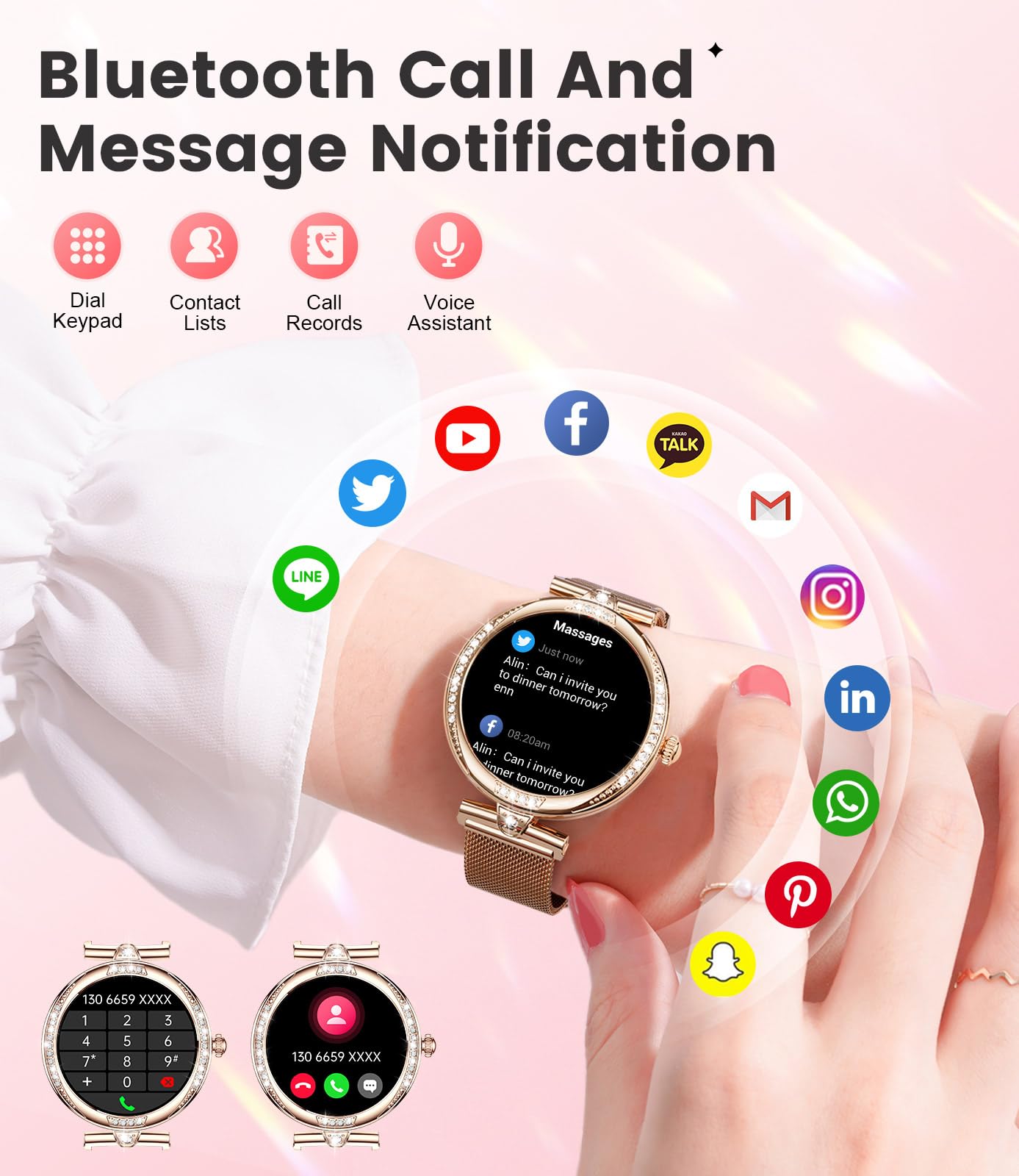
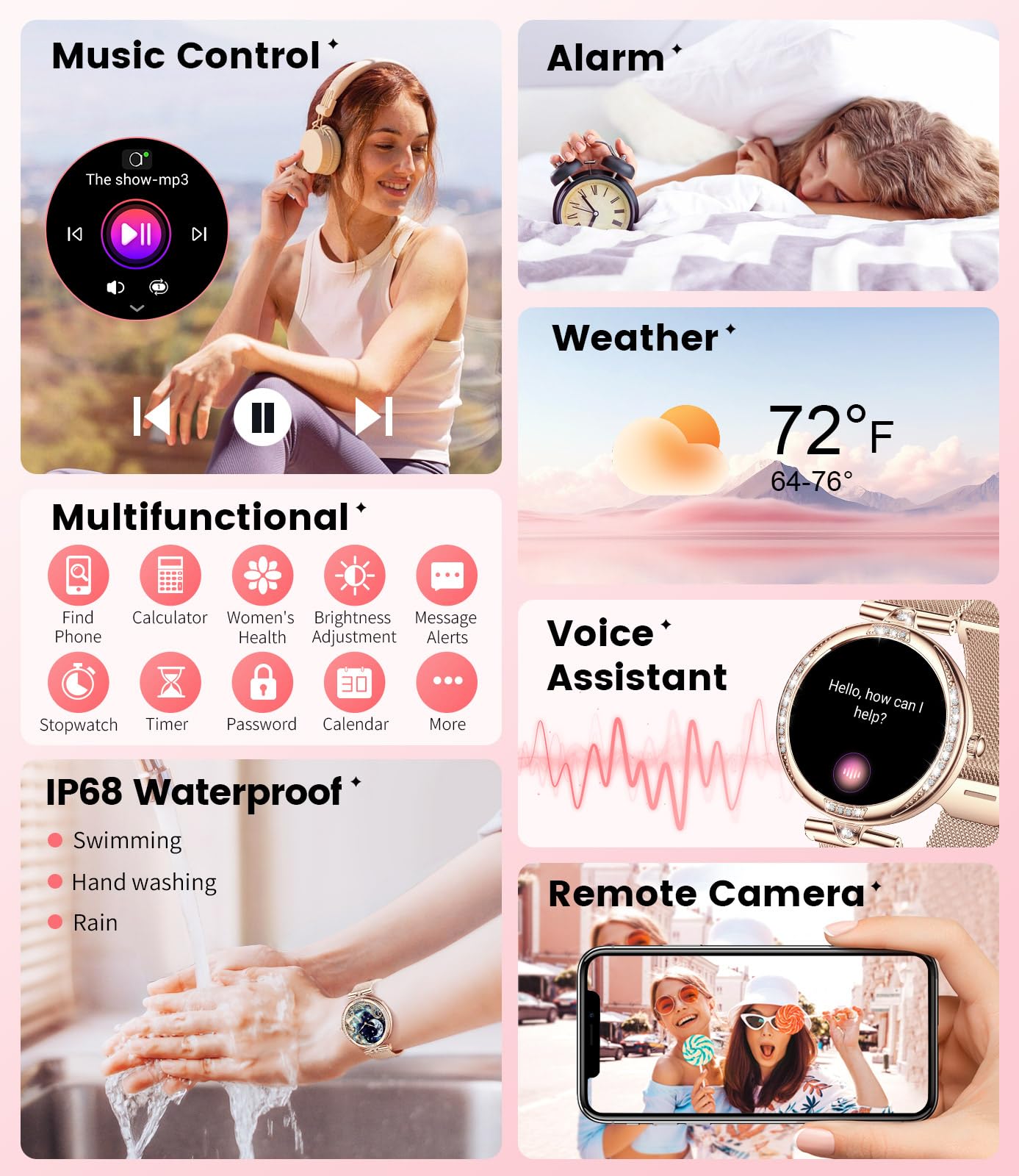
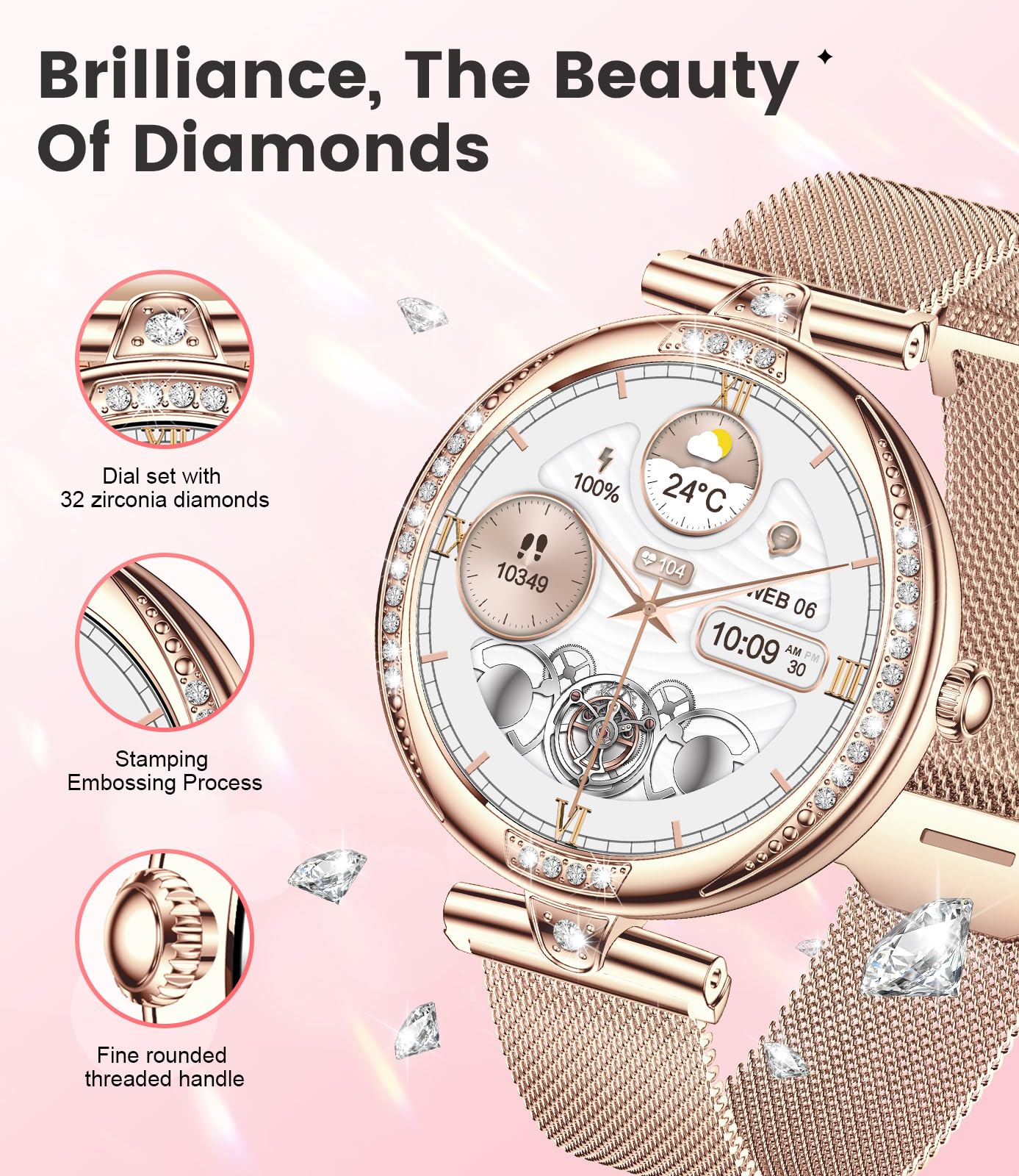
This watch easily gets five stars please read on to find out why…I am using the NX17-PRO Smart Watch with an iPhone 14 Pro iOS 18.0 and the FitCloud Pro app - results may be different with other set-ups.The watch is delivered in a nicely designed cardboard box along with a special wireless charging lead, a pink silicone strap, a metal strap and instructions.The straps are both fine, but if you want to consider alternatives they are available on Amazon. I bought three nylon velcro fastening straps, which I find easier to fit, in black, grey and military green for £4.99. I include this information because I found the metal strap hard to get tight and did not particularly like the pink silicone alternative.The watch feels well made with a shiny silver shell fronted by a large round screen displaying bright, full colour, high definition, text and graphics.The watch is quite chunky; it is 12.13mm thick and weighs 57g with the metal strap, but this is ameliorated by the delicate design decorated with glass “diamonds” and the detached T-bar connection to the strap.Before you can do anything with the watch you need to download and set-up the FitCloudPro app. When doing this there are a lot of questions to answer and eventually you will “bind” it to your watch. The instructions were very clear on how to do this, as they were throughout the whole process.When I was setting up the app I was asked to allow access to my calendar and contacts. I drew the line at allowing the watch to access my calendar and contacts. On the issue of security this watch does have access to to a lot of your information. Including emails, if you allow them the be pushed to it, and all your Siri stuff. With Apple, for good or ill, I trust them to keep stuff safe. You will have to decide how much of your personal data you entrust to this watch.The single physical control is a rotating crown, but this only acts as a push button which activates the watch and switches between the dial and menus, of which there are a lot; rotating it does nothing.To get to the menu options press the crown twice (you can change the way they are displayed in settings, see below). The menu options are:Telephone, Contact person, Call records, Voice assistant, Data, Workout, Workout records, Heart rate, Sleep, Blood pressure, Blood oxygen, Messages, Weather, Female, Music, Breath training, Stopwatch, Timer, Alarm clock, Collection code, Business card, Calendar, Calculator, Find phone, Camera, and Settings - phew!I am not going to cover all the options in depth and neither do the instructions, detailed as they are!I have added pictures of the instructions which are numbered as Amazon will mix them up. I tried to get more information on how to use the watch from the “FitCloudPro” app, but drew a blank. You will just have to experiment until it makes sense!I will, however, comment of a few of the options. Before using them the watch needs to be “bound” to your phone and the FitCloudPro app needs to be open - it can be in the background under other apps (not focussed on the screen), but it needs to be open.I am not going to comment on Workout, Workout records and the like, because I am sedentary and have, so far, avoided the FitBit revolution.“Telephone” - this brings up a telephone keypad on which you can enter numbers and dial them. The speaker and microphone on the watch are used for the call. You need very pointy finger to hit the right numbers.“Contact person” - needs your contacts list - I didn’t share it.“Call records” - lists numbers called and received. The watch can answer calls when connected to the phone using its own microphone and speaker.“Voice assistant” - this called Siri and the answers popped up on my phone’s screen. I did not find a way to display them on the watch - it doesn’t mean there isn’t one!“Data” - a pretty graphic of a jogging girl showing, Steps, Kcal and Km - the stuff I’m not going to cover!“Heart rate” - uses sensors on the bottom of the watch to determine your heart rate. Over a period of several days I compared it with the results from an Apple Watch and they were substantially the same. Unfortunately this watch does not display an ECG which is a very good feature of the Apple Watch. The ECG it appears to display is just a pretty graphic and has no significance.“Blood pressure” - I am skeptical about this. The best ways to do it require a doctor with a stethoscope and manometer, or an electronic device using an upper arm cuff. I tested the watch against the latter and it did not give the same readings.“Blood oxygen” (SpO2) - uses another pair of sensors (the flashing lights) to measure how much oxygen your blood is carrying and again the results were the same as the Apple Watch.Both heart rate and Blood Oxygen are set to produce graphs against time so you can see how you are doing.“Messages” - this displays messages sent to your phone. It doesn’t appear you can reply to them on the watch.“Weather” - enable “Weather push” in the FitCloudPro app and the watch will tell you what to expect from the physical clouds in the sky.“Female” - the watch knows I’m male from when I set up the app which might explain why this function is not enabled.“Music” - allows you to change the volume and jump forwards and backwards through the tracks playing on your phone. The music app needs to be open (although again not necessarily focussed on the screen) and your headphone needs to be connected so you can hear the music with the phone in your pocket.“Breath training” - tells you when to breath in and breath out. Needs to be running 24/7 to be of any use and when the battery dies, so do you!“Stopwatch” - press the triangle to start and stop, press the clock icon to store lap data during timing and reset to zero when stopped. To display lap data touch the blue number after timing is finished, but before resetting.“Timer” - chose a preset time from; 1, 3, 5, 10, 20, 30, 60, or 120 minutes or press “+”, spin the wheels, and enter your own duration. At the end of the chosen time the watch made no sound and did not vibrate, so I don’t see the point. UPDATE: I had the “Intensity” (in “Settings”) set to “Soft”. When I set it to “Strong” I did hear/feel a single faint buzz after the timer finished, but it was still far too quiet.“Alarm clock” - just said “No alarm” ??“Collection code” - for QQ, WeChat, Alipay and Paypal (no idea what this is).“Business card” - WeChat, QQ, Facebook, WhatsApp, Twiter, Instagram, Line and Skype - if you use ‘em you’ve got ‘em.“Calendar” - displays the date and a full calendar when you touch the bottom graphic. May be more information if you connect your calendar, which I didn’t.“Calculator” - is very basic, but it adds a little and subtracts nothing from the watch.“Find phone” - causes the attached iPhone to emit a pleasant marimba sound which, if you are in ear-shot, will allow you to locate it and turn it off.“Camera” - is a remote shutter release. Obviously you need to set up the lights, adjust your tripod, apply makeup and frame the shot before you can use it, but is does remove the embarrassing dash to your chosen position as the count-down timer ticks away on your phone. To use it you need to enable this feature in the app; “Device”>”Shake to take photo”, turns on the camera and a wiggle of your wrist does the job. To use this feature you need to allow access to your camera and photos in the app.“Settings” - along with the FitCloudPro app the options under this menu allow you to personalise the operation of the watch. You need both to use the watch to its full potential.Settings opens access to the following menu options: Menu style, Display, Battery, Vibration & Ring, Language, QR code (scan for pairing).Under “Display” you will find “AOD clock”. This is a great feature of this watch that allows it to display a digital, or analogue, clock face whenever the watch is idle. This is so much nicer than a blank screen.Various faces are available from the get-go and many others can be downloaded from the FitCloudPro app (see pictures of a few of them). Some might be charged for, but a lot are free. There is a storage limit on how many you can have loaded at any one time and to add one you need to delete one. Some of watch faces are finely detailed and look very nice.Out of the box the display only shows for 5 seconds. This can be altered in settings; “Display>Screen time> from 5s to 30s - I set it to 30s as I am a bit slow.You can also set “Raise to Wake” at the same time, “Settings>Display>Raise to wake”. This brings up the display with a nonchalant twist of the wrist. You can set the time it is active from 2s to 6s, but I would like this to be longer, it is hardly long enough to register what time it is. It would be better if it displayed for the duration set in “Screen time”.When the watch face is displayed you can do the following by rubbing on it:Striping down with your finger brings up a circle of icons to get you quickly to the function you need:Brightness, Settings, Find phone, System information, Syri, Phone, Do not disturb, Power saving and, in the centre circle are a battery level and time display.Striping up shows a list of your messages.Striping left scrolls through: “Steps”, “Heart rate”, “Sleep”, “Weather” and to these you can add “Music” and “Workout” after pressing the “+” sign.Striping right splits the screen and shows icons for: Weather, Sleep, Heart rate, Steps etc., Messages, the current temperature from the weather forecast and Phone.This watch comes with a special lead that attaches with a magnet for charging. Some sophisticated chargers switch off when charging low powered items such as watches and earbuds. This is a fault of the charger, not the watch - simple low powered chargers work best.This watch has many functions and excellent monitoring capability. It also looks very nice. The app is not the best I have encountered, but it works and the instructions, although clearly written and illustrated, still leave you with a lot of work to do to get the best out of the watch. There is a QR code on the “Contents” page that links to a YouTube video about this very watch - it flashes through the setup and operation at breakneck speed, but you might find it helpful. I have done a lot of enjoyable trial and error finding out how to use some features of this watch and I have not even ventured into the fitness functions.One criticism I do have, and it would lose a star for this if everything else weren’t so good; the vibration and buzzer are so soft and quiet I can’t feel and hear them.
Trustpilot
3 weeks ago
1 week ago