
🚀 Elevate your workspace anywhere with vibrant clarity and effortless style!
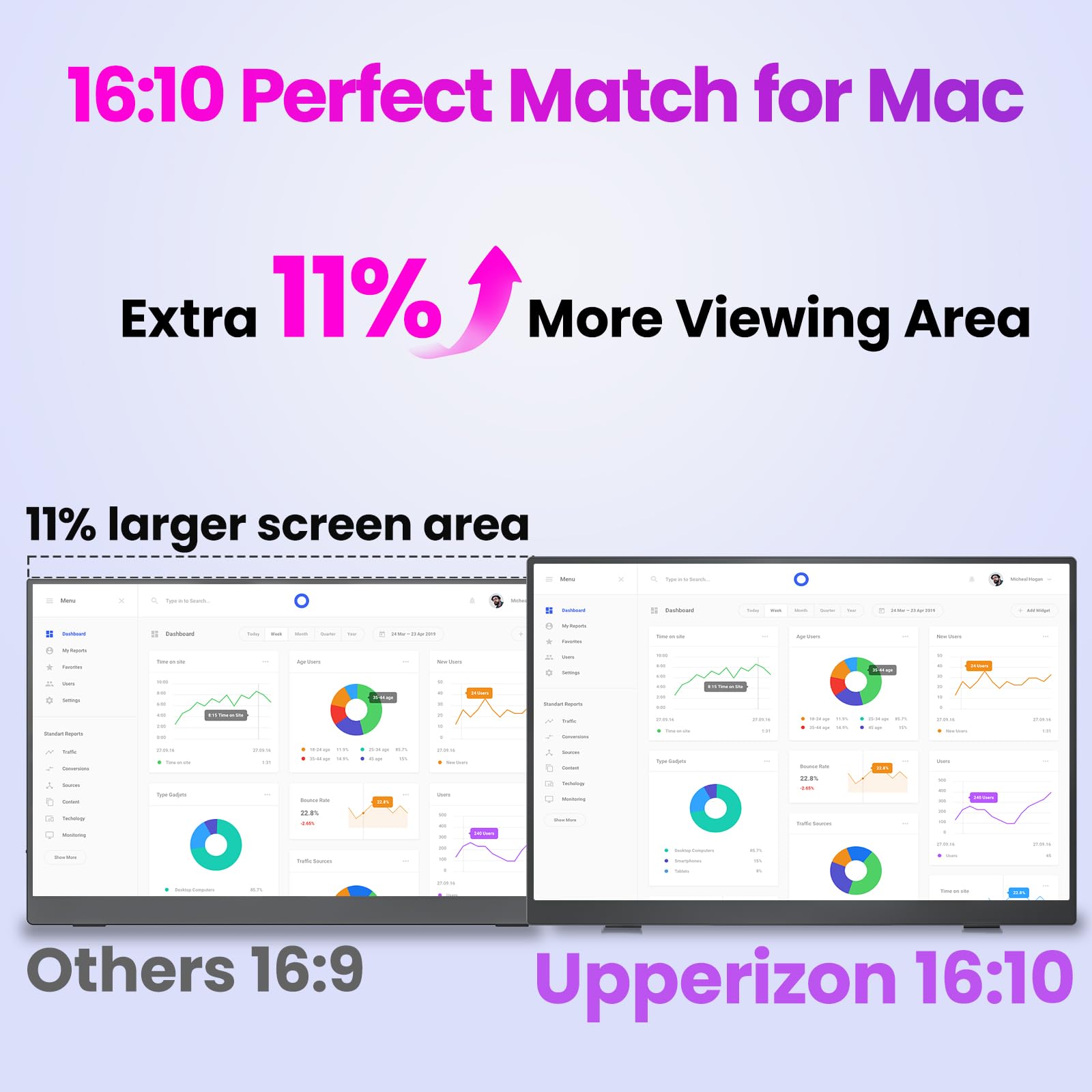
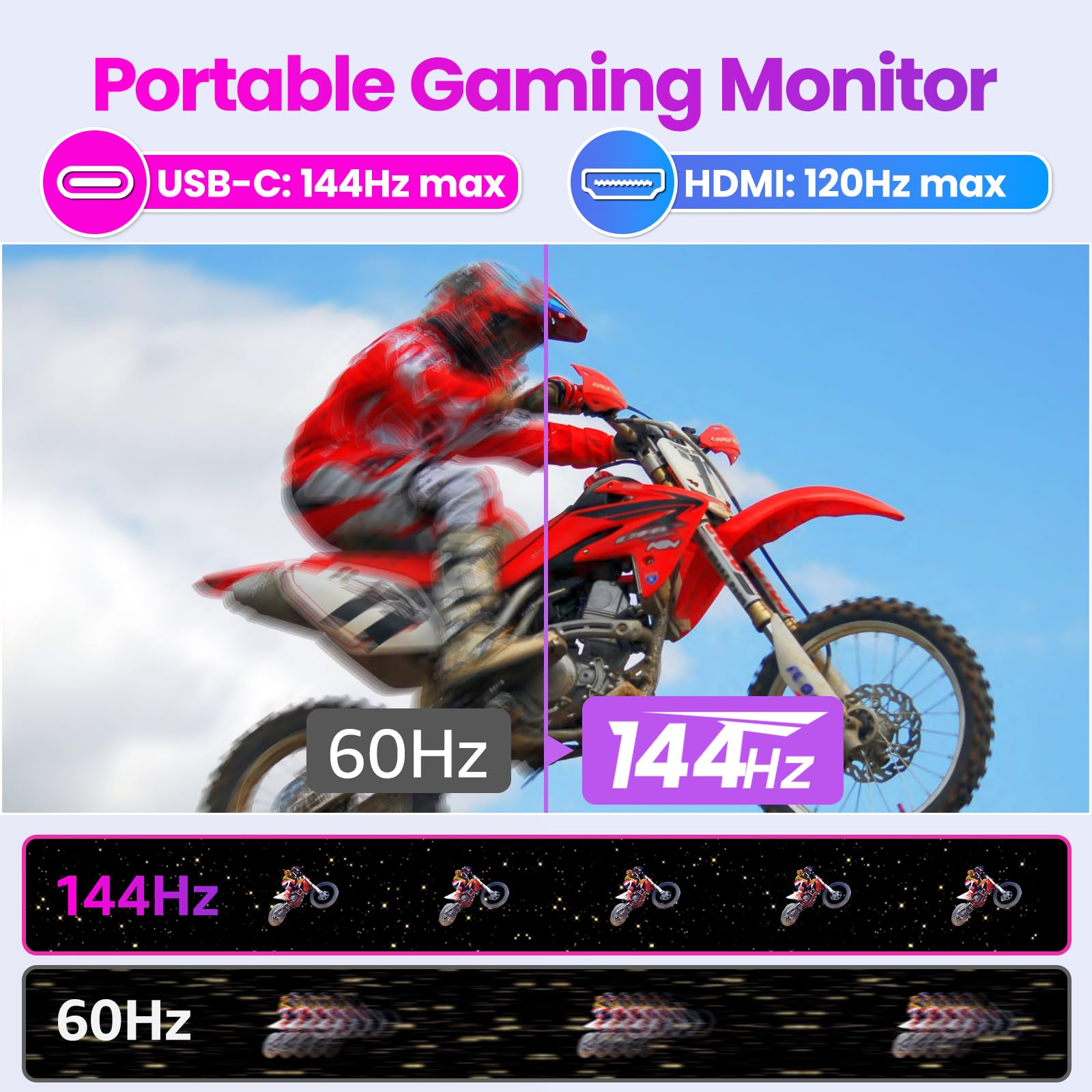
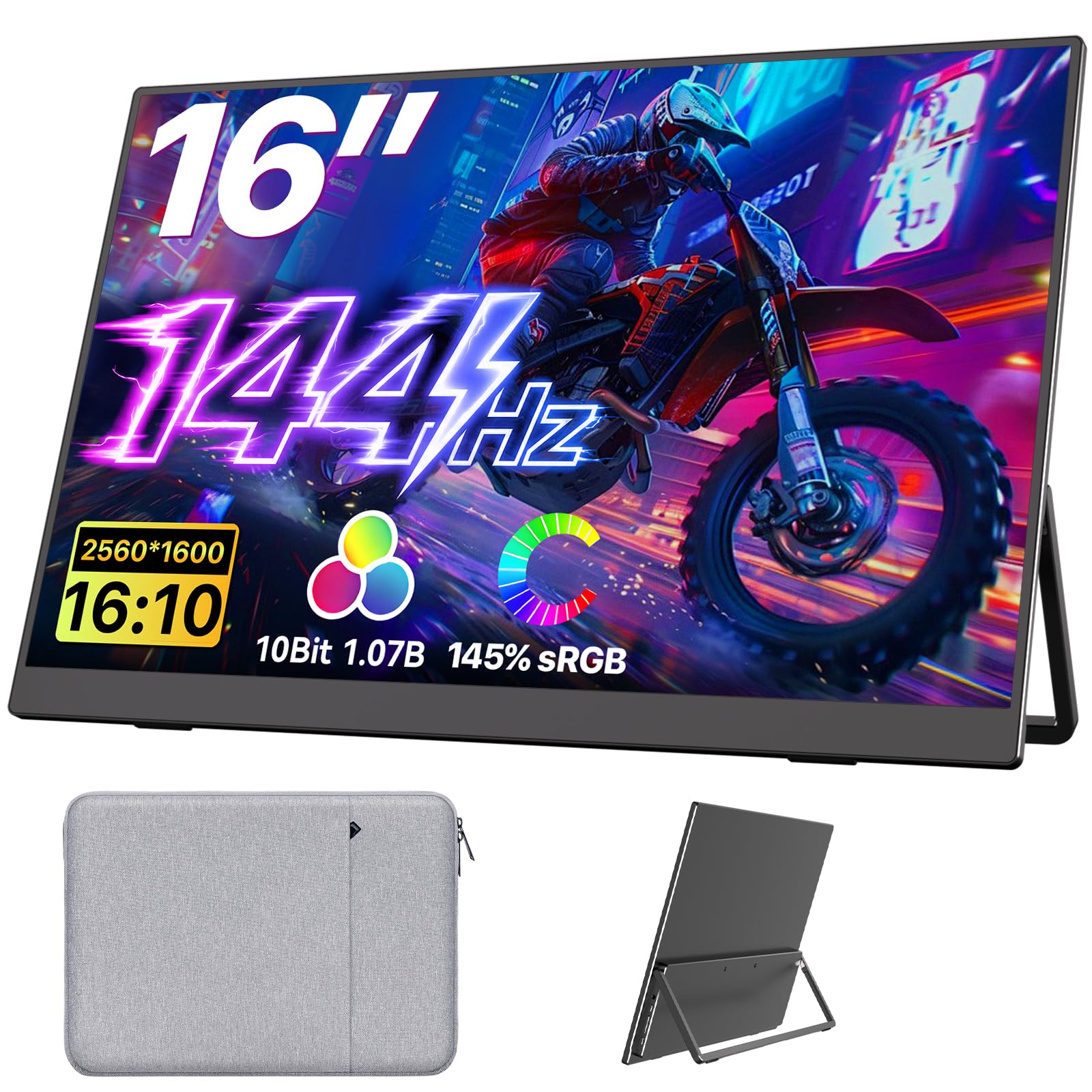
The Upperizon 16-inch portable monitor delivers a stunning 2.5K QHD (2560×1600) display with 100% sRGB color accuracy and 300 nits brightness. Featuring USB-C and Mini-HDMI ports, it supports seamless connectivity with laptops, gaming consoles, and more. Weighing only 1.8 lbs and equipped with an adjustable kickstand plus VESA mount compatibility, it’s designed for professionals on the move who demand premium visuals and ergonomic flexibility. Eye-care features ensure comfort during extended use, making it the perfect travel companion for work and play.


| ASIN | B0C8J9VB27 |
| Are Batteries Included | No |
| Brand | Upperizon |
| Colour | black |
| Customer Reviews | 4.9 4.9 out of 5 stars (105) |
| Date First Available | 3 April 2024 |
| Guaranteed software updates until | unknown |
| Item Weight | 710 g |
| Item model number | U16LS |
| Manufacturer | Upperizon |
| Number of HDMI Ports | 1 |
| Number of USB 3.0 Ports | 2 |
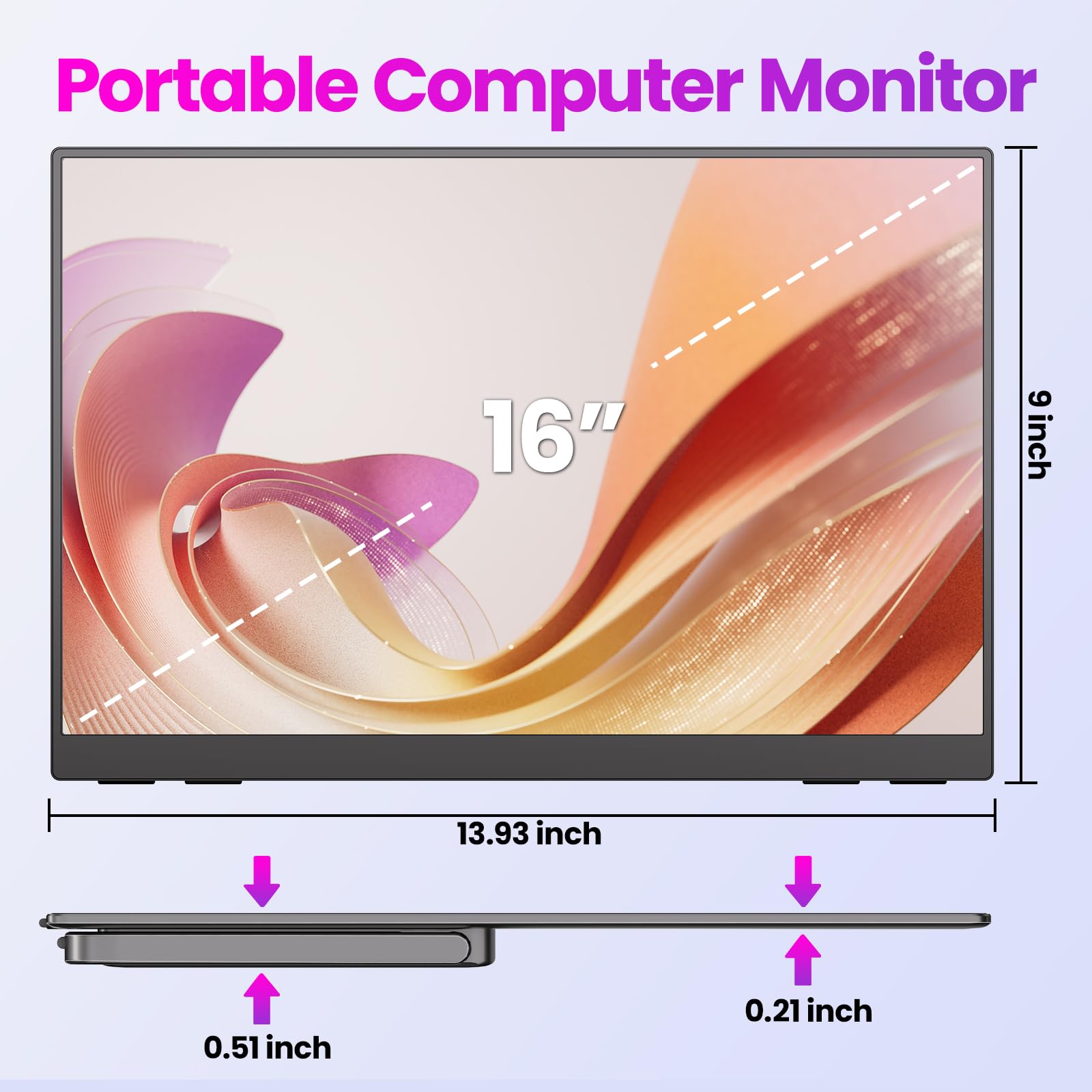
| Product Dimensions | 35.7 x 24.1 x 1.4 cm; 710 g |
| Resolution | 2560 x 1600 Pixels |
| Screen Resolution | 2560x1600 |
| Series | U16LS |
| Standing screen display size | 16 Inches |
| Voltage | 5 Volts |
| Wattage | 8 watts |
L**G
Light & thin and great build quality (so far). I've had 2 of these screens for 3-weeks. I'm super-happy with the size, picture quality & colour accuracy.
R**D
I was pleasantly surprised to find that I did not need to plug the screen in to the wall socket for external power. By simply connecting the USB-C connector to the screen, it powered up perfectly, drawing power from my laptop. There are sufficient inputs to make connection to multiple different devices easy enough. The screen is bright, and the 2560x1600 resolution pairs perfectly with my laptop. I am very satisfied with my purchase
E**Z
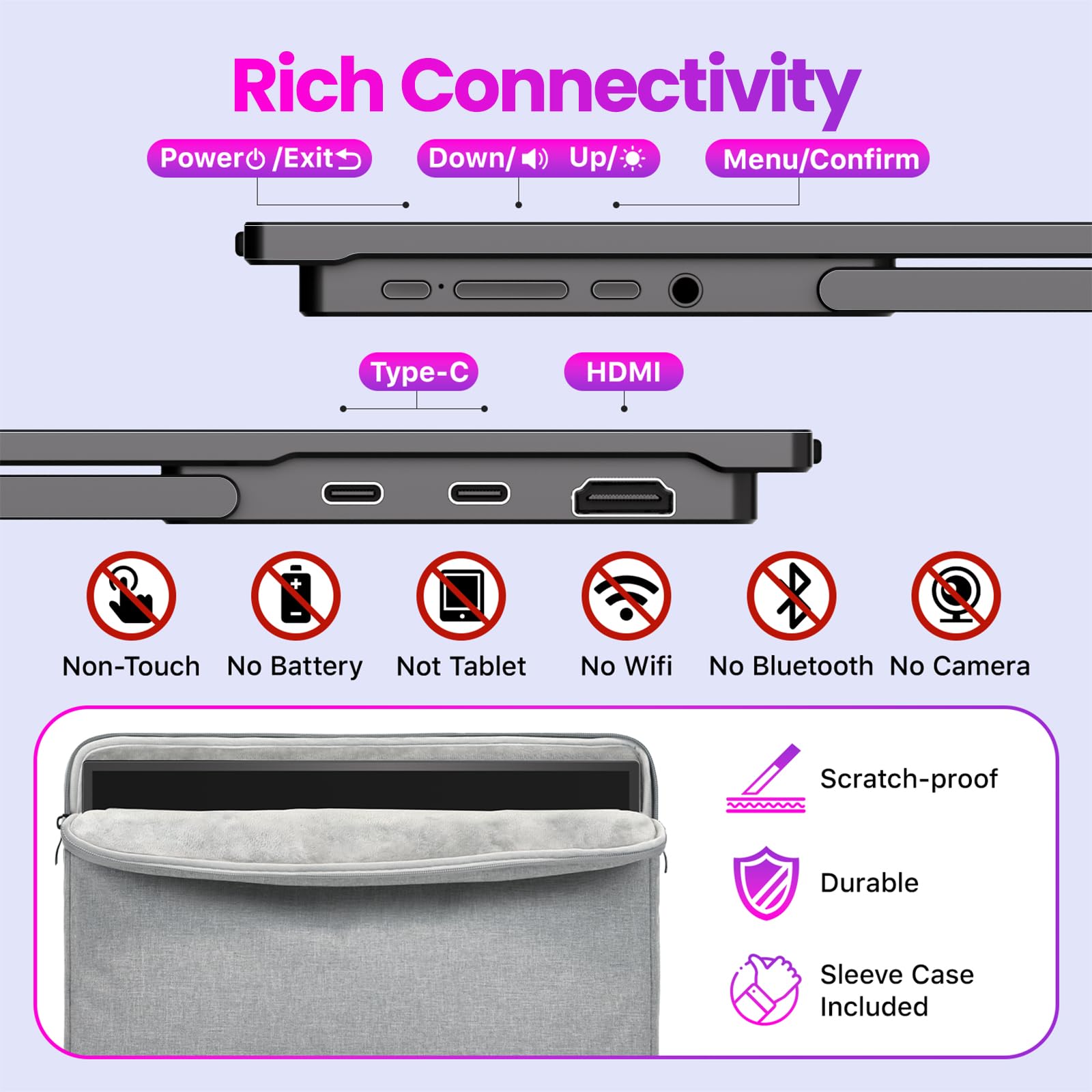
Perfect for what its needed for, crisp, clear image. The menu button is a little hard to navigate with, but other than that, its definitely worth it. When it come to my ps5 or xbox, the Picture does not fit the screen, got some borders on the sides, but its really hardly noticeable, for me anyways. This will make it way easier than lugging my monitor around when I travel. Oh and unless I looked at the picture wrong, there's isnt a hdmi port by itself. Its a hdmi to USB-C cable, it comes with it tho. Just throwing that out there, you cant just use any hdmi cord, its USB-c on one side and an hdmi port on the other. The cable is good tho, the insert sticks in the port solid too, no loose cables!
J**E
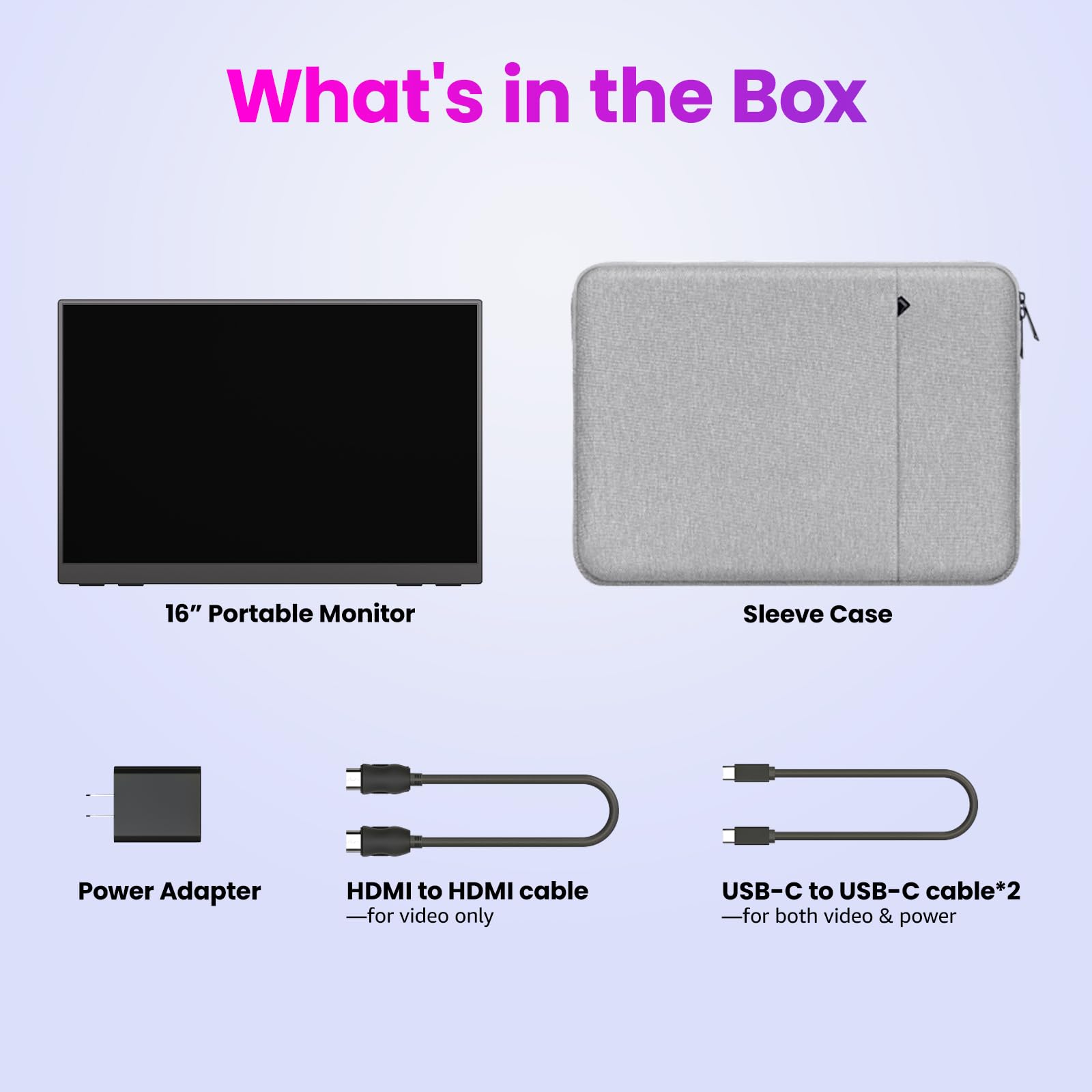
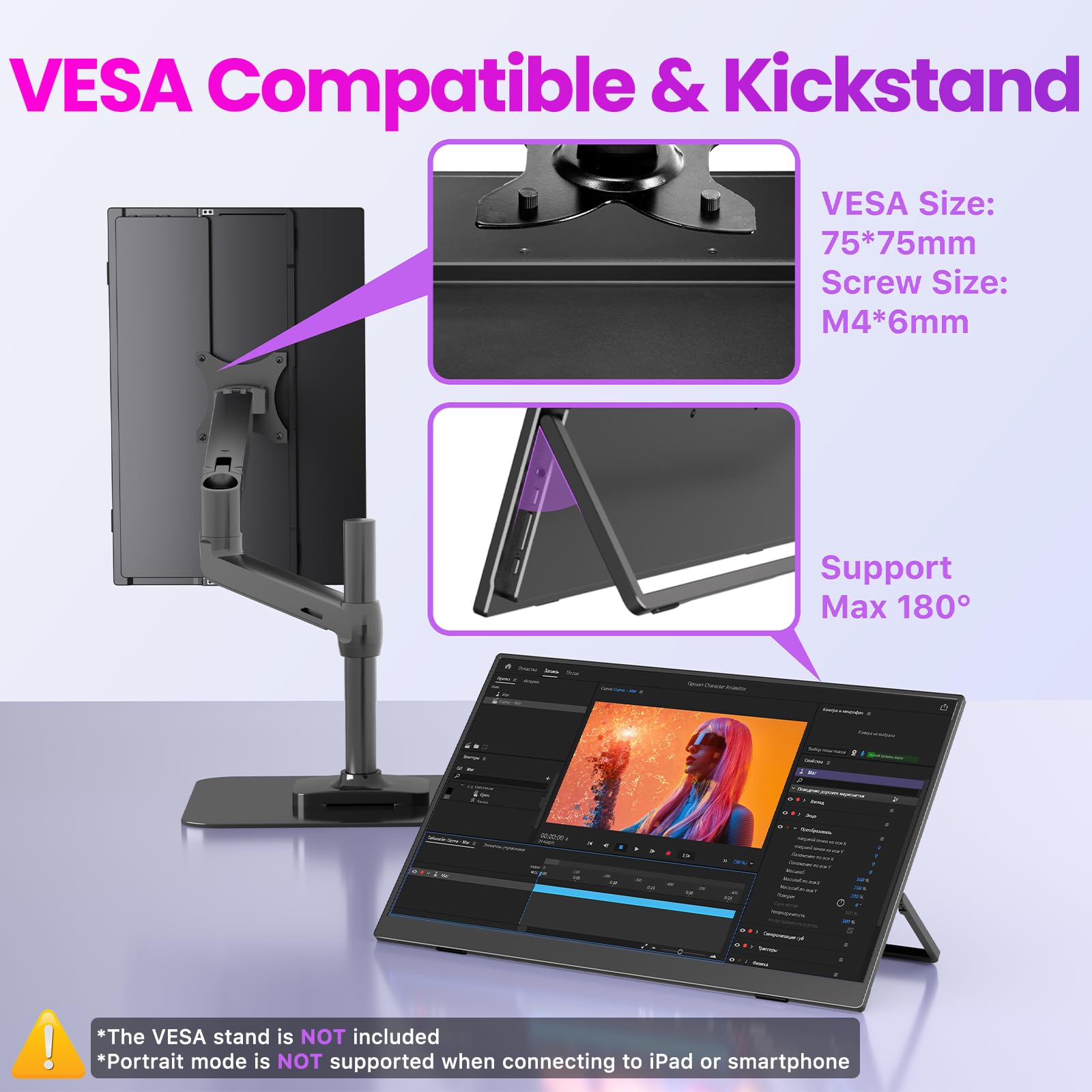
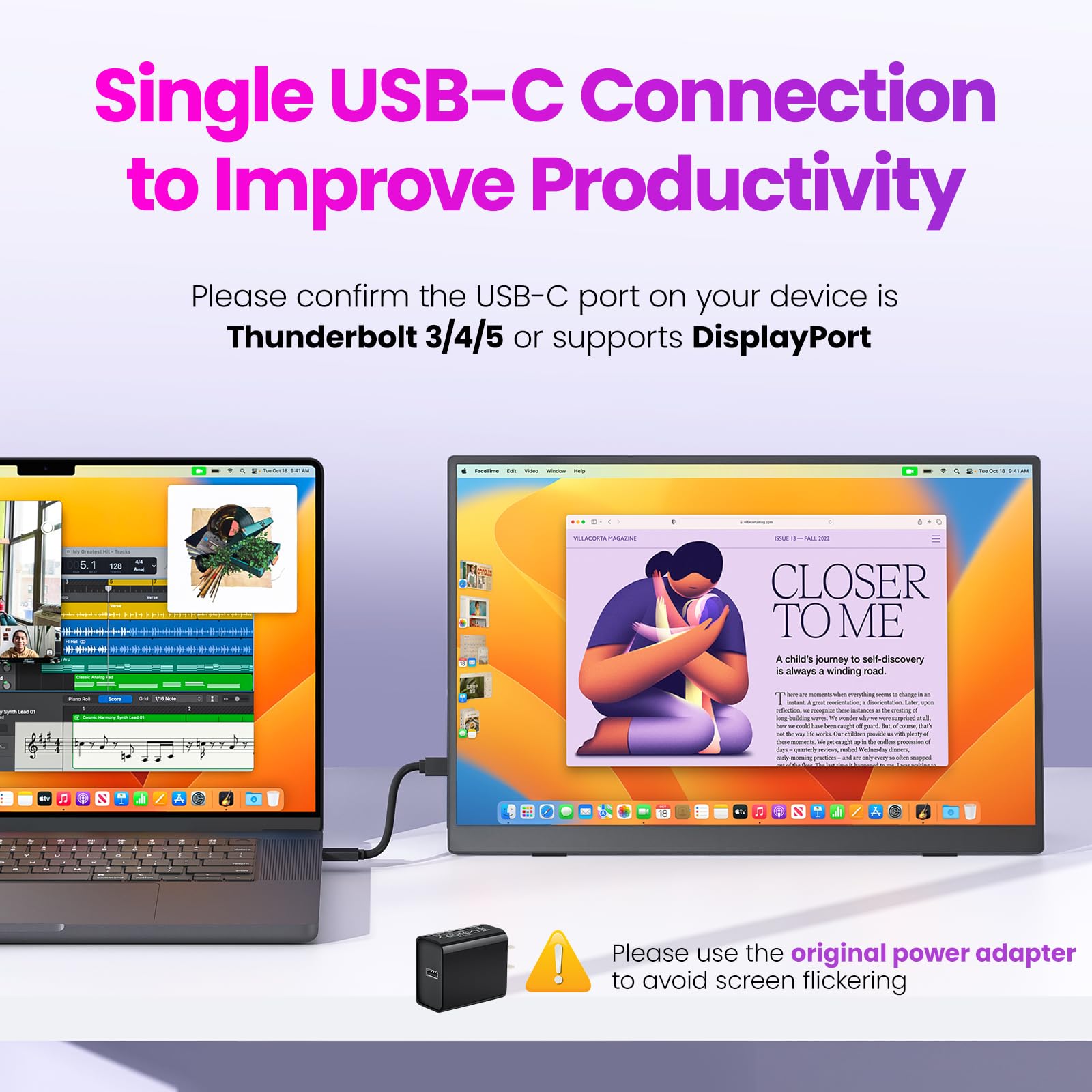
My job involves giving lots of presentations and toggling between multiple applications, so having an extra screen (or 2) is a must! When I go to the office I have to take whatever desk is open, so I can't rely on there being a monitor available for me to use. This monitor fits the bill for any situation away from home office. The box from Upperizon contains the slim 16" monitor inside a padded, zippered sleeve. The sleeve is fuzzy on the inside and provides a lot of protection. There is a zippered pocket on the front of the sleeve that is great for keeping whatever cables you need for the monitor. The sleeve is needed since the monitor does not have a smart case, but rather a kickstand to allow adjustment. I've had a monitor with a smart case and they are nice, but can be easy to knock over. The kickstand is very sturdy and adjustable, and has padded feet to keep the monitor from slipping. This monitor also comes with an adapter plug (USB-C port). There are 4 cables included: * 1 USB-A to USB-C (power only), * 1 HDMI-to-miniHDMI (video only) * 2 USB-C to USB-C (power and video). The USB-C to USB-C can be used as your single connection between the monitor and PC, if your device has a Thunderbolt port that provides power. Just check the USB-C ports for the one with the lightning bolt on it :) When you plug in the monitor to a device, your device's screen will probably flash a few times, then the monitor will power on as the device registers its presence. I use my laptop with extended display mode and it remembers this each time I plug the monitor in. I do have to move my windows over once the monitor powers on, but that is typical for any monitor. I haven't tried to use the monitor with any other portable device, but it should be compatible with most phones, game consoles, etc. However, you may need to purchase additional cables depending on what connectors your device uses. The monitor comes with an instruction sheet showing several different connection scenarios, and includes QR codes that will open a video demonstration with further details. Each instruction scenario tells you where you might need an additional cable, for example a DisplayPort for older laptops or a Lightning adapter for Apple devices. The 16" screen has a matte finish which helps reduce glare. I'm not a resolution purist so I won't babble about pixels and such. I can tell you the colors are bright and crisp, and video plays flawlessly. The monitor has several adjustments available on the toggle switch at the left hand side of the case. The power switch is just below the adjustment toggle. There is also an aux/headphone jack on the left side. On the right side of the monitor there are 2 USB-C ports and a mini HDMI port. The back of the monitor has a VESA connector if you want to mount the monitor to a VESA stand. The kickstand of the monitor does cover the ports when it's fully closed, but this is not a deal-breaker because I can't imagine a scenario where I would be using the monitor flat on a desk. The monitor does have a built-in speaker. As I mention in the video, it is not the loudest or best sound quality, but it will work if you don't have a speaker on your device or headphones at hand. I have a standard-sized SwissGear laptop backpack. This monitor (inside the protective case), fits snugly inside the back compartment of the backpack. A 2-year warranty is available for the monitor, and it's simple to activate this by contacting the company. They also included a card with some available accessories (such as a set of cables or right-angle cable connectors). Overall I'm very pleased with this Upperizon Portable Monitor and would recommend to anyone!
J**F
Besides being a quality monitor that worked well with HDMI from my laptop, two things stand out: 1) its well thought out instructions that include printed and YouTube tutorials that answer common questions, and 2) the clear support that Upperizon provides. The phone number is shown in a number of printed materials as well as on the power-up screen when the monitor is turned on. Of course, no tech support was needed...the monitor just worked out of the box. The protective case is well made, nicely padded and could be used alone with the monitor and a tablet. It fits nicely in my laptop bag against my laptop.
Trustpilot
2 weeks ago
4 days ago