
DOWNLOAD THE APP


Customer Services
Copyright © 2025 Desertcart Holdings Limited
DOWNLOAD THE APP
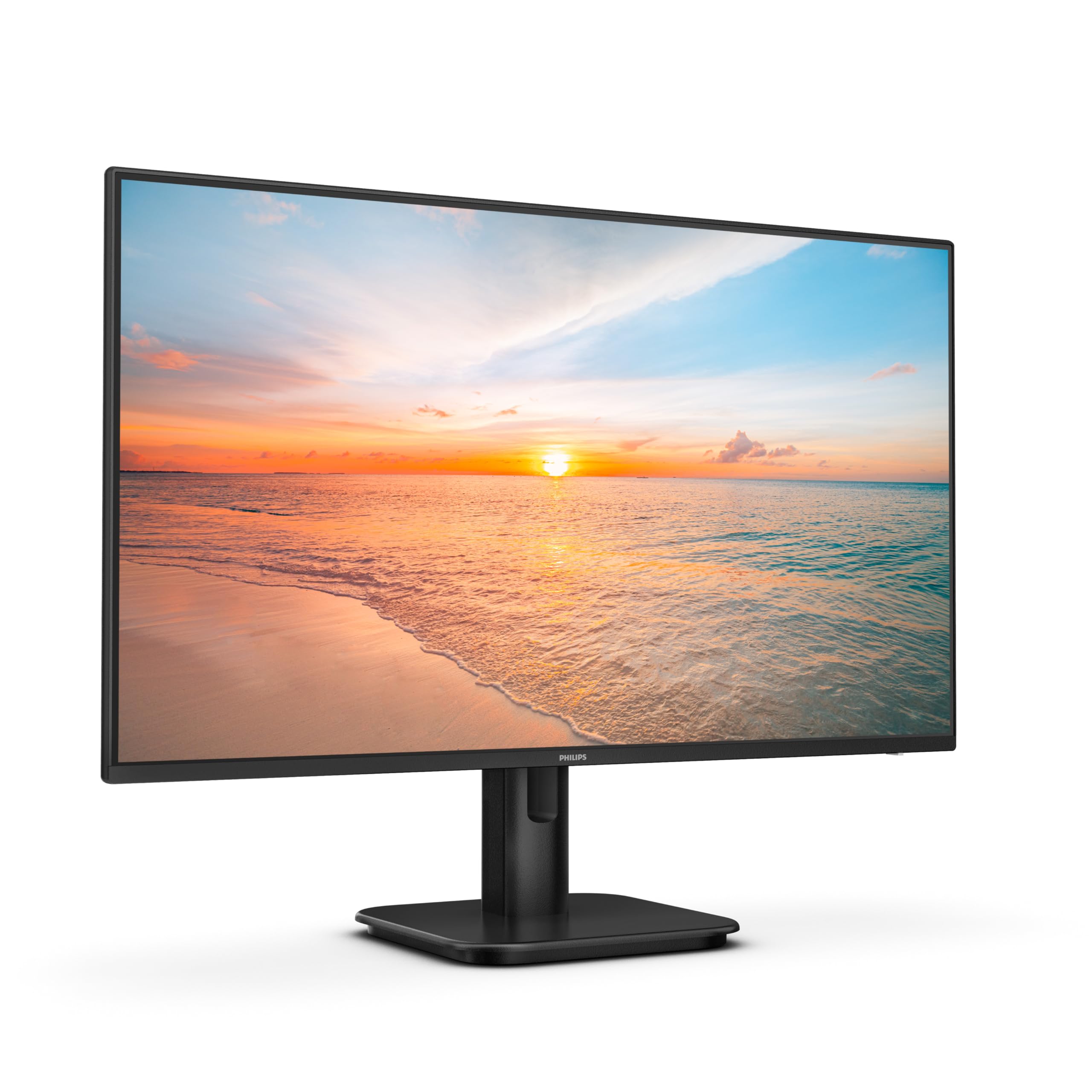
🚀 Elevate your workspace with Philips 24E1N1100A — where smooth meets sharp!
The PHILIPS 24E1N1100A is a 24-inch Full HD monitor featuring a 100Hz refresh rate and 1ms response time for smooth, blur-free visuals. Its IPS panel ensures wide viewing angles and accurate colors, while LowBlue Mode and Flicker-Free technology protect your eyes during extended use. Equipped with built-in speakers and cable management, it offers a neat, professional setup with versatile VGA and HDMI 1.4 connectivity.
| ASIN | B0CX9CT3ZF |
| Are Batteries Included | No |
| Best Sellers Rank | #4,629 in Computers ( See Top 100 in Computers ) #168 in Computer Monitors |
| Brand | Philips |
| Color | black |
| Customer Reviews | 4.4 4.4 out of 5 stars (2,481) |
| Date First Available | 23 July 2024 |
| Item Weight | 2.9 Kilograms |
| Item model number | 24E1N1100A/00 |
| Manufacturer | Philips |
| Number of HDMI Ports | 1 |
| Product Dimensions | 18 x 54.2 x 41.7 cm; 2.9 kg |
| Resolution | 1920 x 1080 |
| Screen Resolution | 1920x1080 |
| Series | 24E1N1100A/00 |
| Standing screen display size | 24 Inches |
| Voltage | 100 Volts |
A**N
A Productivity Powerhouse – Great 34” Ultrawide with One Quirk
I’ve been using this Philips 34” ultrawide with my MacBook Pro for a few weeks, and it’s made my work more enjoyable and not to mention giving my eyes the much needed comfort. What stands out: Sharp, immersive screen – text looks crisp once set to sRGB, and the wide format makes spreadsheets, writing, and coding much easier. Excellent for multitasking – I can comfortably run three windows side by side without feeling cramped. Solid build – the stand is sturdy, and the monitor supports VESA if you prefer an arm. Easy connectivity – one USB-C cable handles video + data, and the built-in webcam, while not the best, is great for calls. Smooth refresh rate – 100 Hz looks great for scrolling and light gaming. Where it falls short (but not dealbreakers): USB-C charging is weaker than the spec. I measured ~43 W instead of the advertised 65 W, so I keep my MacBook’s original charger connected when under load. Running the monitor at 100 Hz noticeably increases power draw and battery drain. Unless you need the smoothness, 60 Hz works perfectly fine for everyday office use. When you use it with the stand, it is only height adjustable, you cannot move it sideways, a minor hitch that was resolved with the purchase of a very economical 360° Rotating Swivel Stand Turntable. Final verdict: This monitor nails what matters: workspace, image quality, and ease of use. If you’re after a 34” ultrawide for productivity, this one delivers excellent value. Just manage expectations around charging, get a turntable (if you plan on using the provided stand) and you’ll be very happy.
A**R
All in one
Its a good product
A**.
Goed monitor voor dagelijkse werkzaamheden voor een goed prijs.
D**E
I already own the better version monitor from Philips (Nano Black) for my office and this model is only slightly below that in terms of screen quality. Very happy and works beautifully with my new M4 MacBook Air. Zero complaints as a home monitor, it wouldn’t be out of place in the office. The 65W USB C all in one cable is a winner, reducing clutter
D**T
Bought to replace an AOC screen of same size that failed. Equally as good as the old screen. Good image, plenty of control of colour, contrast and brightness. Goes into standby mode to save energy but resumes quickly. Very happy. Great value for money.
J**A
Écran économique, mais de qualité d'image excellente. Écran très stable grâce à son pied de bonne qualité. Câbles fournis (HDMI, VGA, alimentation) avec son mode d'emploi (pas nécessaire car installation et montage intuitif).
O**E
De momento una maravilla funciona muy bien aunque el sonido no sea su mejor calidad pero lo demás de diez
Trustpilot
4 days ago
2 months ago