
DOWNLOAD THE APP


Customer Services
Copyright © 2025 Desertcart Holdings Limited
DOWNLOAD THE APP
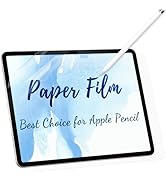
![[2 Pack] Paper Screen Protector Compatible with iPad Air (5th & 4th Gen) & iPad Pro 11 (2022-2018), Paper PET Film for Writing & Drawing](https://m.media-amazon.com/images/I/31suRnCgH+L.jpg)
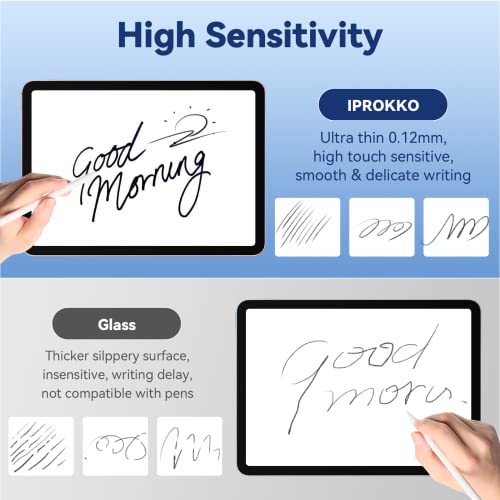
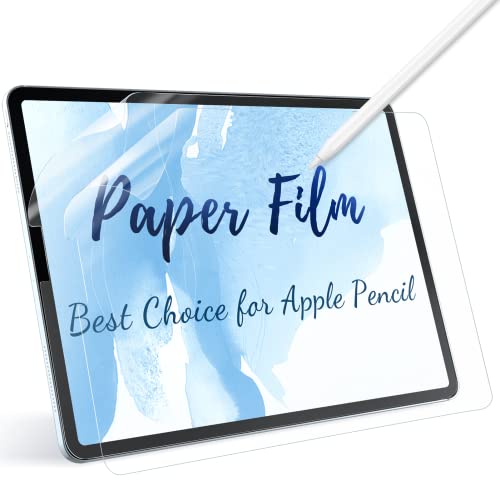
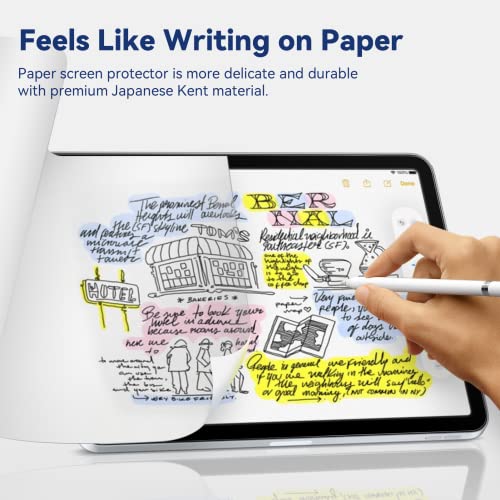
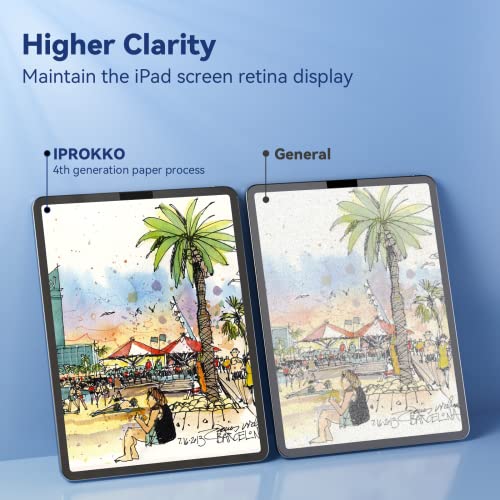



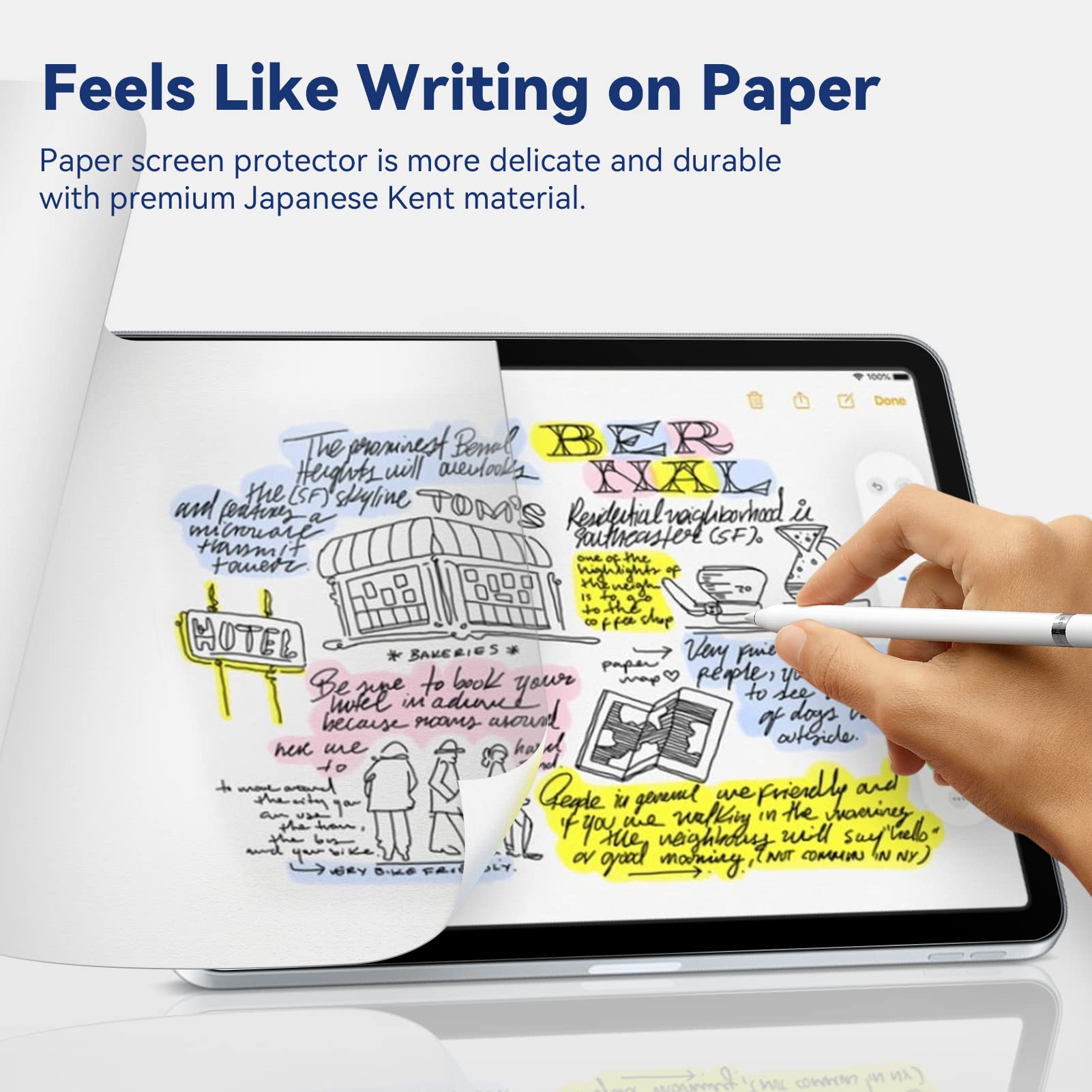

🖋️ Write, draw, and create like it’s paper—only smarter.
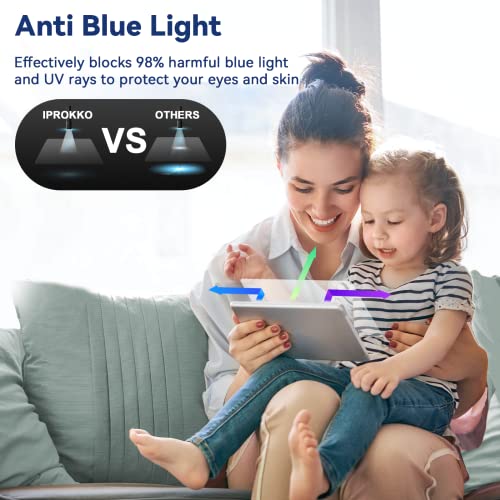
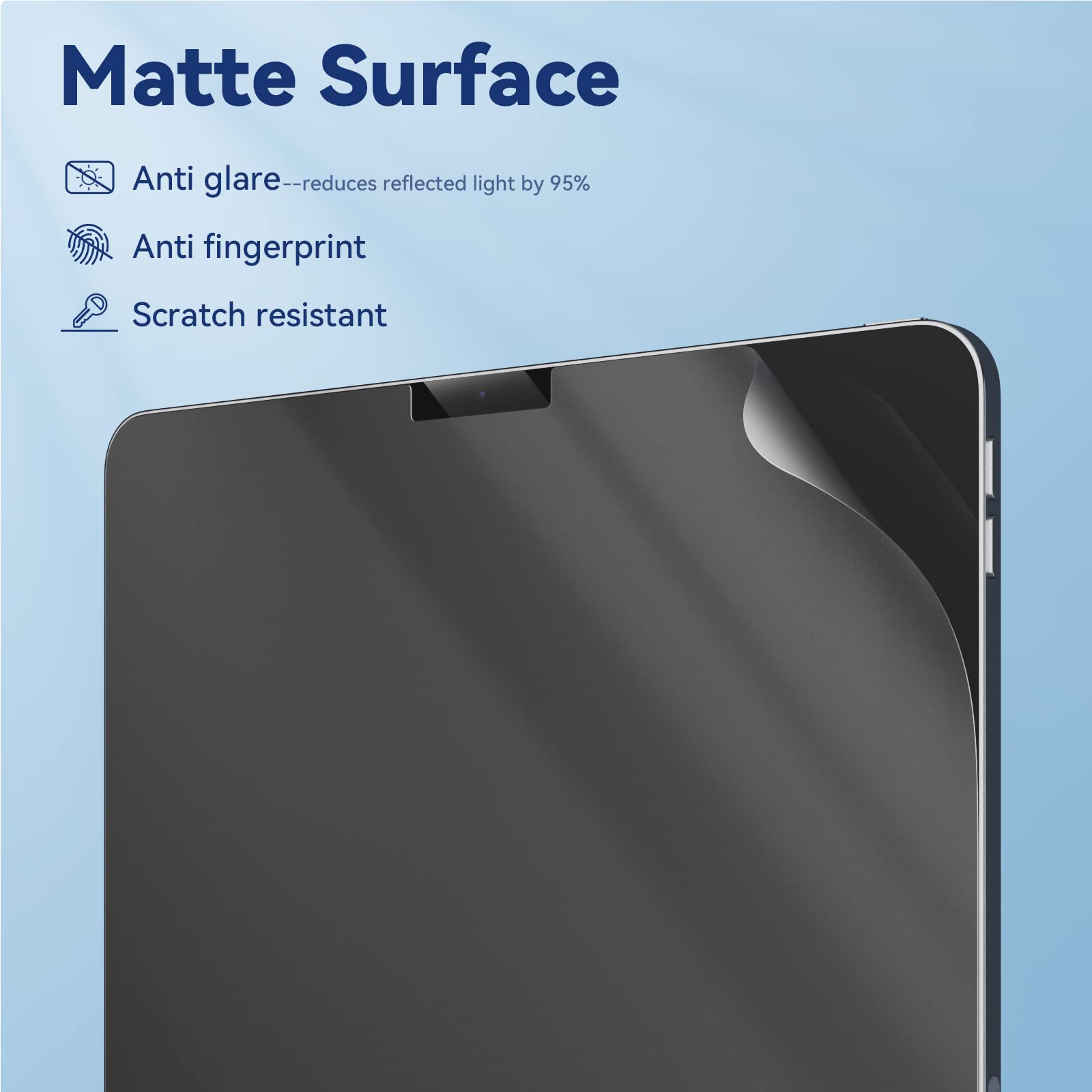
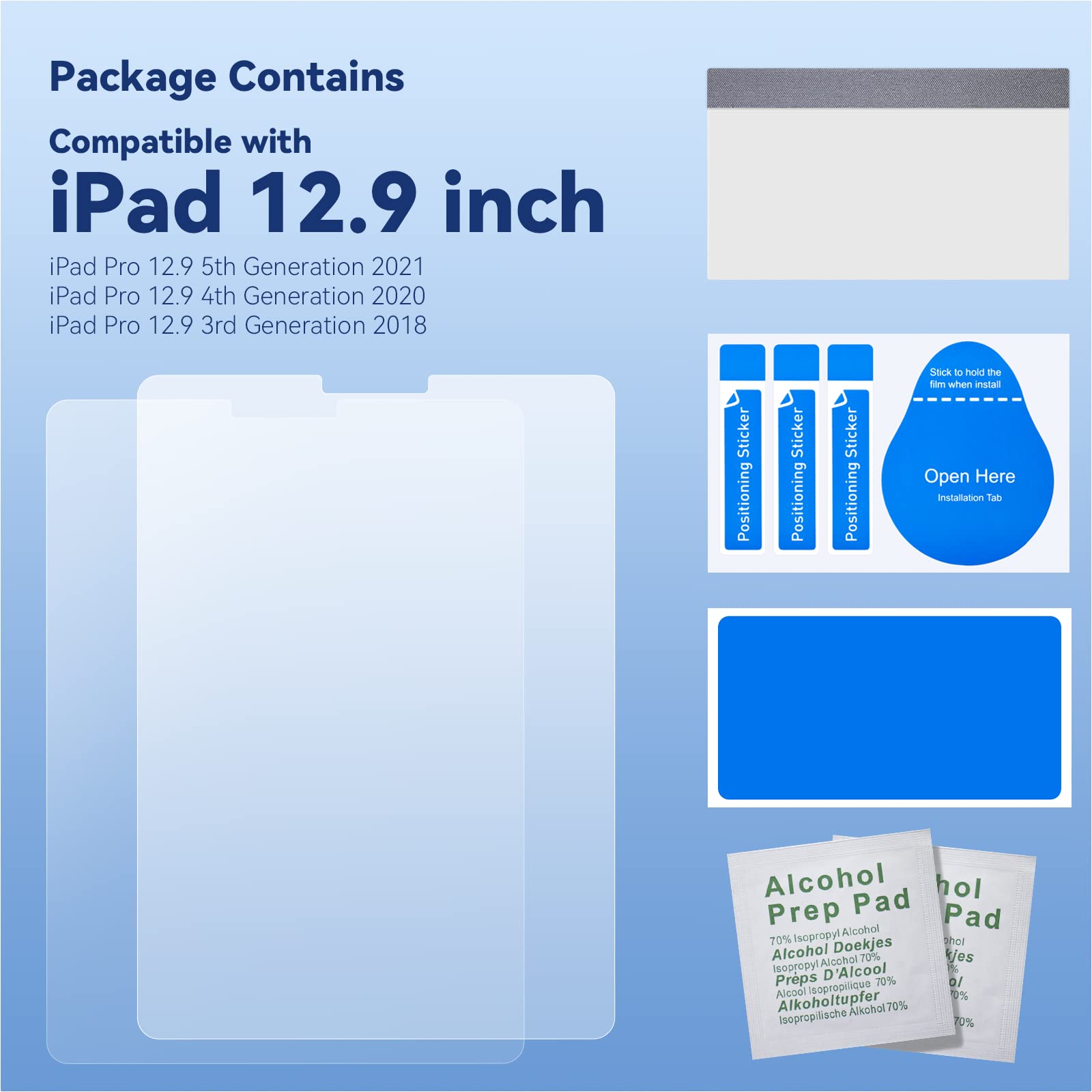
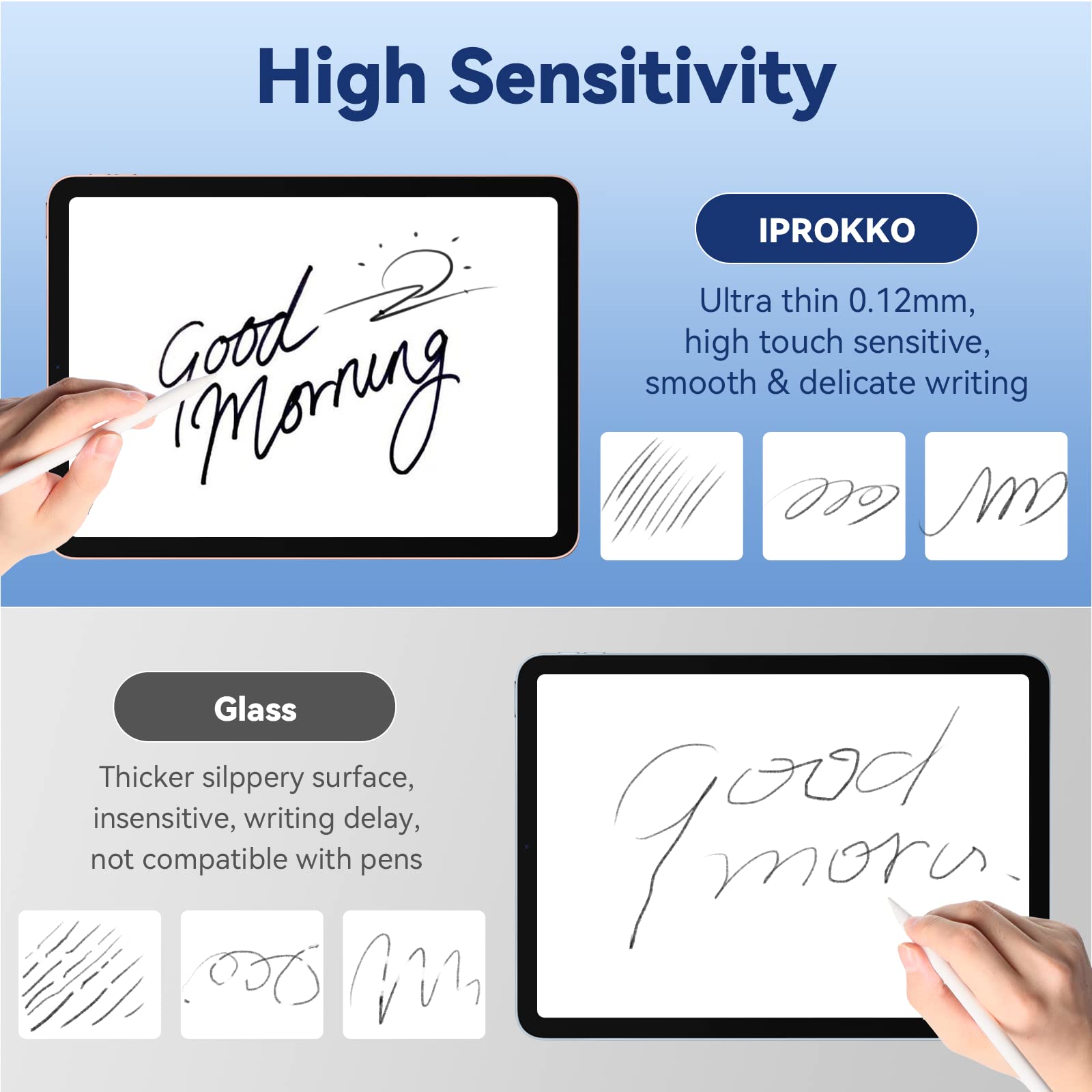
The IPROKKO [2 Pack] Paper Screen Protector is engineered for iPad Air (4th & 5th Gen) and iPad Pro 11 (2018-2022), delivering a premium matte finish that mimics real paper with 99% accuracy. Featuring advanced Japanese PET film, it reduces glare and blocks 95% of blue and UV light to protect your eyes during extended use. Its durable, self-healing surface minimizes pencil tip wear and resists scratches and fingerprints. With nano silicone adsorption technology, installation is bubble-free and hassle-free, making it the perfect upgrade for professionals and creatives seeking a natural writing and drawing experience on their iPads.







| ASIN | B0B3HH469C |
| Best Sellers Rank | 1,024 in Computers & Accessories ( See Top 100 in Computers & Accessories ) 58 in Tablet Screen Protectors |
| Colour | matt |
| Customer Reviews | 4.1 4.1 out of 5 stars (3,103) |
| Date First Available | 8 Jun. 2022 |
| Item Weight | 120 g |
| Item model number | Paper screen protector |
| Other display features | Wireless |
| Product Dimensions | 32 x 23 x 1.27 cm; 120 g |
| Special features | Paper/Anti Glare/ Anti Blue Light/ Bubble Free/ Fingerprint Resistant |
| What’s in the box | screen protector |
M**M
Smooth touch response
Excellent screen protector with crystal-clear display and smooth touch response. It fits perfectly on the iPad and was easy to install without bubbles. Provides strong protection against scratches and fingerprints. Great value for daily use and long-term durability.
L**F
Perfect finish just read the instructions!
Bought for drawing on an iPad 12.9. I'd heard of PaperLike but whilst I'm sure that's a good product I was sure there'd be a just as good alternative. The reviews for this product were very good and ticked the box that others had compared this to PaperLike. I've used PaperLike so I'm not comparing but I can say this product easily exceeded my expectations. For all the points on improving the Apple Pencil experience, they're all true. Quite wonderful and 'paper like'. The trade off is the gloss is obviously gone so it dulls the video watching experience which is quite inferior to just the bare screen. But drawing was my primary need so for me that compromise is one I have to trade. I was nervous to get such a huge screen cover applied dust and bubble free but I stunned myself and it's perfect. Not a bubble or fleck. I gave applying it 4 stars, its not a walk in the park but preparing and steady hands gets the job done. Very happy to recommend this product. The glare is reduced obviously with the matte finish and I've not noticed any change in touch sensitivity. In fact I'd go further and say it much improves the zoom and rotate off hand gestures whilst moving the canvas about as you draw.
E**E
Nice
Couldn't figure out how to apply it without bubbles and unsure how safe it will keep the screen if the ipad is dropped by accident. But really nice writing experience. That part is great
I**N
A Great Pick for Artists with a Few Considerations
I bought this screen protector for my wife, who uses her iPad Pro daily for drawing, and overall, it’s been a solid purchase. The paper-like texture is fantastic, it really enhances the drawing experience, making it feel much closer to sketching on real paper. The anti-glare finish is a big plus, especially for long creative sessions. That said, there are a few trade-offs. Installation takes some care to get right, and while the matte texture is excellent for drawing, it can slightly reduce screen clarity compared to a glossy protector. Another thing to note is that the textured surface can wear down Apple Pencil nibs a little faster than using the bare glass, so you may need to replace them more often. The two-pack is a thoughtful addition, giving you a backup in case of mistakes or wear. For artists or dedicated note-takers, this screen protector is a fantastic choice just keep in mind the small compromises that come with it.
K**.
Should’ve read the reviews
I should’ve read the reviews more. Firstly, this is not a screen protector, it’s simply a thin layer of matte film. I doubt it would prevent the screen from cracking if something were to happen to it. Secondly, it’s needlessly difficult to install, and bubbles are impossible to remove. Before and after photos attached. It’s simply not possible to smooth out all of them. Also, while trying to get rid of the bubbles, rubbing the film produces some sort of white residue and the cleaning cloth leaves fluff as well. Lastly, it’s matte so it does make everything look muted, but a much bigger issue is that it just makes everything so blurry. Avoid.
R**R
Effective Privacy and Eye Protection for Surface Laptops
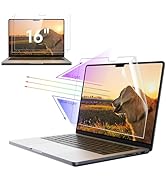
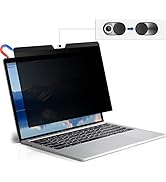
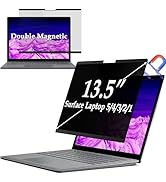
I purchased the IPROKKO Magnetic Privacy Screen for my 15" Surface Laptop 4, and it has been an excellent addition to my work setup. The magnetic attachment is strong and aligns perfectly with the screen edges—no adhesives or tricky installation required. It stays firmly in place but is also easy to remove when I need to share my screen during meetings. The privacy filter works very well—from about a 30° angle and beyond, the screen becomes significantly dimmed, which has helped when working in public spaces like coffee shops or airports. On top of that, the anti-glare coating and blue light reduction are noticeable during extended use, helping reduce eye strain during long hours of typing and reading documents.
J**N
Good, but there're issues
The item is good with two issues. 1. The upper magnets are not adhesive. Only the lower one is working. 2. Touch becomes considerably less smooth. Even the stylus does not smoothly run on the screen
B**E
Discreet and Easy Privacy Protection for My Surface Laptop
I’ve been using the IPROKKO Magnetic Privacy Screen on my Surface Laptop for a little while now, and I’m genuinely impressed by its thoughtful design and performance. The magnetic attachment makes installation incredibly easy — it aligns perfectly and holds firmly without leaving any marks or sticky residue. I also really appreciate that it's removable, which is especially useful when I want to share my screen during meetings or presentations.
A**R
البائع محترم و المنتج واصل كما فى الوصف نيجى بقى لتجربة الاستخدام هو فعلا هيخلى الكتابة احسن شوية بس كواليتى الشاشة هيقل جدا و مش هتعرف تشوف حاجات معينة من زاوية حادة و كمان بيخلى الملمس مش كويس عند الاستخدام بدون قلم من الاخر تجربة الكتابة هتتحسن كل حاجة تانية هتبقى وحشة فلو استخدامك كتابة بالقلم بس جيبه غير كدا لا
G**5
Muy buen producto coincide con lo ofrecido
ت**د
ليست ذات جودة عالية
J**A
Ich habe mir diese „Like Paper“-Folie gekauft, um auf dem iPad besser schreiben und zeichnen zu können, und bin wirklich begeistert. Die Oberfläche fühlt sich angenehm matt an und bietet genau den richtigen Widerstand für den Apple Pencil. Das Schreibgefühl kommt echtem Papier sehr nahe, was Notizen, Lernen und Zeichnen deutlich angenehmer macht. Die Montage war unkompliziert. Mit etwas Ruhe und Sorgfalt ließ sich die Folie blasenfrei anbringen. Besonders praktisch finde ich, dass gleich zwei Folien im Set enthalten sind – falls beim ersten Anbringen etwas schiefgeht oder man später Ersatz braucht. Die Bildqualität bleibt trotz der matten Oberfläche sehr gut. Reflexionen werden deutlich reduziert, was vor allem bei längerer Nutzung oder bei hellem Licht ein großer Vorteil ist. Texte und Inhalte sind weiterhin klar erkennbar, ohne störende Spiegelungen. Auch nach längerer Nutzung zeigt die Folie keine auffälligen Abnutzungserscheinungen. Der Apple Pencil gleitet gleichmäßig über das Display, ohne zu rutschen. Für mich ideal zum Schreiben, Planen, Lernen oder kreativen Arbeiten. Fazit: Eine sehr hochwertige Papierfolie mit tollem Schreibgefühl, guter Entspiegelung und fairem Preis-Leistungs-Verhältnis. Eine klare Empfehlung für alle, die ihr iPad intensiv zum Schreiben oder Zeichnen nutzen.
C**.
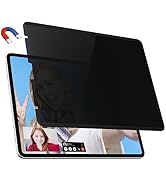
It snaps on easily with its magnetic design and shields your screen from prying eyes, so you can work on sensitive projects without worrying about someone peeking over your shoulder. The anti-glare and blue light filter also make it easier to see your screen clearly and reduce eye strain from long hours of work.
Trustpilot
1 month ago
3 days ago