


📸 Snap, Store, and Go! Your printer's new best friend.
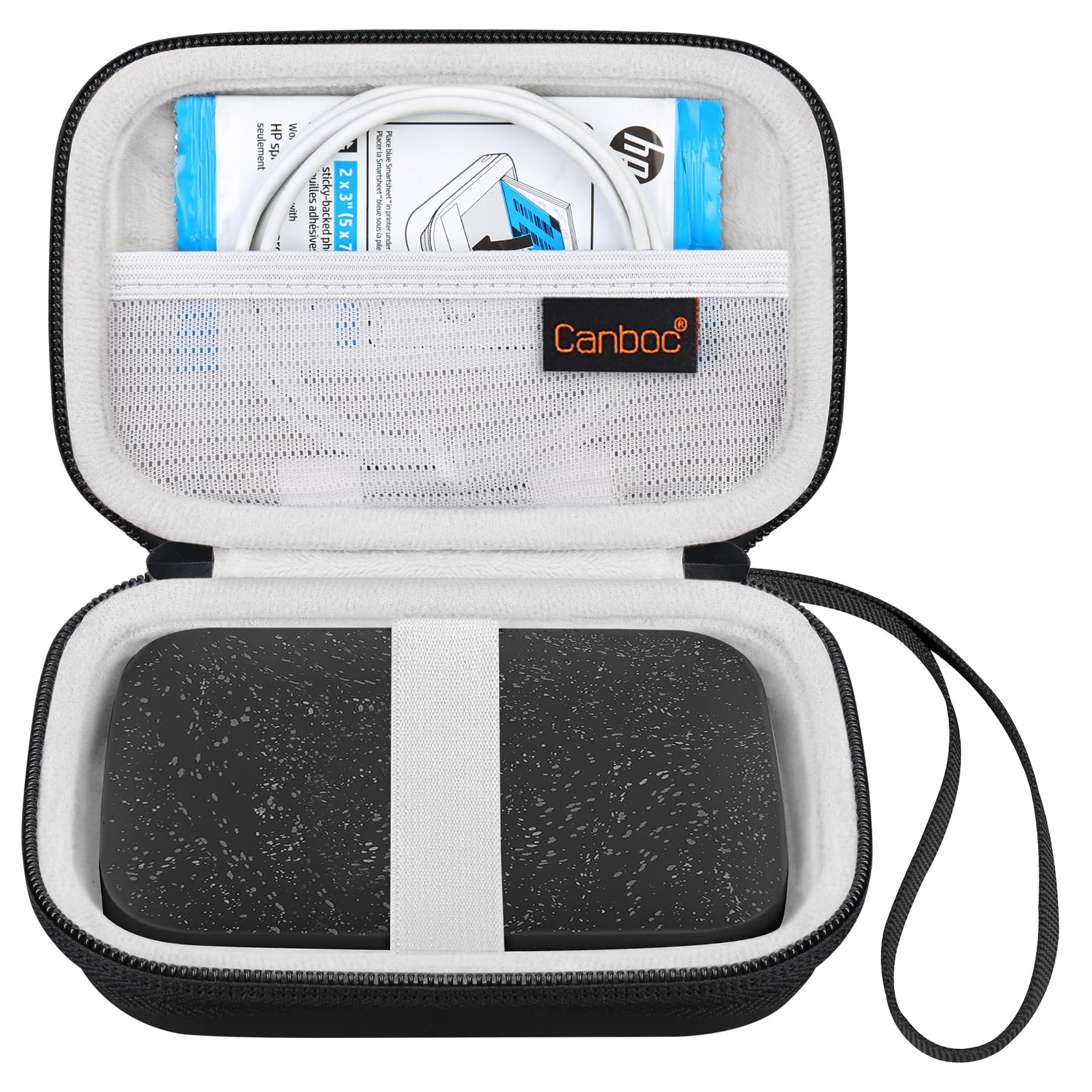
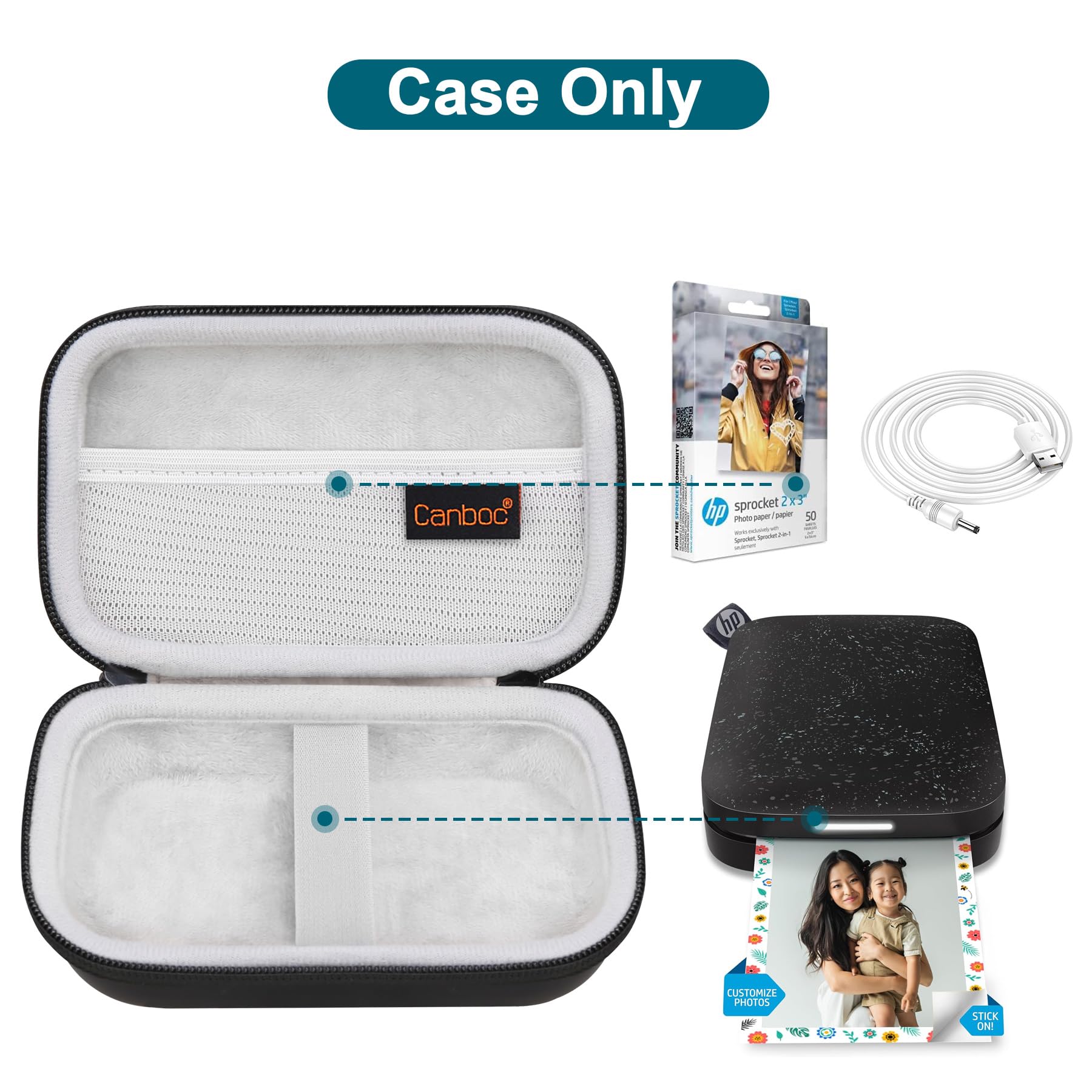
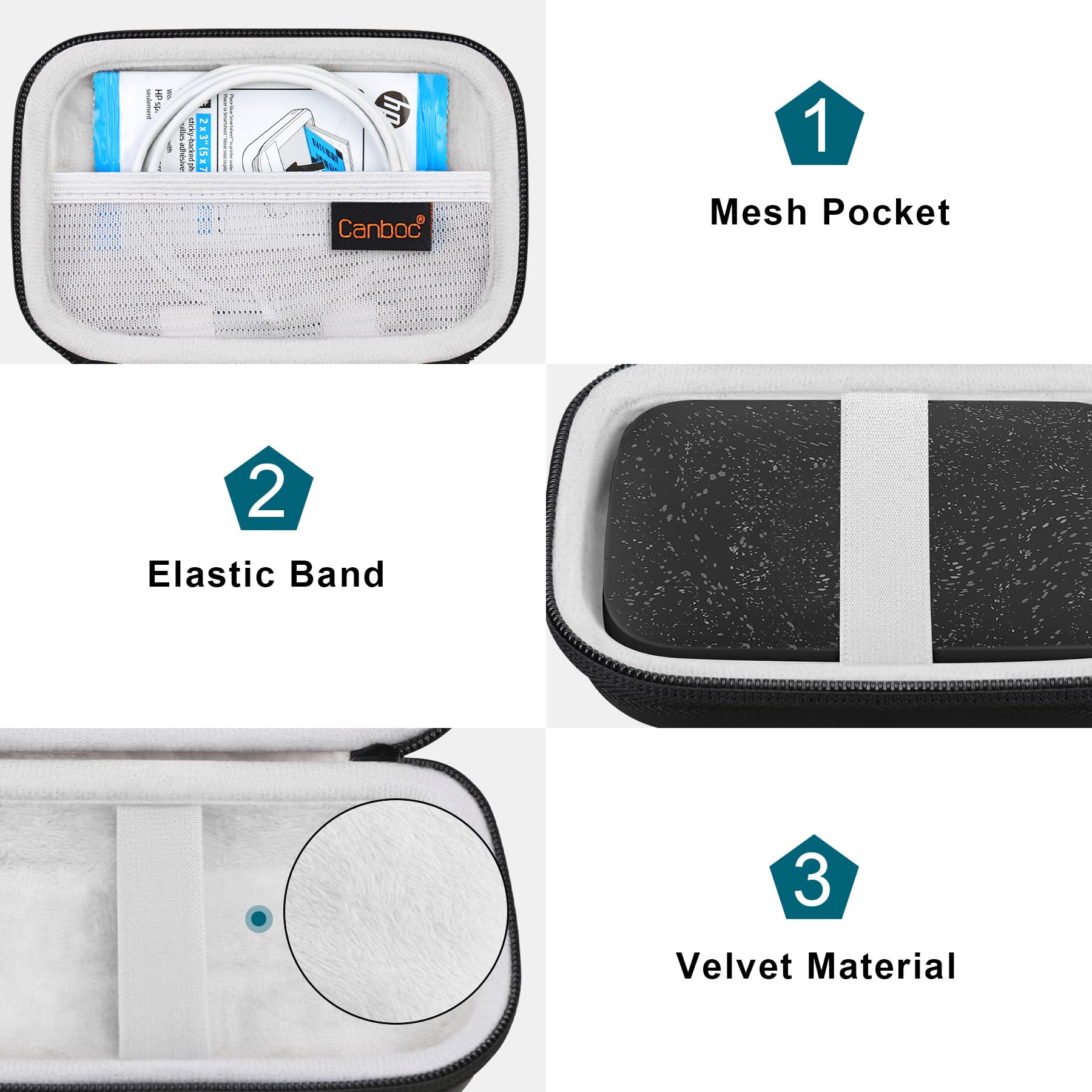
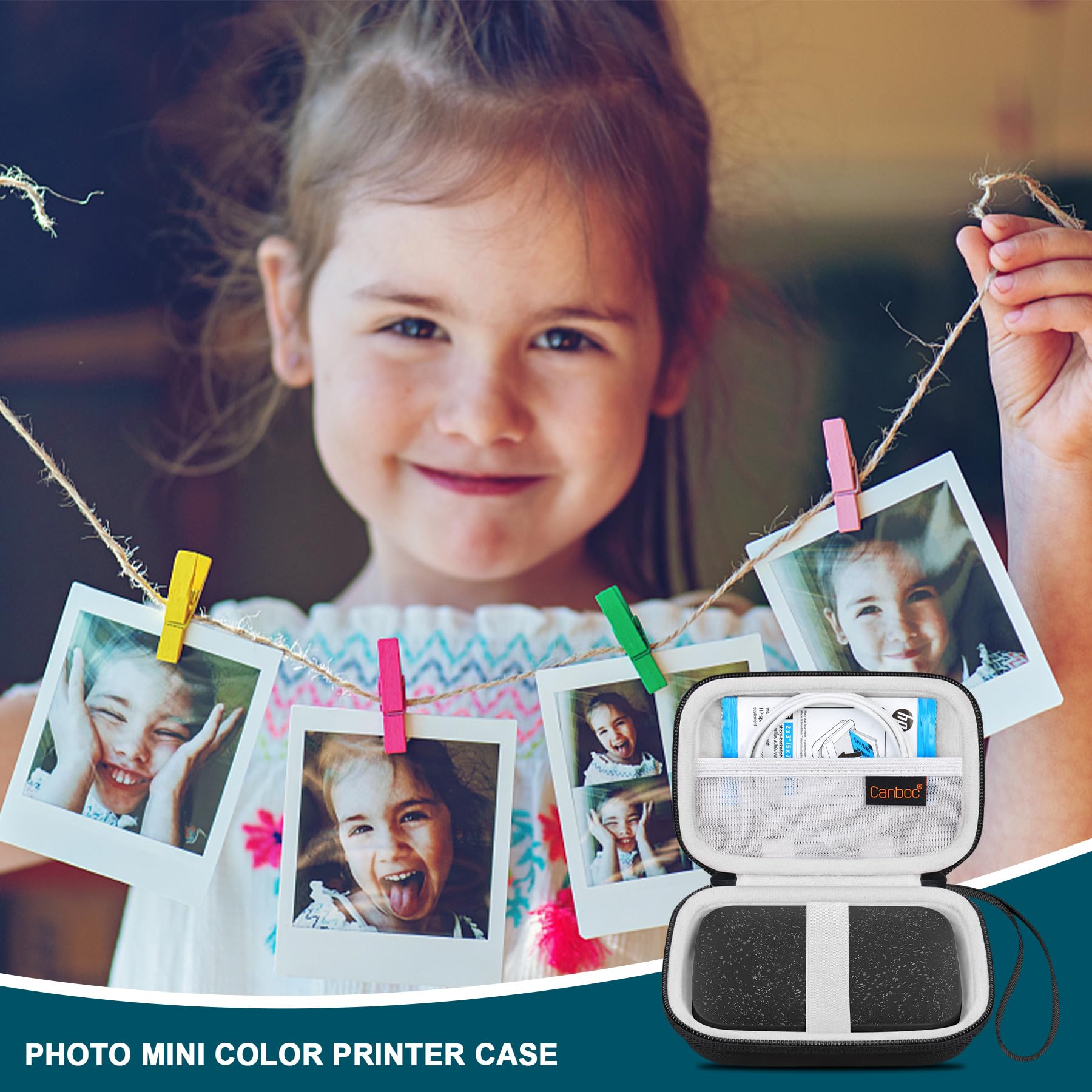
The Canboc Carrying Case is a hard-shell, portable storage solution designed specifically for HP Sprocket, KODAK Step, and Lifeprint 2x3 instant smartphone photo printers. Made from durable PU material, it features a shockproof interior, a detachable wrist strap, and a compact design, making it perfect for travel and everyday use. This case is not just functional but also an ideal gift for photography enthusiasts.


| Shell Type | Hard |
| Material Type | Polyurethane (PU) |
| Item Weight | 3 Ounces |
| Item Dimensions L x W x H | 5.9"L x 1.9"W x 3.93"H |
| Style | Hp Sprocket Portable 2x3" Case |
| Pattern | Solid |
| Color | T-Black |
| Handle Type | Removable Wrist Strap |
| Strap Type | Detachable,Wrist Strap |
| Closure Type | Zipper |
E**A
Mini Printet
I’m loving the printer
K**K
Works great.
Works great. Bought as a gift.
M**Z
Perfect for Sprocket
Great buy to keep safe my Sprocket, which fit perfectly along with its cable and a few quantity of the paper. Vibrant color. Great buy!
T**
Sprocket case
Exactly as described.
S**M
Provides device protection and storae.
This little case not only provides protection for my Sprocket, but has a zip mesh pocket large enough to carry extra packages of photo pages and the charging cord.
J**N
Good device but skip the App
This is perfect for printing wallet sized photos. The app it suggests you use, don't even bother. It's not user friendly, needs to update before EVERY use (even tho I've already spent 15 min installing the update), and it just doesn't work. The DEVICE however works fairly well although the pics come out a little dark (think of classic Polaroid pics). I have a Google Pixel 3 so I choose my pic from my camera roll, use a filter that makes the pic brighter (almost washed out but not losing any details), click open the options to send the pic (usually used when I'm attaching the pic to a text message), and click Blutooth. Make sure the device is on, then you can send the pic from your phone via Bluetooth without needing to use their worthless app. PRO TIP: These are wallet size photos so if you have a large detailed photo you're trying to print, keep in mind it's only going to print the center most area of the photo (cutting off edges). You can modify this by screenshotting your pic, editing it to make it zoomed out a bit which creates a thick black border around your original pic, then printing. Since the photo on your phone is more centralized, when it prints, it'll pull more of the image since the black edges will be cut off.Hope this helps!!
F**8
Hp carrying case
I loved mine and the color I picked
L**T
Perfect gift for teenagers
Perfect To have its own little case
Trustpilot
3 weeks ago
1 day ago