Desert Online General Trading LLC
Dubai, United Arab Emirates
Desert Online General Trading LLC
Dubai, United Arab Emirates





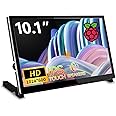
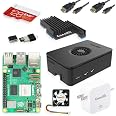
🖥️ Elevate your projects with touch, clarity, and sound — the ultimate portable display!
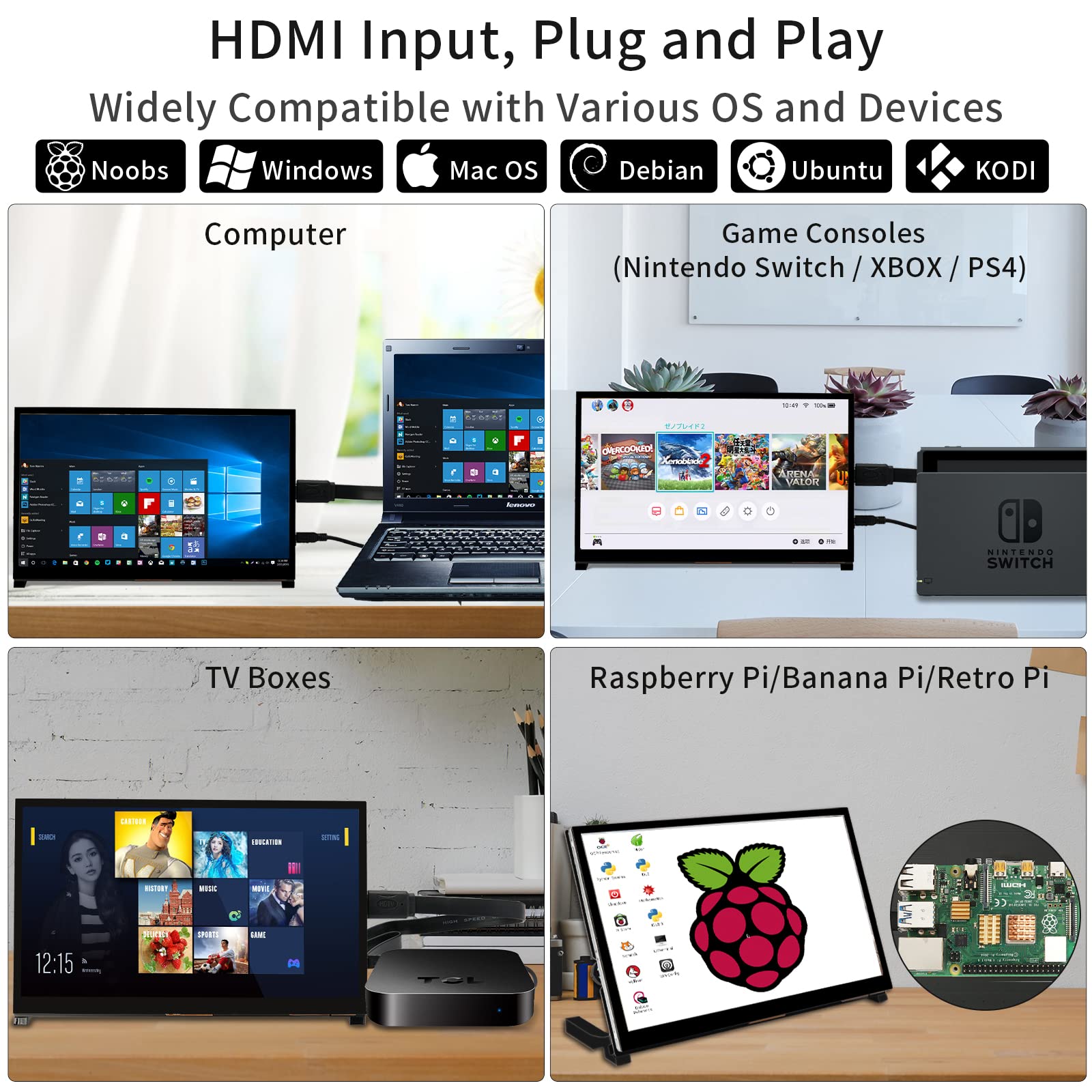
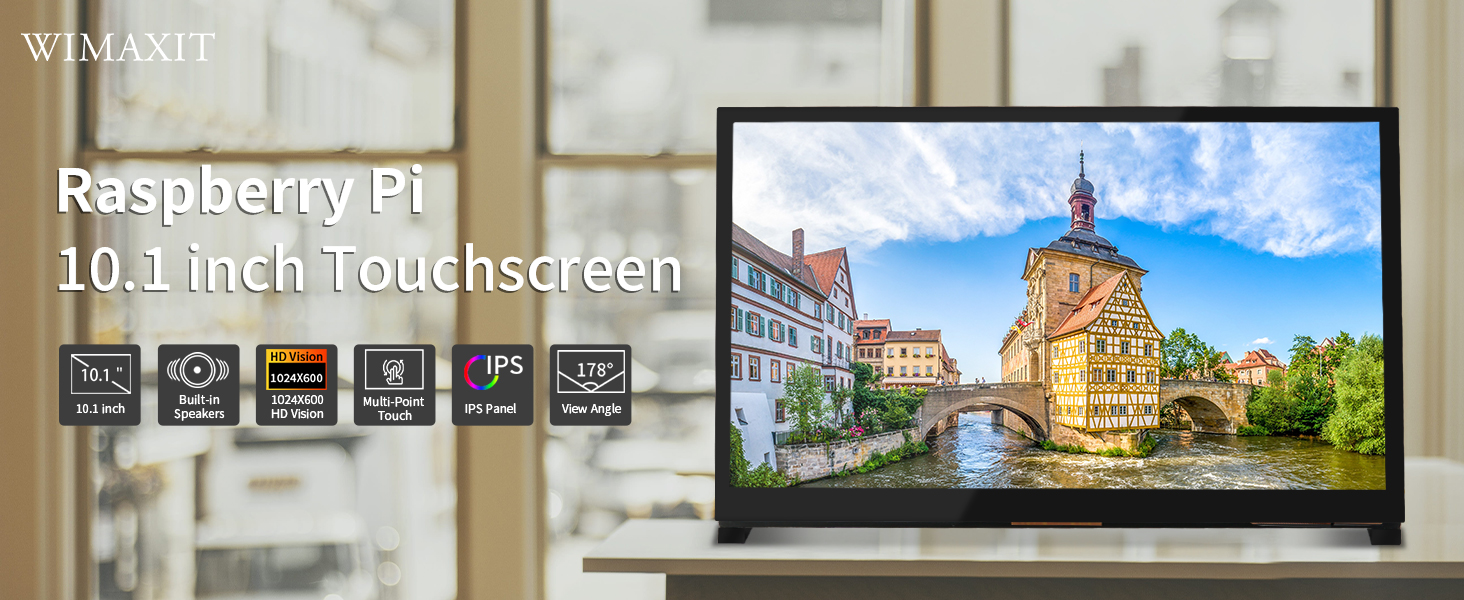
The WIMAXIT 10.1-inch Raspberry Pi Touchscreen Monitor features a 1024x600 IPS display with 5-point multi-touch, dual USB and HDMI ports, and built-in dual speakers. Designed for seamless plug-and-play use across Raspberry Pi models, Windows, Linux, and gaming consoles, it offers wide 178° viewing angles and a durable 6H hardness touch panel, making it a versatile, portable solution for developers and tech enthusiasts seeking vibrant visuals and immersive audio on the go.

| Brand | WIMAXIT |
| Product Dimensions | 23.6 x 2 x 14.6 cm; 912 g |
| Item model number | M1012 |
| Manufacturer | WIMAXIT |
| Series | M1012 |
| Colour | Black |
| Standing screen display size | 10 Inches |
| Screen Resolution | 1024x600 |
| Resolution | 1024 x 600 |
| Number of USB 2.0 Ports | 1 |
| Number of HDMI Ports | 1 |
| Voltage | 5 Volts |
| Are Batteries Included | No |
| Item Weight | 912 g |
| Guaranteed software updates until | unknown |
Q**N
Great with Raspberry pi
Great display which has a really neat way of mounting and connecting Raspberry pi without using cumbersome connecting cables.
W**P
A really impressive and quality product!
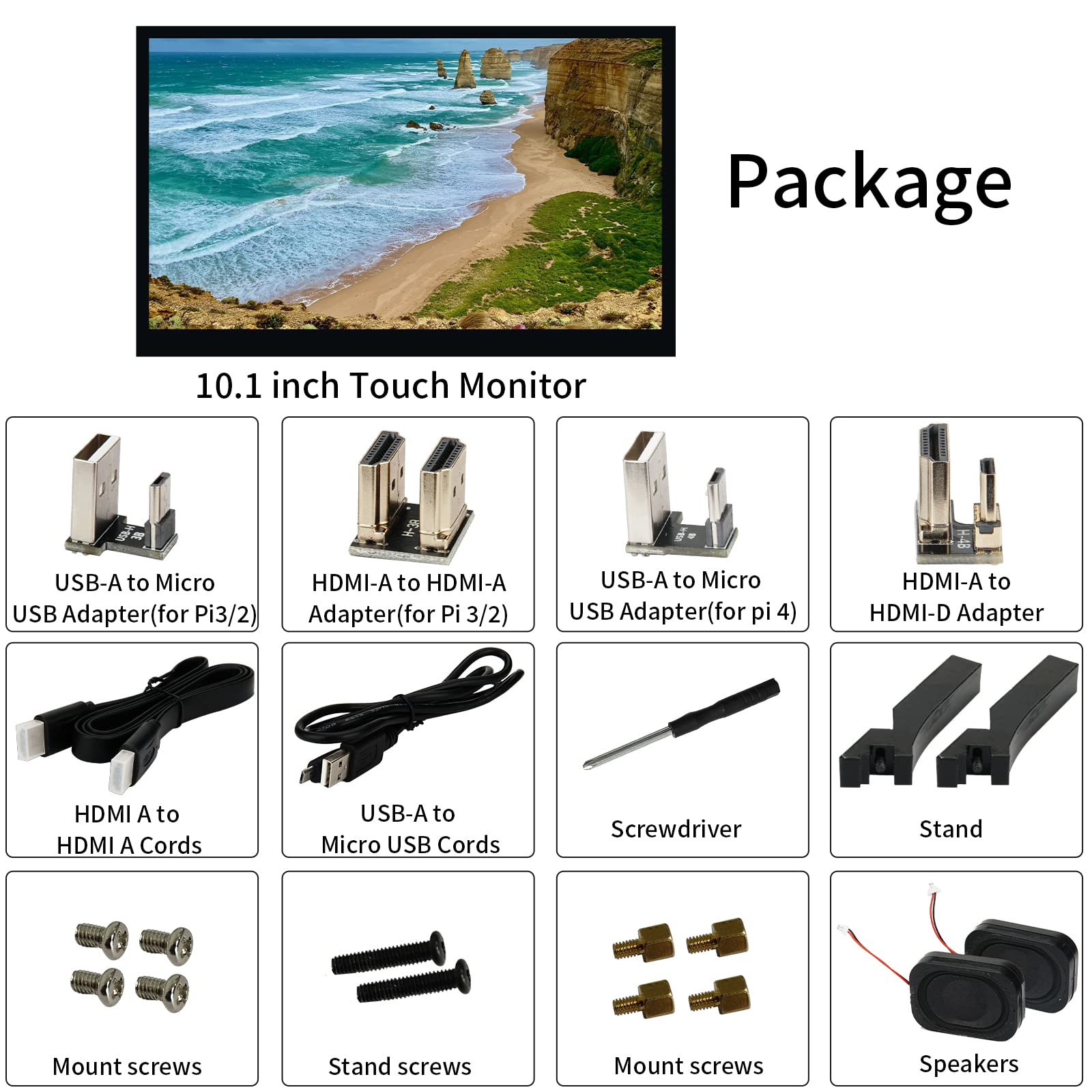
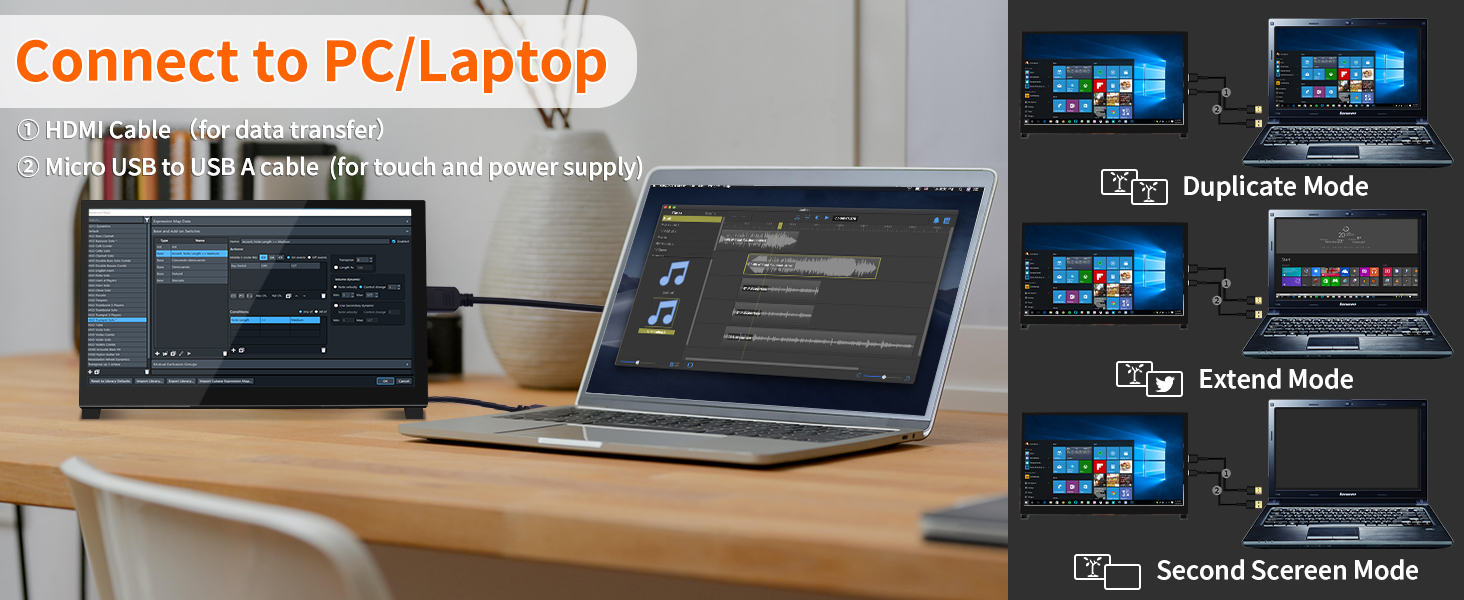
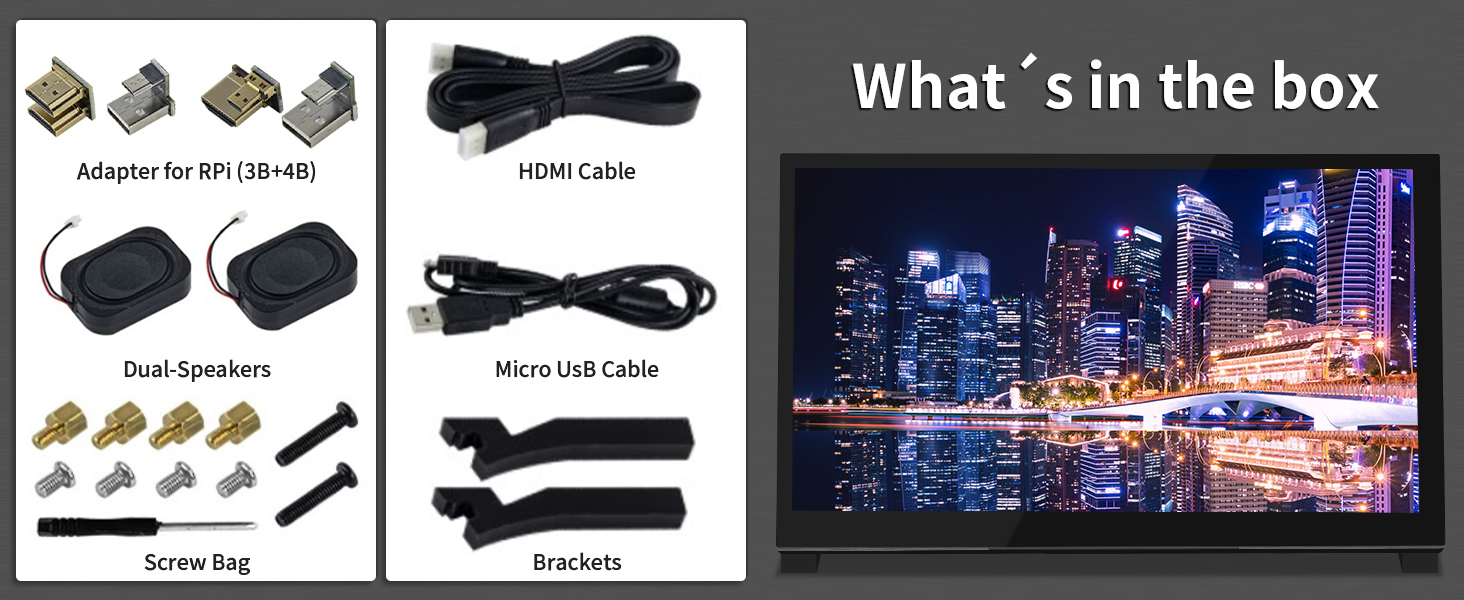
The Wimaxit 10.1 Inch display is superb!It came smartly and professionally packaged, something that I have come to expect from AndyCine products. The box is smart and simple in design with the contents carefully packed and protected with layers of foam and cardboard.The display itself is really elegant in design with its solid build, and very simple to attached the optional stereo speakers and acrylic cut feet, allowing the device to free stand on a desk.I tried my Wimaxit 10.1 Inch display first with a Raspberry Pi 4B, all the required plug in adopters are provided in the box for both model B+ and 4B versions of the Raspberry Pi.All you really require is a compatible Raspberry Pi, micro SD card and suitable Pi power supply. Because the display also attaches to the Pi via USB, it can use the 5v from the Raspberry Pi power supply meaning just one power transformer and plug can power both devices as one standalone unit. which is a really clever idea!After adding the required config text to the config.txt file on the SD card ( Raspberry Pi OS must be download and preflashed to the SD card using official Raspberry Pi Download tools for MAC / PC or Linux desktop computers) The Pi and Wimaxit 10.1 Inch display synced together first time and the touchscreen worked first time as well, which was really impressive as I was expecting to have to install drivers or configure the Pi manually.As a final test I quickly configured the Wimaxit 10.1 Inch display into external display mode, by removing the USB adaptor out of the PI, then using the provided HDMI and USB cables to power up the display only from a 5v external source, then plugging in a NES mini HDMI game console, which worked really well with the sound and picture coming though perfectly.Overall I really useful and high quality device with a number of applications thats io its light weight, connectively, built in sound and touchscreen abilities.Highly recommend!
G**M
Does what it says
Worked fine - but would have liked a link to an online user manual rather than the small printed one supplied. Asked for one via support site but no response. Functions well with Raspberry Pi 4B and as a Windows monitor.
I**E
Really good monitor for my home assistant dashboard
This screen is ideal for my home assistant set up. Just adding a raspberry pi to the back of it i can use it as dashboard. It doesnt need high power so you can use your pc or laptop to power or even a power bank. The speakers are decent on this as well. so many different use cases for this.
B**
Never worked
Tried to screw in the screws with none of them being able to fit it and just wasted time trying to use this cheap-made product.
P**S
ok
Works well with the raspberry pi.
Trustpilot
3 weeks ago
1 week ago