

Desert Online General Trading LLC
Dubai, United Arab Emirates
Desert Online General Trading LLC
Dubai, United Arab Emirates
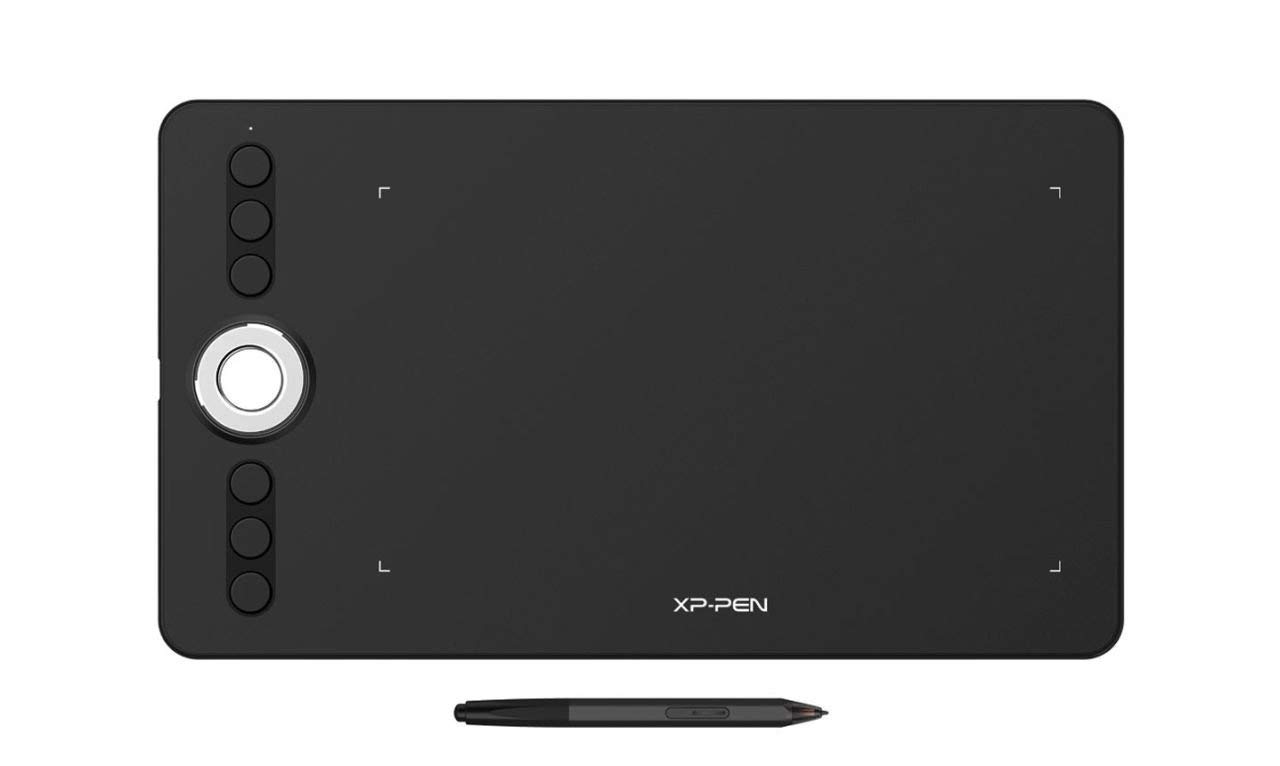
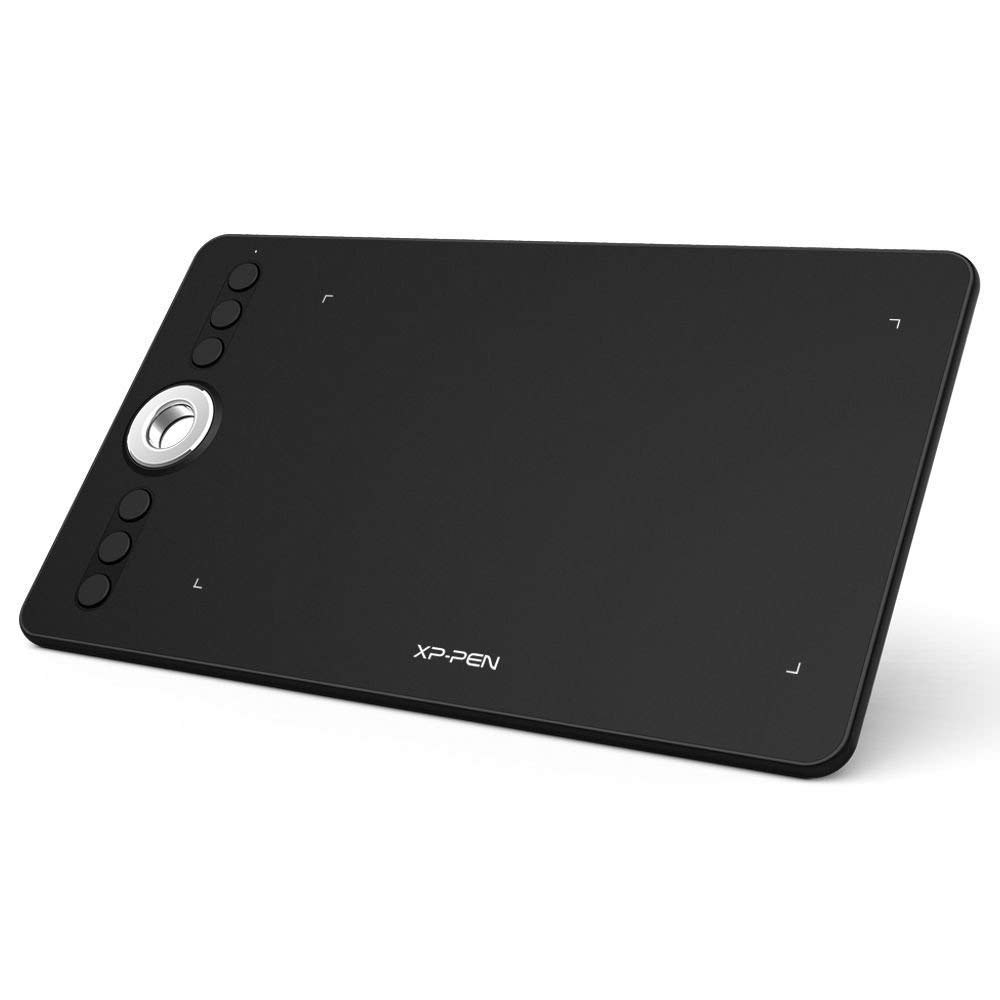
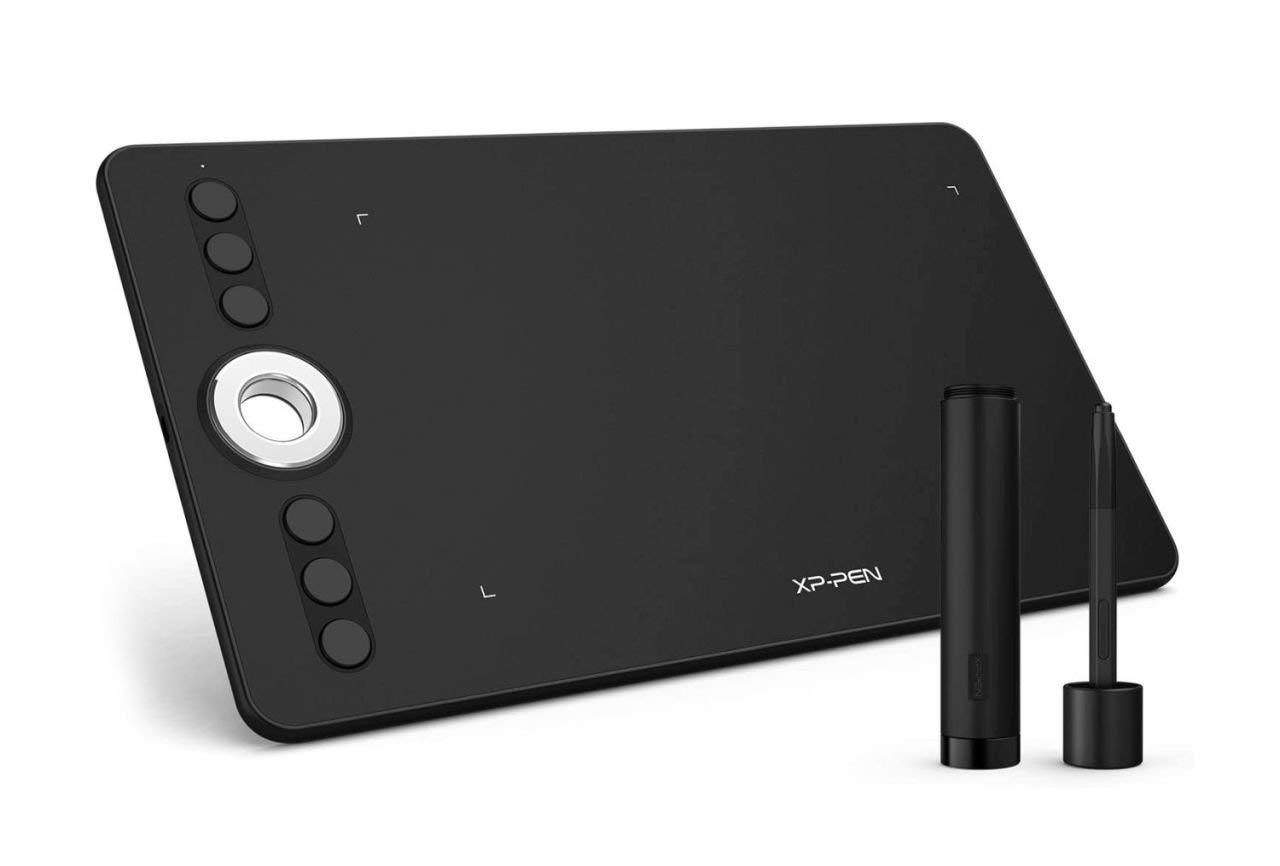
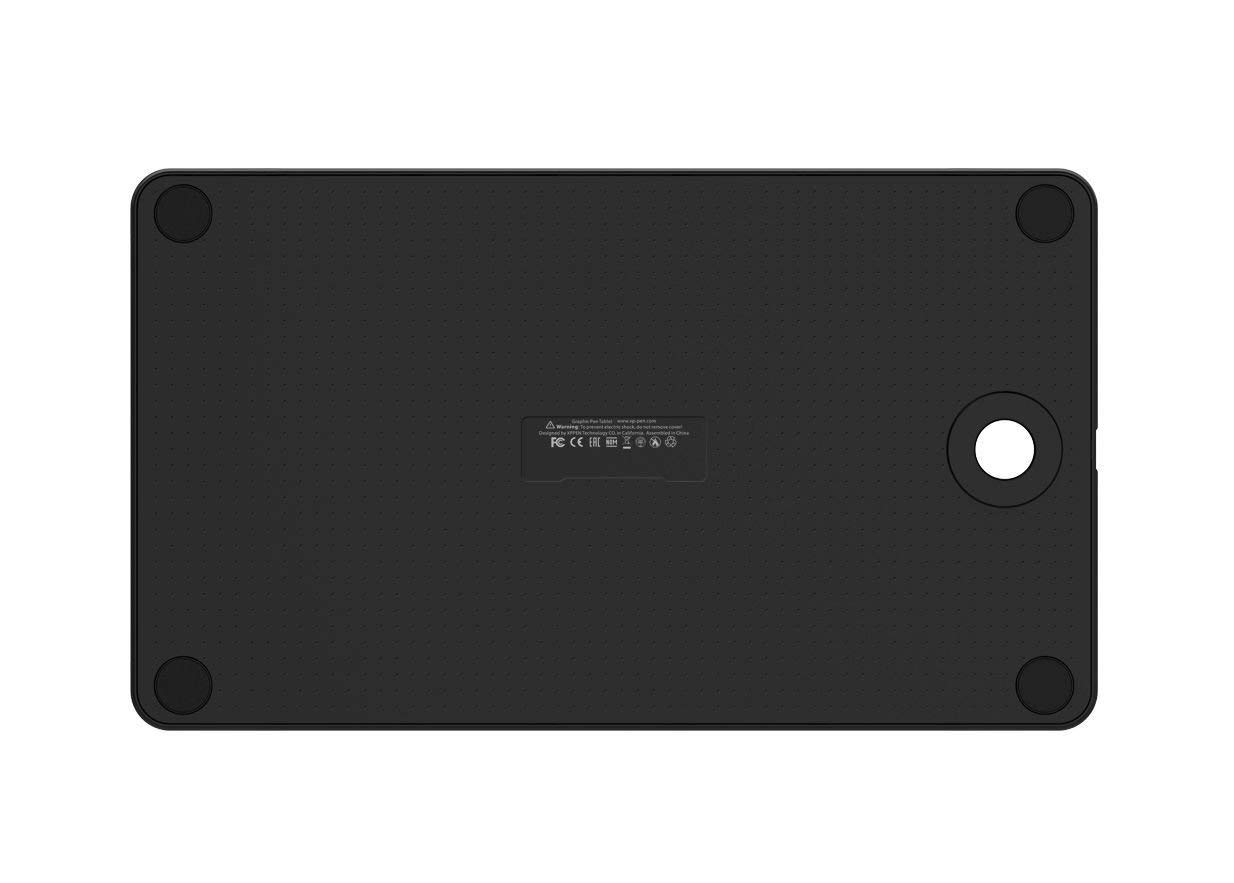


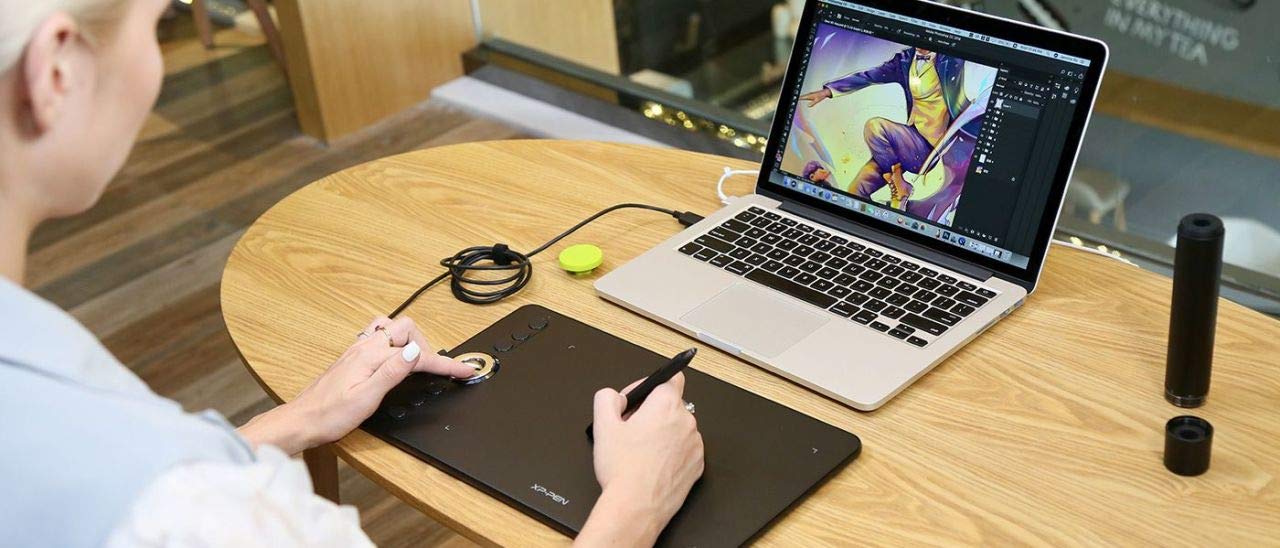
🎉 Elevate Your Art Game with XP-Pen!
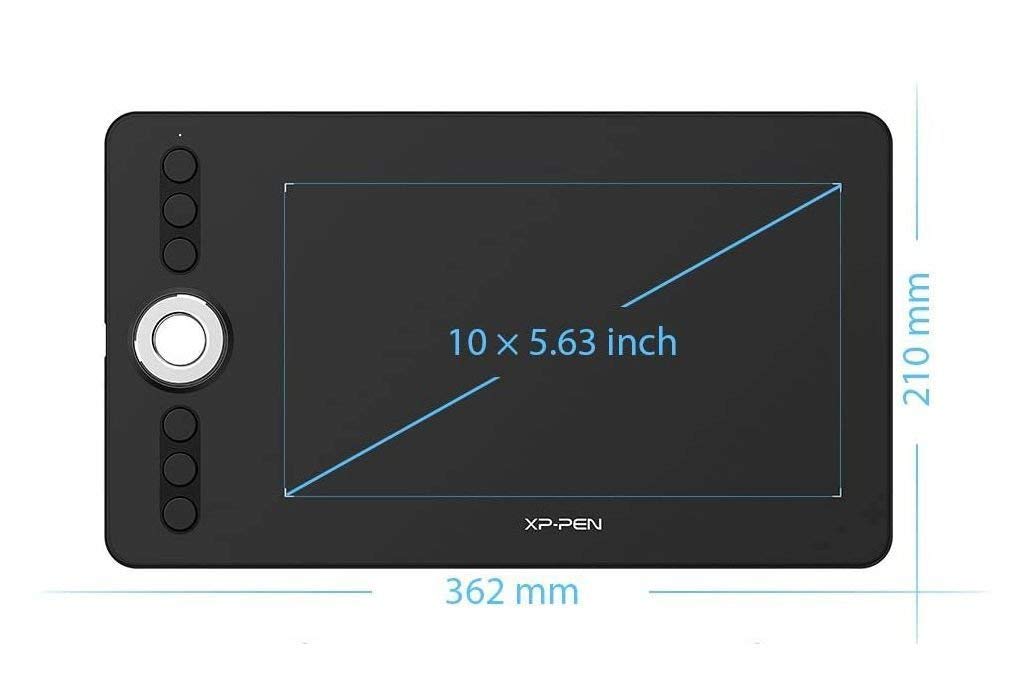
The XP-Pen Deco 02 is a high-performance graphic design tablet featuring 8192 levels of pressure sensitivity, a spacious 254 x 143 mm working area, and seamless USB 2.0 connectivity. Weighing only 10.6 ounces, it's perfect for artists on the go and compatible with both Windows and macOS.
| Standing screen display size | 4 Inches |
| Brand | XP-PEN |
| Series | Deco 02 |
| Item model number | Deco 02 |
| Operating System | Windows e MacOs |
| Item Weight | 10.6 ounces |
| Product Dimensions | 3.27 x 5.59 x 0.79 inches |
| Item Dimensions LxWxH | 3.27 x 5.59 x 0.79 inches |
| Color | black / black |
| Number of Processors | 1 |
| Computer Memory Type | SDRAM |
| Power Source | Electric Power |
| Voltage | 5 Volts |
| Manufacturer | XP-PEN |
| ASIN | B01CJLOE7W |
| Is Discontinued By Manufacturer | No |
| Date First Available | March 4, 2016 |
X**L
No problems.
It was exactly what I thought it would be, easy to use/install, didn't run into any problems. For the price, it's a really good product. It's a good size for playing Osu! with, not too big, not too small, with the option to change the play area easily.
D**N
Great Value as a Cheap Art Digitizer
Shockingly good value. This pad is quite small, but I have been VERY happy with its performance. Pressure sensitivity is really good. You can TOTALLY use this pad for drawing, and even in a professional art setting, I think you could uses for this pad. I have used it with Krita and Photoshop and been quite happy with the results. This is one of those pads that replaces the mouse (though I can use it side-by-side with a standard mouse and swap between them without issues on Win10). I have also been able to cover the pad with a drawing on paper and trace (meaning the pad sensed the pen through a sheet of paper.) If you're trying to do art on a budget, I think you will be happy with this pad.
D**M
touch sensitivity takes a little getting used to but is a good utility. I use it for marking up screenshots ...
Worked right out of the box on Mac OS after downloading the driver, touch sensitivity takes a little getting used to but is a good utility. I use it for marking up screenshots to give feedback to employees, so not a very high-end artistic usage, but works great for what I wanted in a small portable pad! Not having any batteries or to plug in the stylus to make it work is nice as well.
M**R
Decent for the price!
First the positives:For the price, you can't beat this tablet. It's a great little product that is good for the beginning of anyone's drawing career. The pen does not use any battery and has a decent weight to it, so there is no downtime to drawing. The design of the tablet seems very well thought out. It's small and portable, making it very good for laptop users.The negatives:The pens buttons do not feel well placed. They seem to move within the pen more than they should. You have to be very careful in the use of this tablet. The tablet seems too sensitive for the pen. The pen needs to be away from the tablet surface for a considerable distance to not accidentally draw anything.The seller requested a good review in the material included with the tablet. Had they not asked me for a good review they would have ended up with 5 stars. Do not request a good review, let the product speak for you. That is the #1 rule in customer service, your product is everything, and forcing customers to write good reviews seems shady.
I**E
Perfection!
I only just got to use my this (I had to go through alot to get the cable I heeded, but...) This is PERFECT it works exactly as I thought/as advertised! I can do EVERYTHING with it, and no longer need to worry about my fingers screwing up on the small icons on my tablet screen! I even planned on doing this on my XP-Pen Tablet! I only can't now because it's really late! I just needed to say this is AWESOME! It DOES everything it says!
D**E
I can't work with this tablet
More issues added:I am having so many issues with this tablet. My trackpad doesn't work after plugging it in for a while (an hour or less) and have to reboot the computer to get it work again every time. Also when I use Adobe program, the pen becomes an eraser tool and it won't let me select any other tools, but just an eraser pen. Not just these issues, I have so many little and big issues with this tablet for the past few months. I have my old Wacom tablet, and didn't even use this much because of the inconvenience this table causes. I'm recently using this tablet again, but I realized that I can't really work with this XP-Pen tablet, I had to order a new tablet.--------------------------------------------------------------------------------------------------------------------------------------------------------------------I am a long time user for Wacom, almost 10 years. It was only tablet in the market so I had to use it putting up with its flaws and the crappy customer service. So I was really excited to try XP-Pen but turned out that it isn't better than Wacom, even considering Wacom is almost 3 times more expensive than XP. This tablet has a major problem; It's really hard to drag an object to another. For example, when I try to drag an icon to trash icon, it doens't hold the icon strong enough that the icons is dropped in between before it reaches the trash icon (I'm a mac user). I tried to adjust the pressure sensitivity as well, but it didn't help.
U**L
Lightweight pen Small form factor Good for osu
I use this tablet to play osu! and it has far exceeded my expectations so far.Pros:Lightweight penSmall form factorGood for osu!Cons:Low input resolutionPen feels cheap at first (you get used to it)Overall, definitely worth it and great for osu! beginners. I play using ~1/4th of the tablet's area and even then the resolution has not been a problem for me. I have a friend who owns a huion h420, the main budget osu! Tablet, and he reports it as being unreliable and having disconnection issues. This tablet does not have any of those problems and thus, especially when considering the price range, I definitely recommend it.
A**A
Size matters: If you’re doing more than just signing papers
If you absolutely need a pen and tablet or you are working off of a tablet/iPad then go for it if you are working off a Desktop then forget it. The screen size differences are so big that it makes doing art almost impossible. If you are getting this for digital drawing save up and buy a Wacom
Trustpilot
2 weeks ago
2 days ago