
DOWNLOAD THE APP


Customer Services
Copyright © 2025 Desertcart Holdings Limited
DOWNLOAD THE APP


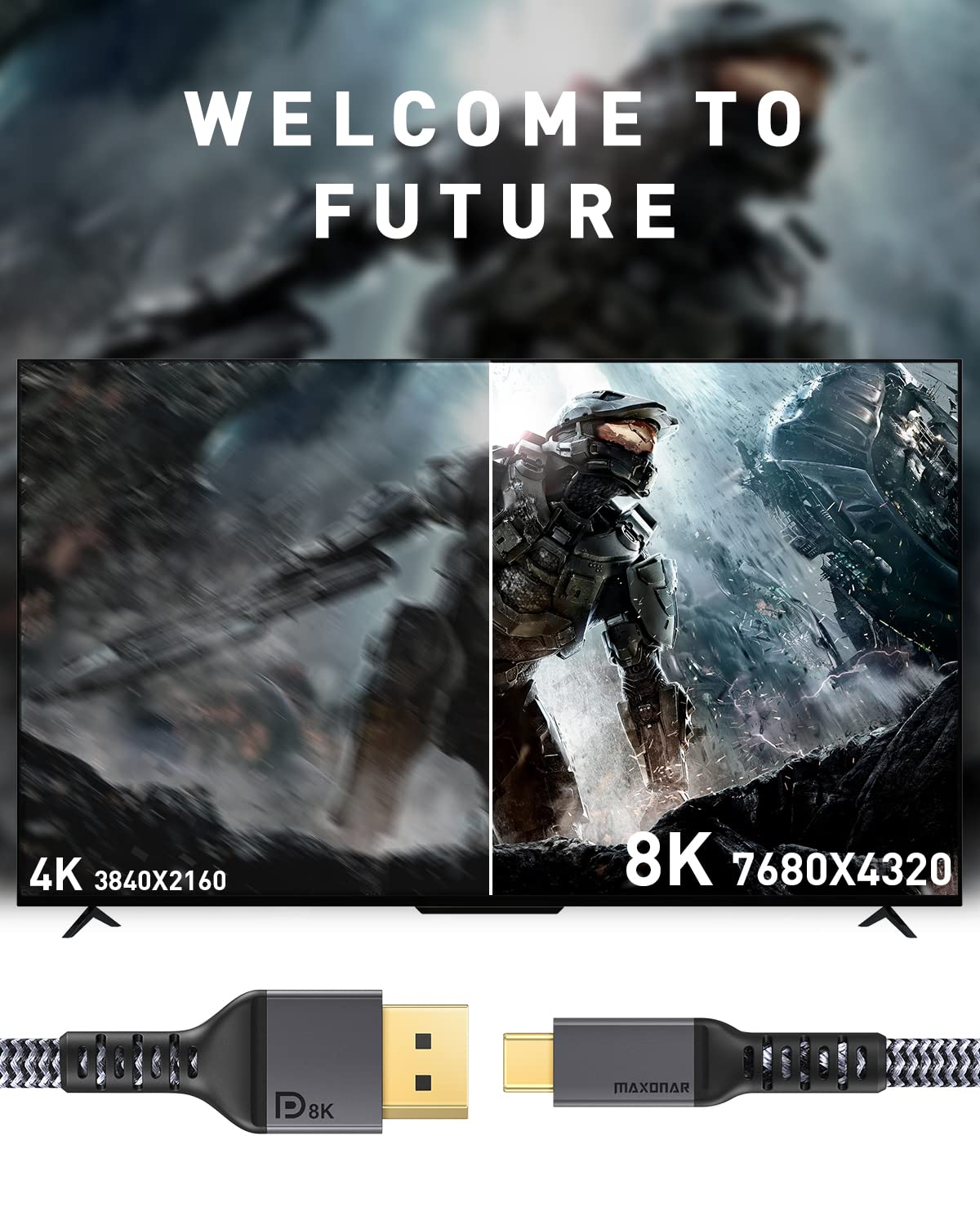

🚀 Elevate your workspace with Maxonar: The cable that means business.
Maxonar USB C to DisplayPort Cable delivers professional-grade video with support for 8K@60Hz, 5K@60Hz, and ultra-high refresh rates up to 240Hz. Featuring Thunderbolt 3 compatibility and VESA certification, it ensures seamless connectivity for MacBook Pro, Dell XPS, and more. Built with durable double-braided nylon and gold-plated connectors, this 2-meter cable offers plug-and-play convenience and reliable performance for demanding multitasking and high-res workflows.


| ASIN | B08KS3CG94 |
| Batteries Required? | No |
| Batteries included? | No |
| Best Sellers Rank | 79,053 in Computers & Accessories ( See Top 100 in Computers & Accessories ) 14,304 in Cables (Computers & Accessories) |
| Colour | Gray |
| Customer Reviews | 4.2 4.2 out of 5 stars (1,375) |
| Date First Available | 6 Oct. 2020 |
| Item Package Quantity | 1 |
| Item Weight | 100 g |
| Item model number | Maxonar-CTDP-2M |
| Manufacturer | Maxonar-CTDP-2M |
| Material | Aluminum alloy |
| Part number | Maxonar-CTDP-2M |
| Product Dimensions | 200 x 1 x 1 cm; 100 g |
| Shape | Round |
| Size | 6.6FT |
| Special Features | 8K high resolution, 8K@60Hz 4K@60Hz/144Hz/120Hz 5K@60Hz 2K@240Hz, conforms to the specifications of DP1.4, total bandwidth of High Bit Rate 3 (HBR3) Connections is 32.4Gbps, support DSC&HDR |
| Style | 1Pack |
| Wattage | 2 watts |
D**R
Does 3440 x 1440 @ 144Hz on a Mac mini M1
I tried three cables prior to this one in an effort to get a 34" AOC WQHD monitor running at 144Hz with my Mac mini M1. This one actually worked. Hallelujah. At one point I thought I was going to have to send the sodding monitor back. I know the description says it'll do even better than that (4K @ 144 etc etc) but guess what - SO DID THE DESCRIPTION ON THE OTHER ONES I TRIED. The absolute lying hounds. They've got my money now, and I'm not getting it back because I've thrown the packaging away. So anyway. If you're looking to get a monitor running at that resolution, at that refresh rate, on a Mac mini with an M1 chip in it then look no further. There's probably a niche market for this review but if, like me, you're looking to do that and wondering whether you're going to be firing yet another 20 quid down the toilet in yet another attempt to get it to work, then you're my target audience. The cable itself is well-made, no picture drop-outs, yadda yadda. An easy five stars.
N**E
Caldigit TS4 to PG42UQ
I needed a TB/USB-C to HDMI that would drive 4k and 120hz going from my work laptop to the 4k display via the Caldigit TS4. This has worked perfectly with zero issues, I can drive the display at 120hz at 4k with zero issues, easy buy (a little more expensive than the 60hz version that I previous purchased but can definitely tell the difference.)
C**M
Good quality DP 1.4 cable for 49 inch monitor outputting 5120 x 1440 @ 120Hz
Title says it all - I needed a cable to output to a 49 inch monitor (Samsung CRG9). I was previously using a Caldigit TS3 Plus dock, but this only outputs at 60Hz, and I wanted to take advantage of the 120Hz display feature of the monitor. This cable works perfectly with what I need, outputting to the full 49 inches at 5120 x 1440 @ 120Hz. Perfect, and I have already bought another cable from the manufacturer.
C**T
Works, but failed
Having intermittent issues with signal after three months of use. Its a huge shame as this is one cable that actually gave me 4K 60hz with my M1 max Macbook Pro.
M**N
Doesn't really support HDR
I have tried this cable with an HP Envy laptop and a MacBook Air M2. Connected them with this cable to an HDR10-compatible Dell 4K monitor. Both cases the HRD image looked like it was only 256 colours: horrible colour banding. (Same monitor, when the built in USB-C connector is used, produces proper HRD picture.) Also, I've connected with this cable to an LG 4K HDR TV. Same poor image quality in HDR. Couldn't notice the dimming regions turn on/off either. (Playstation and Xbox has no trouble showing HDR content on the same TV.) Utter rubbish, waste of money. Another interesting thing: when switched the resolution to 1080p, the laptop said it is doing 120Hz which is a big fat lie because the display can only do 60Hz. The colour banding was equally bad in 1080p too. I think it is just spoofing HDR and outputs something else into the display.
B**N
Brilliant for gamers !
I am very impressed. I have a 2560 x 1440 p monitor and an Asus ROG Strix GL15 Laptop running an RTX 2060. I needed a cable that will guarantee me 144hz on the 1440p monitor I have. Guess what? I get 144hz at 1440p! No nonsense cable, it is extremely powerful due to its bandwidth. It is all about that and the quality of the cable is brilliant too. Anyone who is looking for a powerful cable, then this is it.
C**M
Connect recent S Series phone DEX works
Android 9 or higher , only S series devices, plugged a few in and they instantly hook into and let you use your phone with any HDMI capable big screen. This opens up a lot of options for things like remote working. Surprisingly almost no lag, although the phone does get warm being in use so much.
T**S
Amazing quality and fixed my 60fps issue MacBook pro
I was using a low quality USB C to HDMI adaptor for ages and wondered why videos skipped and the mouse cursor wouldn’t feel very smooth etc, turns out some leads don’t support 60fps. This one does and now my second monitor is amazing!
N**A
Il cavo è ben fatto, molto robusto. Il connettore HDMI è un po' ingombrante, soprattutto per i monitor che non hanno connettori laterali. Ho dovuto comprarlo per cercare di sistemare un problema tra monitor ultrawide LG e Mac mini M1, che per ora non si è più ripresentato.
G**S
Great quality! And data transferred is superb! A+++++
B**T
My content source specs: Asus rog laptop with a 3080 (mobile). It has a usb-c display port as output to an external display. Display: S95B Samsung TV that is capable of 120Hz variable refresh rate and HDR10+ all @ 4k. From my laptop to my tv, Windows 11 was able to automatically configure: - 120Hz refresh rate - HDR10+ - 4k resolution - Audio to the tv I had no problems getting these features online via this cable. I did have to initially configure my tv and set game mode to “auto” as well as enable “input signal plus” and set HDR+ Gaming from “Off” to “Advanced” on the TV hdmi input port. Windows 11 then did the rest and enabled all supporting features. I’ve tested multiple games with these settings and all of them have looked great, including Gears 5, Borderlands 3 and Halo MCC. None of the display features were dropped or downgraded and signal was not lost during my gaming sessions. Other notes: - There are reports of some cables having input lag - I can confirm that I have 0 input lag with this cable. - There were reports of artifacts on the display, my tv is OLEd and it makes artifacting highly visible - 0 artifacting that I could see on the tv. - Lastly, I saw some reports that the cable is loose and wiggles - the cable I received is tight fitting and pressure on the cable does nothing to the output. The cable worked as advertised.
C**N
Tengo un monitor 1440p de 165 Hz, el cual funciona muy bien para jugar casi cualquier tipo de juego, sin embargo específicamente con Hollow Knight no me gustaba como se veía porque los negros de mi monitor no son tan profundos, así que compré este cable para jugar en mi TV OLED de negros perfectos. El cable funciona muy bien, apenas llevo 5 horas de juego, ahora ya puedo jugar Hollow Knight a 4K a 120 Hz con SDR en mi TV OLED y disfrutar de los negros perfectos y la fluidez de jugar a 120 Hz, intenté activar el HDR pero no funciona a 120 Hz, para mi este es un detalle menor. Mi laptop es una Legion 5 con Ryzen 7 y una 1660ti con HDMI 2.0b el cual no puede sacar 4K a 120 Hz, pero con este cable sí es posible obtener 4K, 120 Hz, SDR por el puerto C.
S**R
I bought this cable specifically to connect a MacBook to a 49inch 1440p ultra widescreen and it works. The screen is the Samsung C49RG90 with a resolution of 5120x1440 and I can run this screen the full native resolution at 120Hz flawlessly. Succefully tested on both a 2019 MBP16 (the last intel one) and a MacBook Air M1.
Trustpilot
1 month ago
1 month ago