
DOWNLOAD THE APP


Customer Support

Desert Online General Trading LLC
Warehouse # 7, 4th Street, Umm Ramool, Dubai, 30183, Dubai
DOWNLOAD THE APP
Customer Support
Desert Online General Trading LLC
Warehouse # 7, 4th Street, Umm Ramool, Dubai, 30183, Dubai

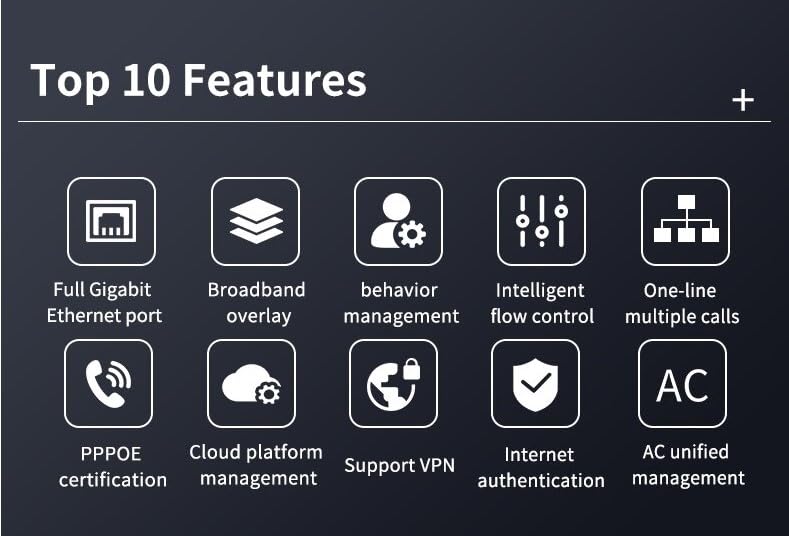
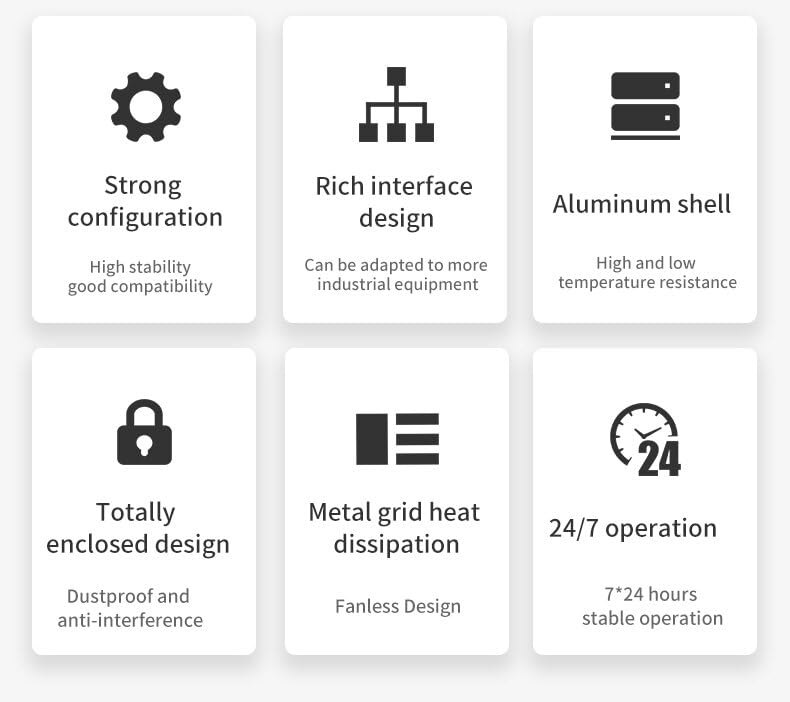
🚀 Power-packed mini PC that never quits—your 24/7 firewall hero!
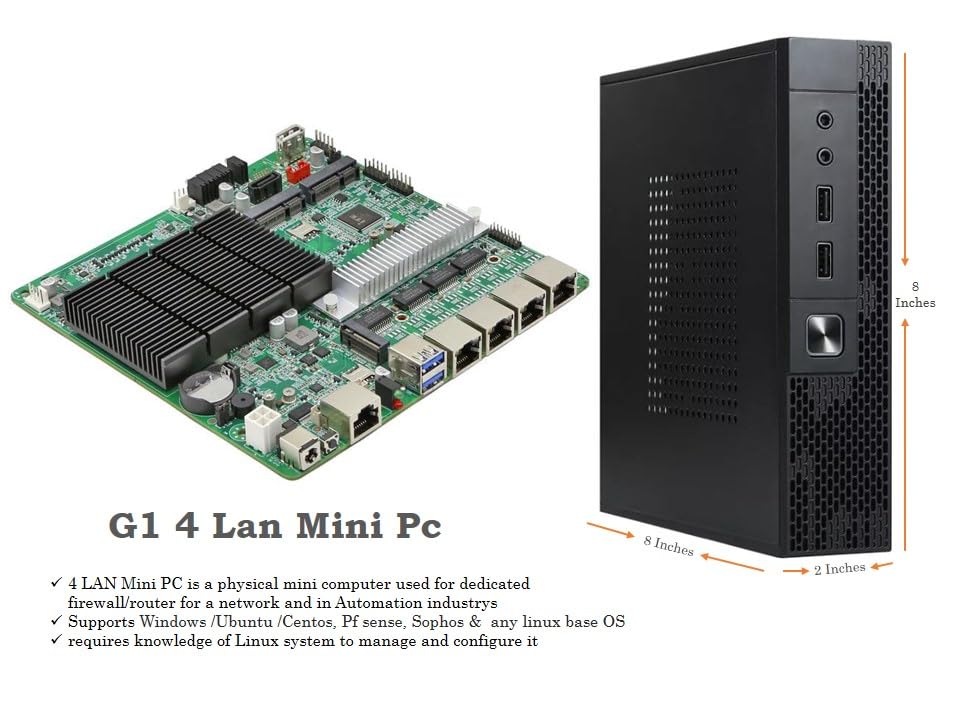
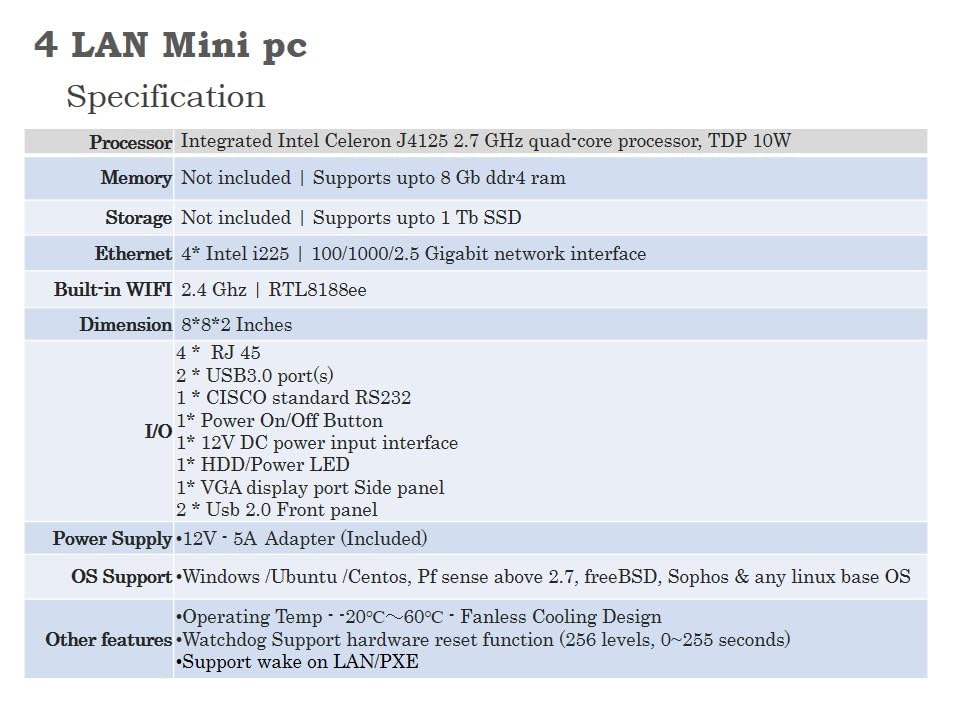
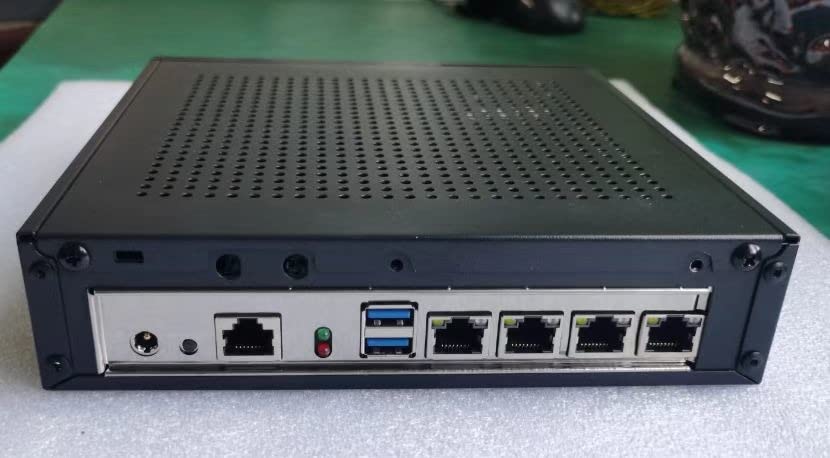
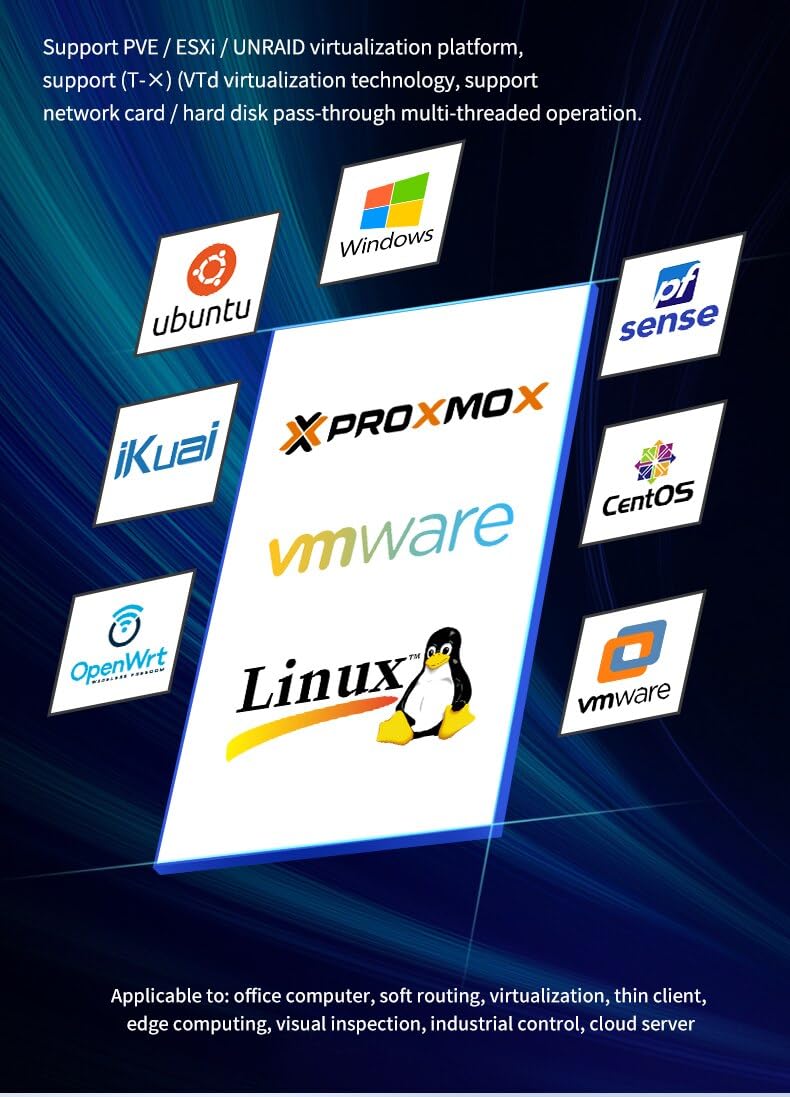
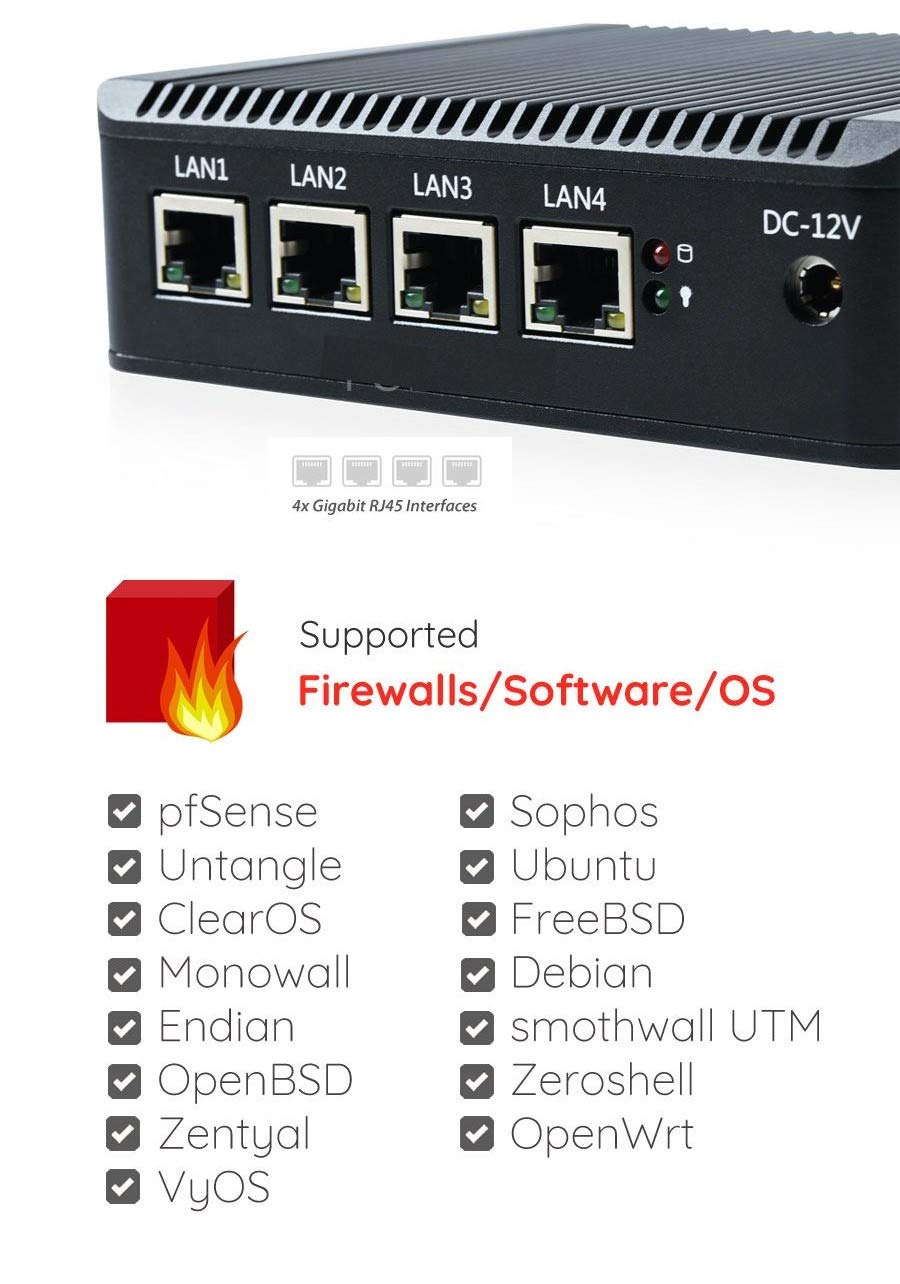
The G1 Thin Client PC-4 LAN Mini PC features an Intel J4125 quad-core processor, supports up to 8GB DDR3 memory, and includes 4 Ethernet ports plus Wi-Fi connectivity. Designed for continuous 24/7 operation without overheating, it supports both Ubuntu and Windows OS, making it an ideal compact solution for firewall and network management tasks.
| Brand | G1 Thin Pcs |
| Manufacturer | intel |
| Series | G1 Thin client PC |
| Colour | Black |
| Form Factor | small form factor |
| Standing screen display size | 2.5 Inches |
| Memory Technology | DDR3 |
| Maximum Memory Supported | 8 GB |
| Hard Disk Description | SSD |
| Graphics Coprocessor | Integrated Graphics |
| Graphics Chipset Brand | Intel |
| Graphics Card Description | Integrated |
| Graphics Card Interface | Integrated |
| Connectivity Type | Wi-Fi |
| Number of Ethernet Ports | 4 |
| Manufacturer | intel |
J**C
Excellent Firewall/Router Hardware
I like this. It makes a very good router / firewall. And at this price point, you can't find anything that matches this.Pros:1) Intel Ethernet Controllers (See the lspci output in attached pic). This ensures that both Linux and *BSD work well with it. I tested Ubuntu & used OPNSense. They both ran flawlessly.2) Can support upto 32GB of RAM. Yes, they say 8GB. But that's what Intel reports for J4125, a lot of people have gotten more than 8GB working on these systems. If you're going to run VMs either via KVM or Bhyve, you will need this.3) Can actually sustain Gigabit throughput for a long while. It could maintain 1Gbps within my HomeLab for 30 mins that I tested it. I use a 500mbps ACT connection as my WAN. No issues on that end as well.4) Has a functional mSATA port. It's better to use that instead of cramming an SSD into the chassis.5) Very good thermals. It's a lot better than I expected. It ran at 30-34 degrees at room temperature.6) Low power usage. It takes a normal 12V adapter like most routers and WiFi APs. I could connect this to a Cuzor Router UPS and it kept going through a 2 hour power cut.7) The Ethernet MAC addresses are stickered onto the ports. It makes configuring OPNSense a lot easier.8) It uses an American MegaTrends Bios and is configured by default to boot on power, not error on missing keyboard and basic things that won't create a problem.Cons:1) Zero documentation from Vendor. This is a generic AliExpress device that works well. But you'd have issues knowing what the board headers stand for.2) It has a Serial Port, But it isn't identified correctly on the board. If you need to access via SerialConsole for some reason, you'd have to reverse engineer a lot of the board.3) QA issues. This is the second machine that I received. The first one had issues with Graphics working only in safe mode and the only one RAM slot being functional. Their Phone / Whatsapp support is pretty good though.They also give 2 antennas that can be used with the Realtek WiFi Network Card provided in the PC. But I haven't tested it. It should work well given that Linux detected it.Overall, this is a pretty good box that gives me the nearly same feature set at home as the expensive Cisco gear at work.
S**.
Excellent firewall /router pc
Excellent firewall /router pc
S**K
Supports Pfsense, Opnsense and sophos
Config:RAM: 8GBSSD:128GBRouters connected to Firewall in AP modeNo of devices connected: 30+RAM and SSD need to purchase seperate.Tested below firewall os:Pfsense v2.6.x/v27.xOpnsense 23.7.x/23.1x/22.7.xSophos 19.5/20.00home free editionPfsense:Tested pfsense 2.6/2.7 version with pfblocker ng with multiple feeds, still it's consuming less than 4GB. If I run Suricata IDS it consuming more CPU still consuming less than 60 percent but device get heated so I've disabled IDS. Not tested wifi of this device using pfsense.Opnsense:Tested 23.7 works fine without IDS. If I enable IDS in IPS mode with multiple feed enable cpu reaches 100 percent sometimes hangs( didn't observe this when tested in pfsense). Except IDS everything works fine, even running ntopng with redis, cpu average is 20 percent with ntopng. cpu score is average when I tried to install sunny valley.Sophos 20.00GA:Currently using sophos with IDS and Advanced ATP enabled with settings to drop traffic. CPU average is 5 percent. But sophos free edition can only utilise 6GB RAM. I saw around 60 percent utilisation, utilisation is without SSL/TLS description enabled.Ipfire supports but didn't run it for long period.Never faced any problem while streaming Netflix, Prime video or any other streaming service.
M**H
Decent Mini PC / Router for Home Use.
Pros:=====- Responsive H/W paired with the right O.S- Decent build quality - Alluminium body, which doubles as a heatsink- Has 2 Mini PCI-E slots for expansion : WIFI unit, mSATA drives, etc- Cabinet comes with 2 slots for Wifi Antennaes- Packing was Very neat and arrived in good condition.Cons:=====- No response for technical queries from seller, ON AMAZON. This is more important for first time users, or people just getting into Tech.- The pictures posted can be interpreted as misleading. For e.g.- One Pic shows that you can use Double Density Bandwidth for Memory (Meaning 2 RAM sticks).However the Unit only comes with a Single RAM slot.- Another pic shows that theres a gold pin to attach a Wifi Antenna. My unit didntcome with the Gold socket, however there are 2 holes to attach a pair.- A Pic also shows that there is an extra LAN (COM) port in the front. Mine didnt come with one.- The J1900 CPU does not come with AES-NI (Good for encryption). The unit however, will let you use Intel RDRAND.- Would have liked a few more USB ports (Pet Peev really)Ive been using this as a PFsense router, for little over a week. Overall, This is a pretty decent unit to run Router based softwares like PfSense, Ubiquiti, Untangle etc, like the name suggests. Very good for a home router or a small enterprise that does not have heavy usage or Heavy Encryption requirements. You can even run other O.S`s like W10 Linux etc. For W10, Google for a BIOS tweak with J1900.Those looking for H/W level acceleration Encryption (AES-NI), should check for a different CPU.Note: You will need to purchase an add-on wifi card, as per the recommendations of the software you install.
Trustpilot
2 weeks ago
2 weeks ago