
DOWNLOAD THE APP


Customer Services
Copyright © 2025 Desertcart Holdings Limited
DOWNLOAD THE APP

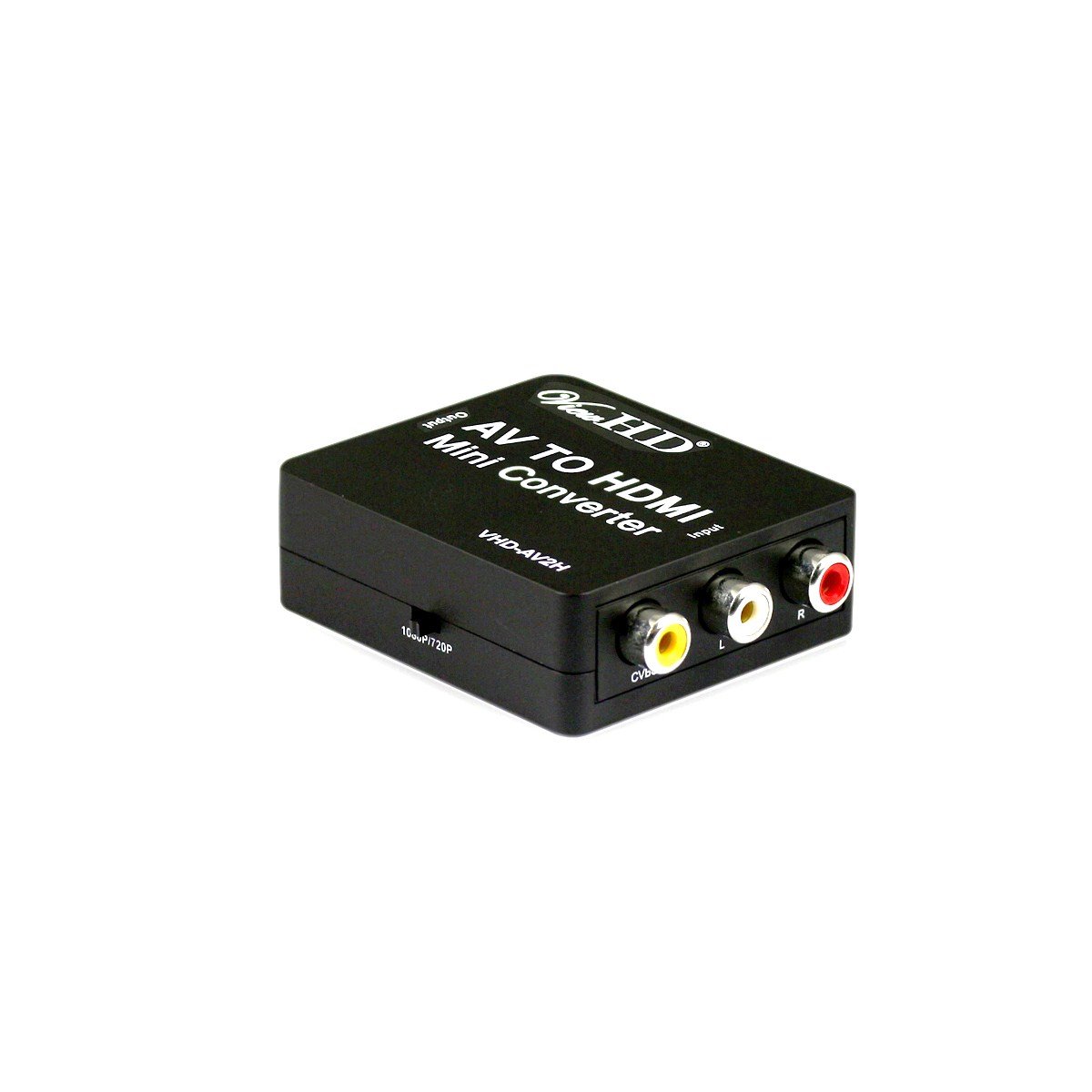
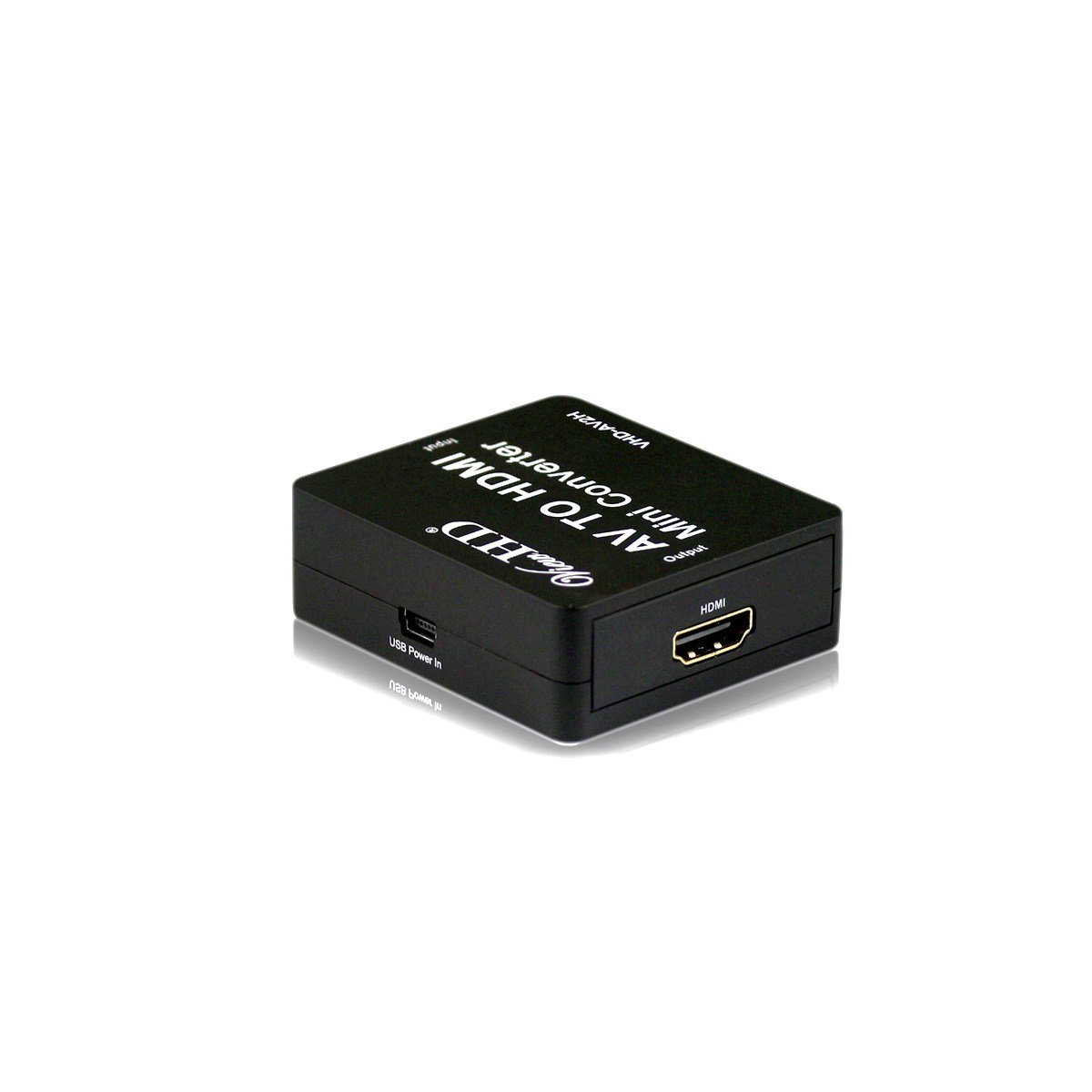
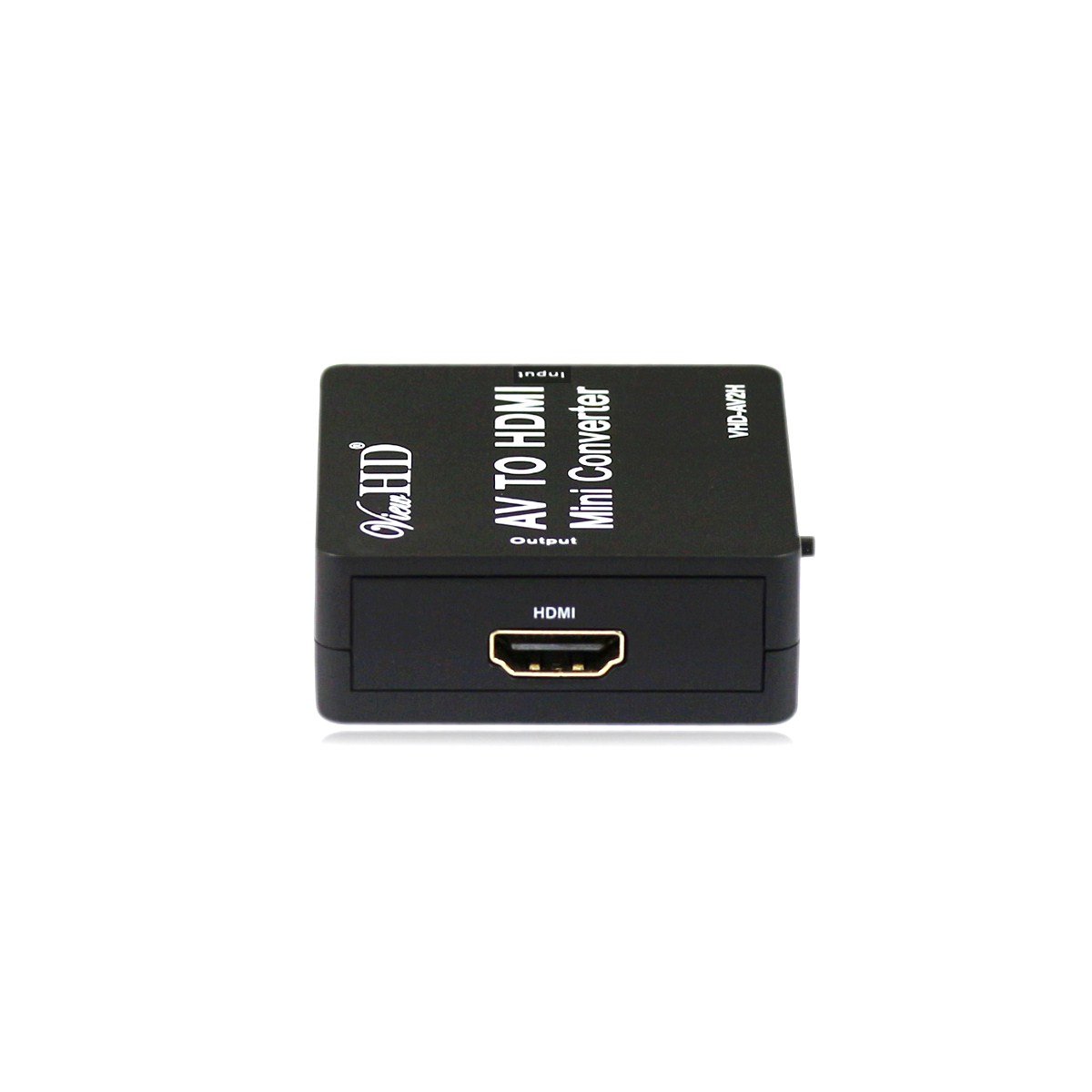
📺 Upgrade your vintage tech to HD brilliance—don’t get left behind!
The ViewHD VHD-AV2H is a compact, high-performance converter that transforms RCA composite video and stereo audio signals into a single HDMI output with selectable 720P or 1080P resolution. Supporting both PAL and NTSC formats automatically, it ensures global compatibility for seamless integration with modern HDTVs. Powered via USB, this mini converter is ideal for professionals needing reliable, high-quality AV upscaling from legacy devices.
| ASIN | B00FPFHEYA |
| Best Sellers Rank | #1,094 in Audio & Video Selector Boxes |
| Brand | ViewHD |
| Customer Reviews | 3.8 3.8 out of 5 stars (134) |
| Date First Available | October 8, 2013 |
| Interface Type | HDMI |
| Is Discontinued By Manufacturer | No |
| Item Weight | 2.4 ounces |
| Item model number | VHD-AV2H |
| Manufacturer | ViewHD |
| Number of Channels | 4 |
| Number of Pins | 22 |
| Package Dimensions | 5.9 x 4.1 x 0.9 inches |
| UPC | 608819811864 |
W**N
Works Great
I originally had a problem getting this to work... I was getting test patterns. The seller gave the below advice and it resolved my issues' For me the problem was that I was not using the power cord that came with the device because it was too short. Once I tried it with the original power cord everything worked fine. Now I just need to know what kind of power cord this is so I can find a longer one. Product troubleshooting steps: 1) Make sure that the PAL / NTSC switcher is at the right position. North America uses NTSC format. 2)Make sure to use the USB cord to provide power (5V1A USB charger), always use USB power if possible. For example, if the HDMI power is insufficient, you may see vertical color bar (test pattern) instead of normal video. If you get bad audio noise, you must use USB power cord to provide a good ground to your setup. 3) Disconnect input and output cables and reconnect, power on the display and the video source unit. If the output video is not centered, please disconnect and reconnect the HDMI input to the converter. 4) If still doesn't work (in particular, if you use a PC / Mac, make sure to use "extended display mode"), cross check using other video sources (AppleTV, Roku, DVD / Blu-ray Players, Cable / Satellite Boxes, etc) to make sure whether it is because of your uncommon HDMI video source unit. 5) If you don't get audio, please make sure the input HDMI audio format is 2CH stereo. 6) Also cross check HDMI cable; this is HDMI to AV (yellow/white/red) converter, not a HDMI to component (Red/Green/Blue) converter.
D**I
So with risk I took this along with the Sony NTSC TV to India and I installed both these products and just like that it worked f
I'm an Electronics and Communications engineer and I recently bought this product for use in India. I bought a Sony TV from USA and took it to India for use. In India the TV system is PAL and the TV I bought in USA was NTSC only which will not work in India until unless I use a PAL to NTSC converter. I saw some reviews and bought this ViewHD Universal HDMI product and was not able to test here in USA since we cant get a PAL input here. So with risk I took this along with the Sony NTSC TV to India and I installed both these products and just like that it worked flawlessly. Amazing product all I had to do is provide the PAL input form the local cable box in India and connect the HDMI output from the ViewHD box to the TV and it works perfectly without any clipping or bands or picture skewing etc. as folks have described for other similar products. This is a really solid product for a reasonable price and I highly recommend this product for any one who is taking TV from USA to India.
C**S
What a shame...
After having purchased this item with high hopes, I was quite disappointed with its poor performance. Oh, it "worked", but by that I only mean that it did actually produce an image with sound on my 60" Mitsubishi. Using s-video as the input there was no noticeable up-scaling when in the TV's standard display ratio mode. And, when attempting (unsuccessfully) to fill the screen from source channels broadcasting 16:9 letterboxed video by switching the TV thru the available display ratios, the picture wasn't even as clear as had been with a direct s-video connection. What a shame, as I know from experience with my Sony DVD player that upscaler technology in and of itself is capable of producing outstanding HD results. Returned.
K**M
Good choise!
We used many years a VHS recorder, also my wife. However we bought a flatscreen a few months ago, but there was directly a probleem with FF and RW, no Pause, bad display etc. I found out that there was a solution available: a video-converter to HDMI... I looking to many Forums and came to the follow conclusion: This does precisely what i expect to a VHS and a HD solution and it's payable ! It's simple, working fine, FF and RW and Pause, even the 720 and 1080 res, 80% better picture (and yes, it's never HDMI remember that!) I only must do the tv-picture setting to filled out with higth and width handmatic. That's all. And the best is also "Shipping" by Amazon himself, because the most sellers (like Mustek?) do nothing with shipping "overseas" like Netherlands. In other words: You must find out self to sending your own package to your own adress on your own costs. And Amazon has delivered within 5 days.
D**E
Cool porduct but only one issue
Cool device, does what it suppose to do and it makes my ps2 video quality slightly better. Only issue I have is that this thing cant not support ps1 video for some reason, it says, "Invalid format." If someone know a way to fix that then I'll be happy to know and I'll give this a 5 out of 5 until then it will remain a 4 out of 5.
E**T
Nice cheap S-Video-to-HDMI converter.
I use this to display Commodore 64 output on a modern TV. I spliced the chroma and luma outputs into an S-Video cable and that worked well for old CRT TVs. But the older LCD TVs didn't work with this at all. A resistor was needed to make it work with those TVs. Newer LCD TVs don't have S-Video inputs at all so I needed a converter. This works with the spliced cable without a resistor and up-scales the video to 720p or 1080p as you configure it. Two problems: - The top border *barely* makes it onto the display. A very small number of programs use the top border area to display sprites and you only get about 4 or 5 lines of the top border with no ability to adjust it. - 1080p should provide a better visual experience smoothing edges a little more like an old CRT would have. It does, but it also seems to introduce some sparkle. It looks like a few dozen dead pixels on the screen that appear intermittently and random locations. It's not extremely bad, but it's just annoying enough that I don't want to use 1080p with this. I doubt the sparkle is a function of the Commodore 64 since I tried it with 3 different systems, one of them being a C64 and two being C64Cs. They all had the same issues with border and sparkling. I've only tested this with the Commodore 64, not any other S-Video device.
Trustpilot
2 weeks ago
4 days ago