🚀 Power your productivity with color, speed, and security — all in a compact footprint.
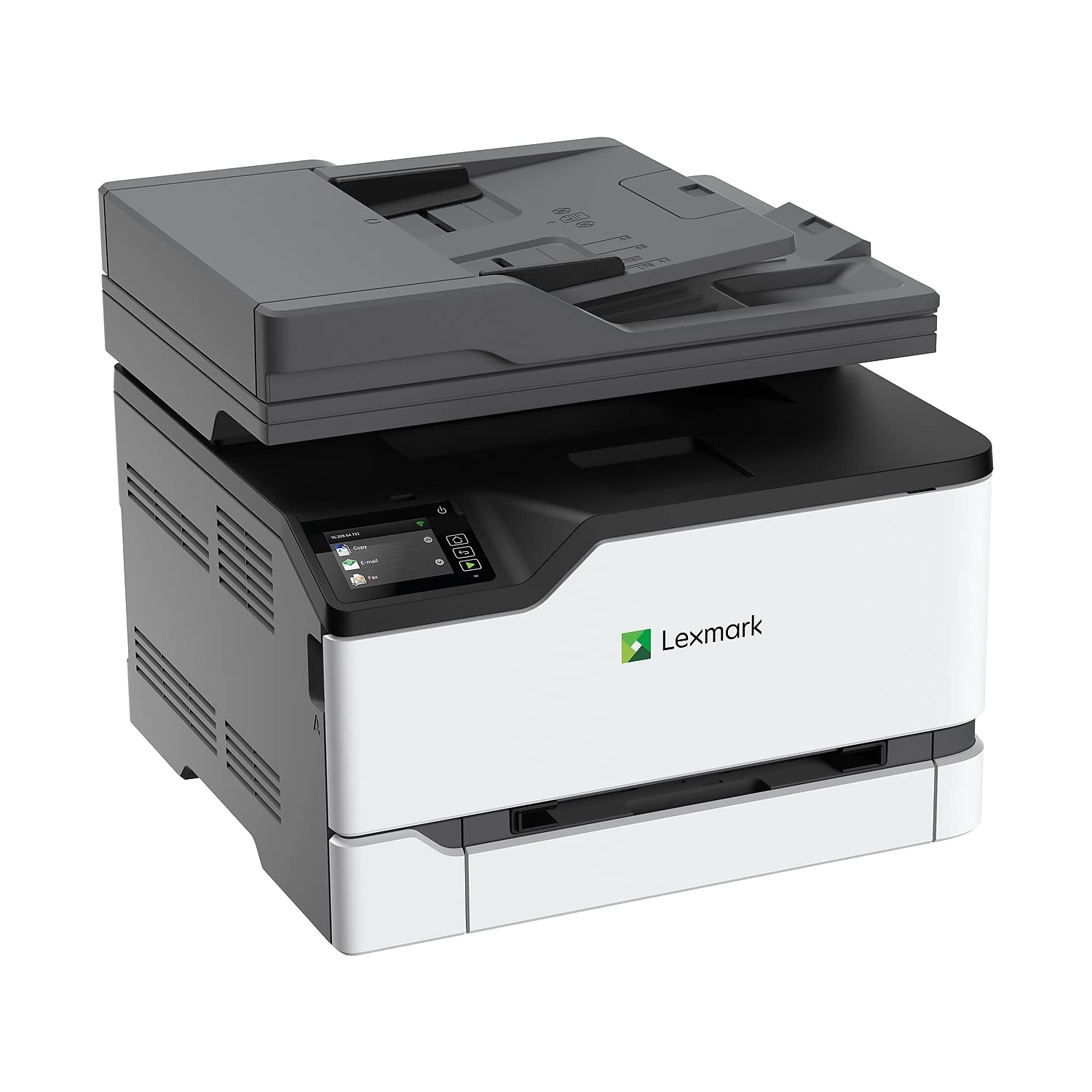
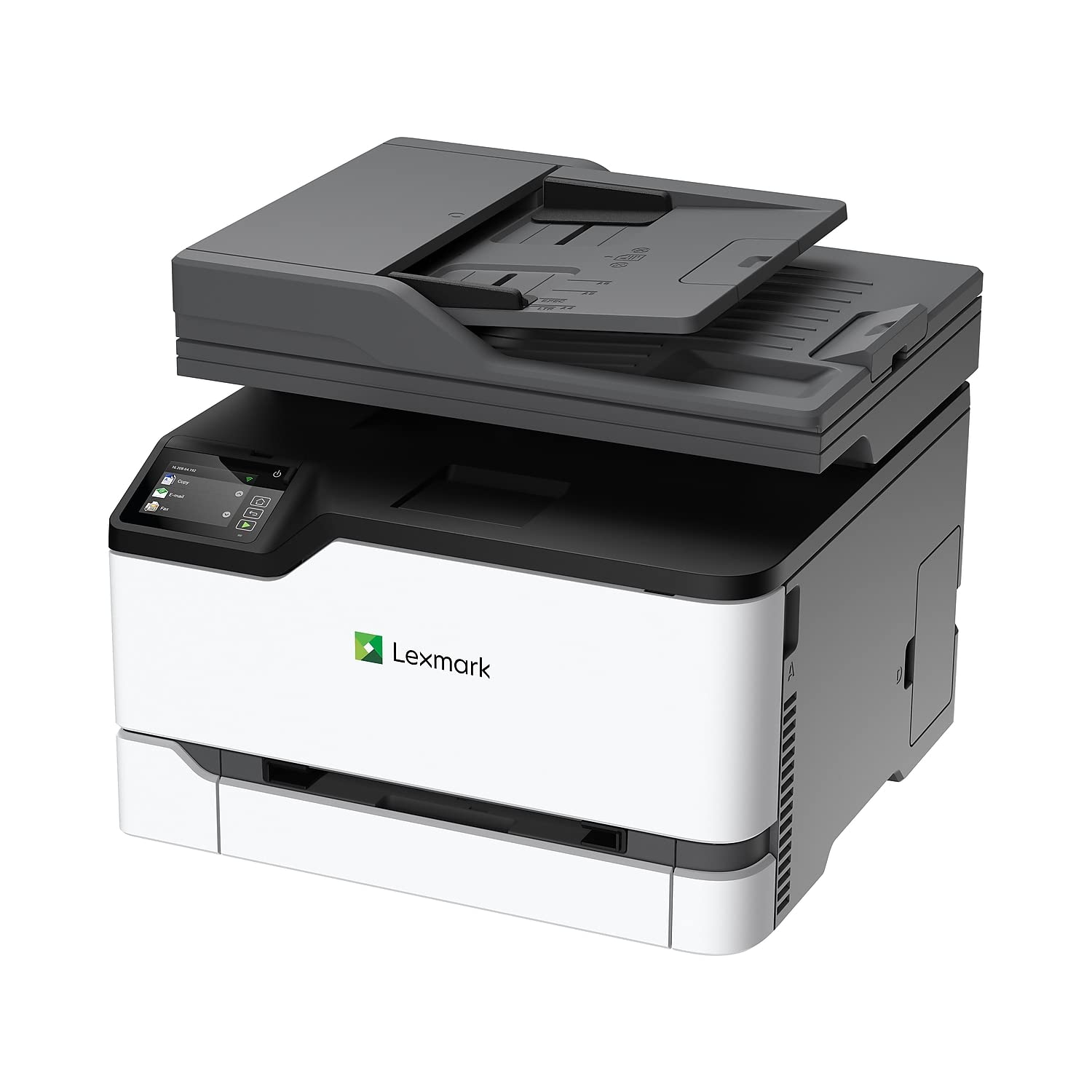
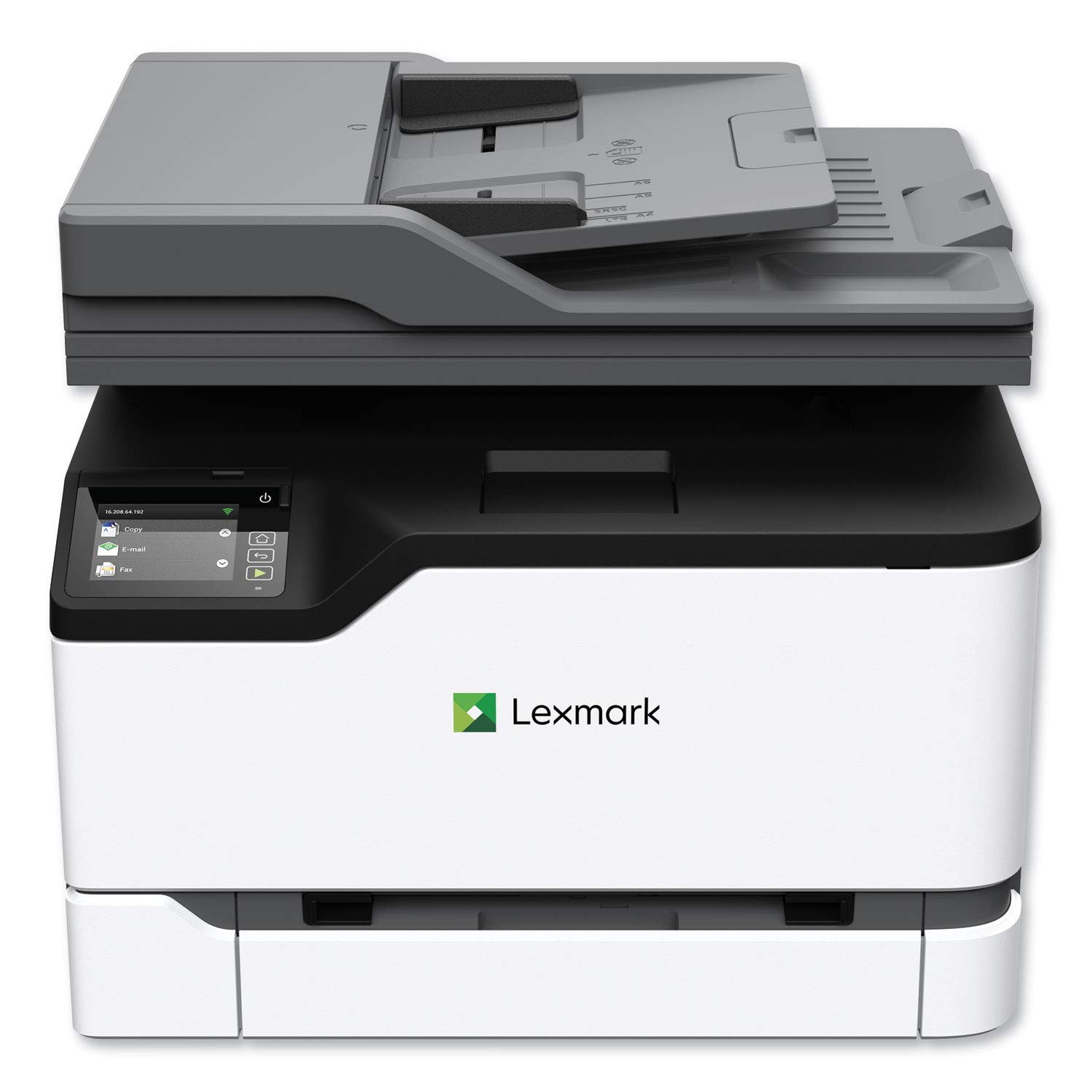
The Lexmark MC3326adwe is a compact multifunction laser printer designed for small workgroups and professional environments. It delivers fast color and black-and-white printing at 26 ppm, supports automatic duplex printing, and offers versatile connectivity options including Wi-Fi, Ethernet, and USB. Featuring a 2.8-inch color touch screen with embedded workflow capabilities and Lexmark’s comprehensive security architecture, it ensures efficient, secure document handling. Energy-efficient and EPEAT Silver rated, this device balances performance with sustainability.


| ASIN | B07T5PRRXD |
| Additional Printer Functions | Copy, Fax, Scan |
| B&W Pages per Minute | 26 ppm |
| Best Sellers Rank | #723,782 in Office Products ( See Top 100 in Office Products ) #1,110 in Laser Computer Printers |
| Brand | Lexmark |
| Built-In Media | MC3326adwe Printer, Starter Toner Cartridge, Power Cord(s) |
| Color | White, Gray |
| Color Pages per Minute | 26 ppm |
| Compatible Devices | Laptops, PC |
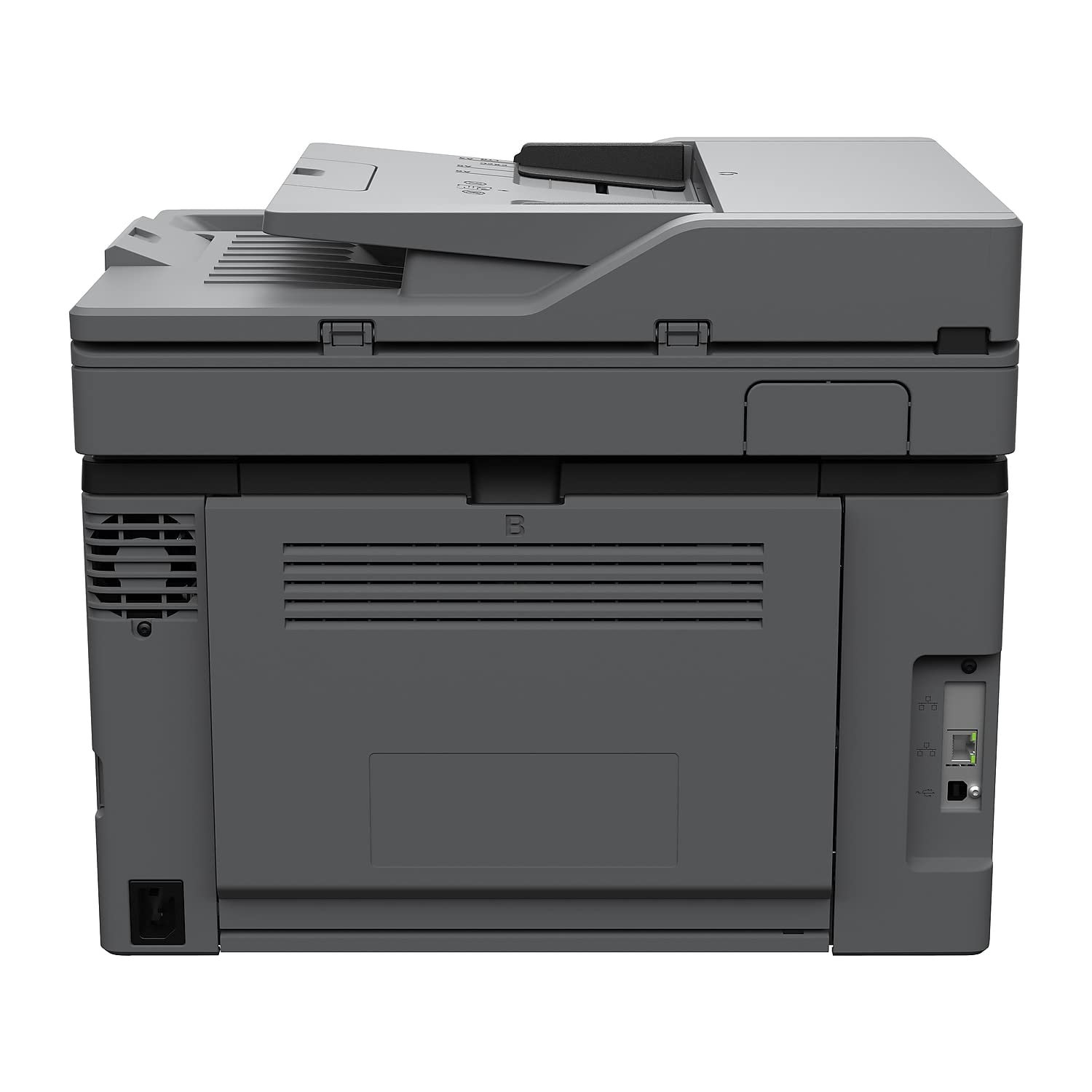
| Connectivity Technology | Ethernet, USB, Wireless |
| Control Method | Touch |
| Controller Type | Google Assistant |
| Customer Reviews | 3.8 out of 5 stars 479 Reviews |
| Display Type | LCD |
| Dual-sided printing | Yes |
| Duplex | Automatic |
| Global Trade Identification Number | 00734646679893 |
| Hardware Interface | Ethernet, USB 2.0 |
| Ink Color | Color |
| Item Dimensions D x W x H | 13.6"D x 16.2"W x 13.6"H |
| Item Height | 13.6 inches |
| Item Type Name | Multifunction Printer |
| Item Weight | 42.7 Pounds |
| Manufacturer | Lexmark |
| Maximum Copy Resolution Black and White | 600 dpi |
| Maximum Copy Resolution Color | 600 x 600 dpi |
| Maximum Copy Speed Black and White | 26 ppm |
| Maximum Print Resolution Black and White | 600 x 600 dpi |
| Maximum Sheet Capacity | 250 |
| Maximum print Resolution Color | 1200 x 1200 dpi |
| Media Size Maximum | 8.5 x 14 inch |
| Model Name | MC3326adwe |
| Model Number | MC3326adwe |
| Model Series | 3326 |
| Number of Ethernet Ports | 1 |
| Number of Trays | 1 |
| Other Special Features of the Product | Auto-Duplex, Network-Ready, Portable |
| Output sheet capacity | 250 |
| Paper Size | 15.5 x 16.2 x 13.6 |
| Power Consumption | 395 Watts |
| Print media | Paper (plain) |
| Printer Connectivity Type | Ethernet, USB, Wireless |
| Printer Output Type | Color |
| Printer Type | Laser |
| Printing Technology | Laser |
| Processor Count | 2 |
| Resolution | 1200 x 1200 |
| Scanner Type | Document |
| Series Number | 3326 |
| Special Feature | Auto-Duplex , Network-Ready, Portable |
| Specific Uses For Product | Office |
| Total Usb Ports | 1 |
| UPC | 734646679893 734646699426 |
| Warranty Description | 1 year |
| Warranty Type | full warranty |
| Wattage | 395 watts |
H**E
This is a solid LaserJet printer. Not as difficult to hook up as many people make it out to be.
This print is awesome period I can print from my phone my computer or my laptop. As with most printers... I suggest you put a cable into your printer and plug it directly into your network router. Therefore once it's on your network... You can find the printer through add printer settings in Windows or on your Android phone and the drivers can be downloaded from that. Or just put the disc in your computer and it will search for you. Once it's on your home network you can connect wirelessly to it. Toner is expensive but toner is expensive with most laser printers. I suggest using this for a small offices or small professional businesses. Otherwise you will go through toner like toilet paper.
L**.
Threw this printer out after only 6 months of usage today. What a waste of money! Updated 7/9/21
Bought this printer in December, 2020 as a quick replacement for a broken printer. Writing this in May, 2021. Should have investigated more thoroughly. The toners that are included are 'samples', I would say...just enough to get you by for a few months. Then, replacement cartridges as a package were $321!!!. Yes, $321! The black prints very nice when the toner is full. Once it starts to get to the end, there is no warning...only bad copies. The color toner cartridges are the same. I just printed a report that is supposed to have a dark blue thick heading across the top, and instead, it is pinky blue on the left side and dark blue on the right side. Guess I am running out of toner in one or more of the colors...but which? Who knows? Also, this printer is very finicky on whether or not it is going to print. Sometimes it does, sometimes it does not, and sends me error messages, after which I have to turn off the printer, unplug it, turn it back on, and then it prints on its own once it is ready. Run far away from this printer. Not recommended except when your toner cartridges are full and if you can afford such costly toners. Update on June 29, 2021: This printer is a piece of junk! I have had it for 6 months now, and it is the worst printer I have ever had. And, I've had a small business for decades! The print quality is uneven except at the very beginning of a new cartridge. It eats through the toner, and although I bought a black toner that had several thousand copies in it, it did not print all of those copies...and it prints very unevenly many hundreds prior to that. Nothing tells you that your toner needs to be changed. When all of my toner is gone, this printer is going in the trash, and I'll never buy a Lexmark again. Updated on 7/9/21: I have been without a printer that prints anything but splotchy, poor quality, streaky prints for about a month now. I have tried everything I can figure out to get it to print correctly, but this is ridiculous. Could not wait for the toner to run out....I threw this printer and 3 brand new replacement color toners away today. What a waste of over $700 for a printer I bought in Dec 2020 along with a set of replacement toners. Replaced it with a Canon with the liquid ink. Couldn't be worse than this piece of junk. This is the worst item I have ever purchased on Amazon.
R**T
The print quality is great!!
I have only had the printer for two weeks. It is the third printer that I have ordered through Amazon [the other two were returned with no questions asked!]. The Lexmark printer is very versatile. It works through WiFi, so there are no cables to connect. It can scan documents and prepares them for sending via email. The copier works very well. We mostly use the black toner for printing. Printing in color is pretty expensive.
E**S
Was Worth The Money
The printer itself has amazing print quality I love the way the pages come out and they have very detailed and Precise Imaging and the other features such as top of your work as well. I have had issues printing over the network, but I can't actually verify that it's the printers fault because it seems that it's an issue with Windows 10 as I was having the exact same problem with the printer I replaced. Overall I can say that the print quality is by far my favorite think about it but it really has a lot of useful features such as the manual slot and the ability to print on both sides. I managed to set it up with some drivers and now it uses the direct print feature which takes away the issue that I was having with the Windows 10 because it is managed by directly sending it through to the printer without having to connect to the other network which is extremely convenient and I haven't had any issues with. Only problem is I'm not exactly sure how I manage to pull it off LOL.
K**S
Lexmark
Looks good and prints well; but instructions for getting started and connecting the printer weren't as clear as I needed. I'm not a tech person; I'm more of an operations person, so I had to call my techie friends for help. I then had to eventually call Lexmark Customer Service. It took a while but we finally got it up and working properly. So now I have no valid complaints. I like the printer; I like the look of the printer and the print quality; and yes, I do recommend it. It's great buy for my work-from-home needs.
A**R
Great Print Quality, Very Buggy Software
The print quality is great when the printer works. I am on my second printer. The first was dead on arrival. It would start to power on, get to the Lexmark logo and shut down 3 seconds later. Lexmark customer service was abysmal. I tried to reach out to them through chat in case it was just a firmware issue that could be fixed remotely. They could not find the serial number on file so I then had to call and wait on hold for 15 min to talk to a person. They were going to have to send a tech out and it would take 3 days for them to do so. Thankfully, I just had Amazon return it and send me another. Now I have a new issue. if I let the printer go into standby mode, you can't connect to it through my network. Even after you hit the on button, it appears to be offline. Only a reboot of the printer gets it back online on the network. I guess this is better than running out of ink after 5 pages like my last inkjet printer but not by much.
P**L
Best compact all-in-one.
Spent days surfing the internet for the perfect all-in-one laser printer for home use. Came upon this printer by accident and it turns out to be exactly what I wanted. Superior quality laser printing, compact format and ease of operation. This is the best kept secret in the printer community. L....uuuuu.....v this machine.
A**R
toner costs more than the printer
I print a lot, and I knew that I would be changing out an ink cartridge every week at the rate I print. I wanted a color printer since I do print documents and articles with color prints and images. Instead of an inkjet I decided to buy this laser printer, anticipating it would be cheaper in the long run than inkjet. I was wrong. After the 2nd week of having it I ran out of black toner which the printer informed me was low. I ordered the toner ($90 by the way), you have to order it since it is not sold in stores, (tried staples, best buy, office max, walmart, target, costco, etc). After the toner arrived I installed it and tried to print but it would not print since now the color toners were out. It did not mention that. I thought ok, I will only print in black and white or grayscale until I can get the color toner replaced. NOPE it will not print if any toner is out. I look up the color toner to purchase and it cost $100 MORE than the printer cost!!! I should have looked at that before buying the printer but I did not expect it to be so expensive. It is now a VERY expensive paperweight, as I refuse to pay more for my toner than for my printer. I ended up buying an inkjet, and although I will probably spend more money in the long run, I live paycheck to paycheck, I can purchase a $30 ink cartridge here and there, I can not drop $350 all at one time for toner.
Trustpilot
3 weeks ago
2 months ago