🚀 Elevate your home office WiFi game with Archer A8 — speed, smarts, and seamless connectivity!
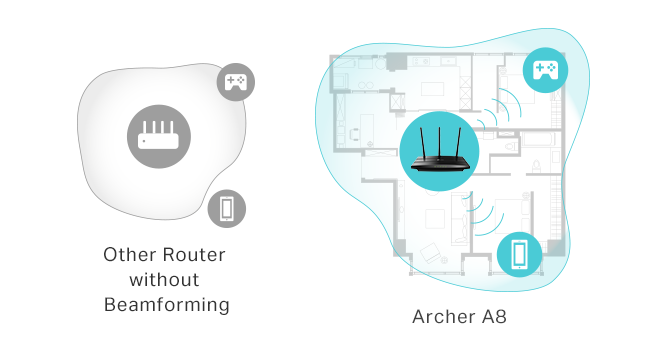
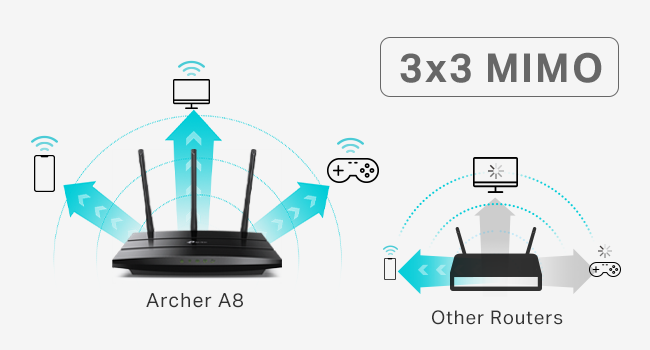
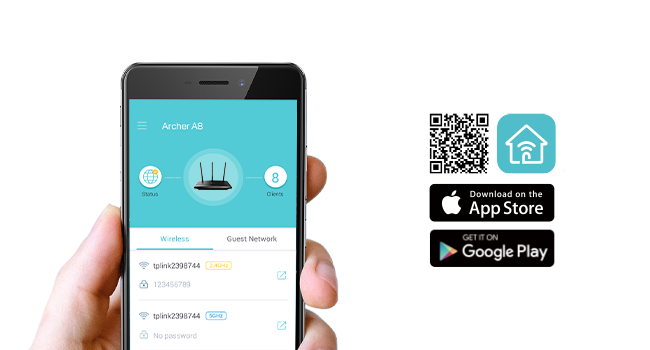
The TP-Link AC1900 Archer A8 is a high-performance dual-band wireless router delivering up to 1900 Mbps with MU-MIMO technology for simultaneous multi-device streaming. Featuring smart connect, beamforming, guest WiFi, and easy setup, it’s designed to provide reliable, fast internet across your home or office. Compact and lightweight, it supports Gigabit Ethernet and remote management, making it ideal for professionals seeking hassle-free, powerful networking.



| ASIN | B08C3YBBHM |
| Batteries Included | No |
| Batteries Required | No |
| Brand | TP-Link |
| Compatible Devices | Laptop, Personal Computer, Smart Television, Smartphone, Tablet |
| Connector Type | Wi-Fi |
| Customer Reviews | 4.4 4.4 out of 5 stars (8,563) |
| Data Transfer Rate | 1900 Megabits Per Second |
| Date First Available | 17 February 2025 |
| GSM frequencies | 5 GHz |
| Generic Name | WiFi Router |
| Item Dimensions LxWxH | 24.3 x 16.1 x 3.3 Centimeters |
| Item Weight | 413 g |
| Item model number | Archer A8 |
| Manufacturer | TP-Link |
| Model | Archer A8 |
| Model Name | TP-link AC1900 |
| Mounting Hardware | Power Adapter, Quick Installation Guide, RJ45 Ethernet Cable, Wi-Fi Router Archer A8 |
| Net Quantity | 1.0 Count |
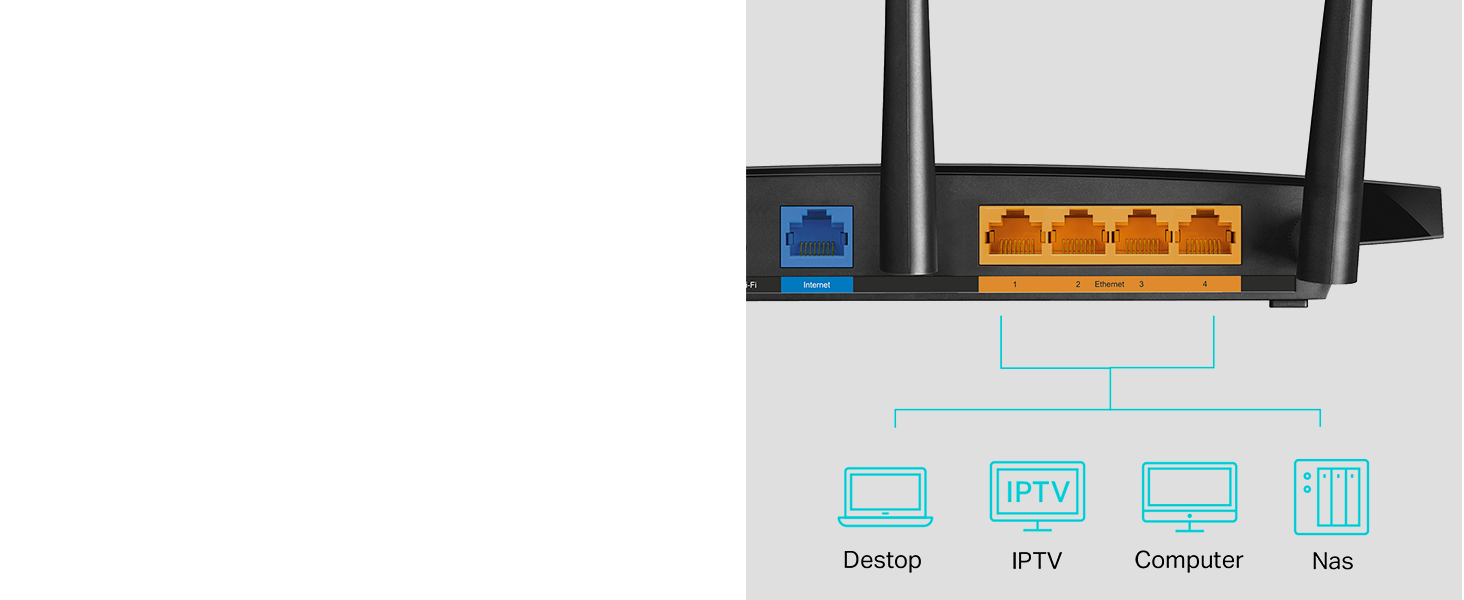
| Number of Ports | 5 |
| Number of items | 1 |
| Operating System | RouterOS |
| Product Dimensions | 24.31 x 16.05 x 3.25 cm; 412.77 g |
| Radio bands supported | Dual Band |
| Special Features | Remote Access |
| Voltage | 100240 Volts |
| Wireless Type | 802.11a, 802.11ac, 802.11b, 802.11g, 802.11n |
U**R
After less than 3 years with my prior router from a different brand, its signal strength was noticeably declining and then 2 months ago I received an email from the manufacturer saying that it would not longer be supported and may stop working entirely. That was the context for searching out and ordering this TP-Link remote router for my office and I am very happy with its improved performance compared to the unit it has replaced. I have the router installed in my home office, in a separate building about 100' from my house. This router is connected to our main modem in the house through a 200' LAN cable which works perfectly. Setup was extremely easy - I followed the instructions precisely, step by step, and it hooked right up. The password strength is both satisfactory ... and not so darned complicated that it's difficult to enter as required. The strength of the signal is much better than what I had before, easily crossing the back yard and allowing connectivity from rooms facing from inside the main house. It also allows good, fast signal through a metal porch roof which wasn't possible previously. As much as I was frustrated with having to replace a unit that wasn't old enough to reasonably fail, it was completely worth it for the improved performance this has brought for my home office. As advertised; full marks!
A**N
I come from old-skool DD-WRT days, manual configs, and pretty much the router is supposed to route, and other devices do the rest (DHCP/DNS/Anything else). This fit the bill perfectly, could config it the way i wanted to. Sits in a brick house, so can't speak much to signal, as distance is limited by physical barriers that will block signal. Good value for what it is, easy to set up and use, looks much better than the WRT-54G's of yesteryear. Probably can travel with it, but I wouldn't think most people would. Peculiar notes - Offers 3 different SSID's to config, with 5GHz and 2.4GHz options for a total of 6 if you'd like. While this may be a feature or an annoyance, that's up to your use. It's there if you want to use all 3(6). I turned em all on, and seem to have confused everyone in my house. Especially with ISP's wifi router that can not be configured as easily. MAC address can be cloned if you would like to replace your ISP's wifi router to their network, if they check the MAC on the device for access.
M**.
(Used for gaming and 4K stream) These routers work great, but the low end TP-Link routers are only good for about 2 years (I buy them refurbished). This is the 3rd set I've purchased. It's the same issue every time at around the 2 year marker. You will start to have packet loss issues more and more frequently requiring router reboots once a day. I'm using 2 wired devices and 6 wireless devices on this router at any given time with no issues. I use one router as a Gateway device in place of my Telco provider equipment with all wireless disabled. The second router is hardwired into the Gateway deeper inside the house where WiFi is needed. These never need to be rebooted or have any issues at all, until it's time to replace.
O**3
For my need of streaming on my smart tv’s and using my tablets and phone it works great didn’t have any problem setting it up. Glad I didn’t go with something expensive this router gets the job done.
A**E
Seems to be working fine though setup was tricky. You have to follow the instructions *exactly* and do things in order or else it won’t connect properly. I am wondering what will happen if the power goes out, will I have to go through all those steps again for a brief power outage? I don’t know, I guess I will find out.
Trustpilot
3 days ago
1 week ago