Description
🚀 Unlock your ThinkBook 16+’s true potential with lightning-fast external GPU & SSD expansion!
- NV ME 1 2 COMPATIBILITY - Leverage the latest NVMe protocol for optimized SSD and GPU communication, ensuring minimal latency.
- PLUG PLAY POWER CONTROL - Integrated power switch with smart auto-on/off syncs with your laptop’s power state for hassle-free use.
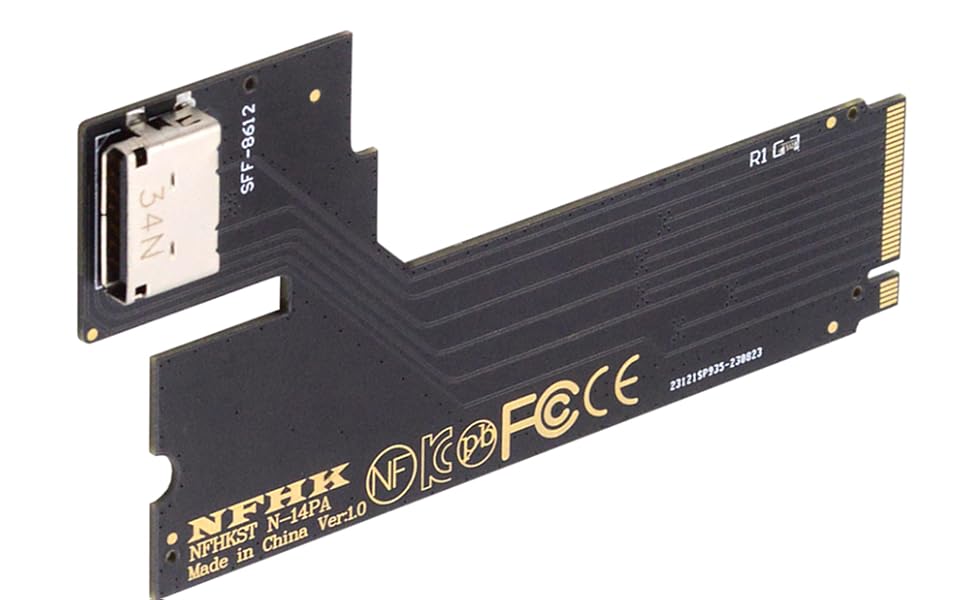
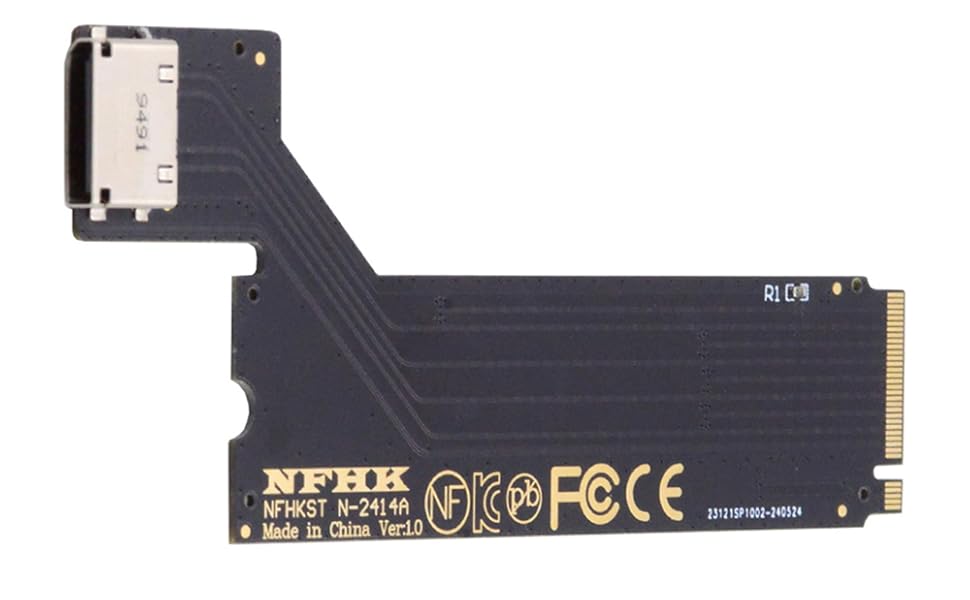
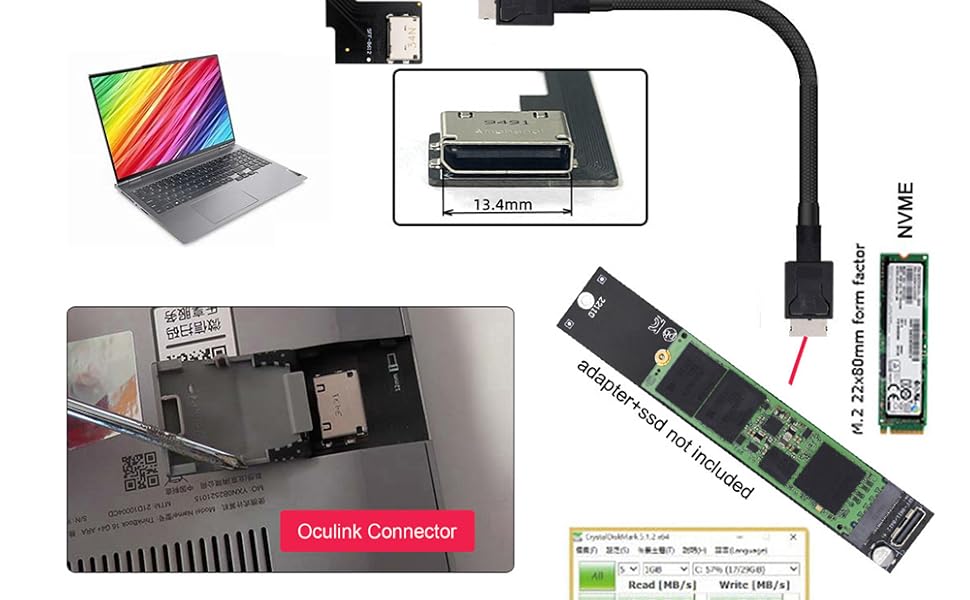
- SEAMLESS SYSTEM EXPANSION - Add an SFF-8612 port to your ThinkBook 16+ and unlock external graphics or storage options effortlessly.
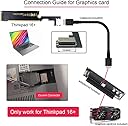
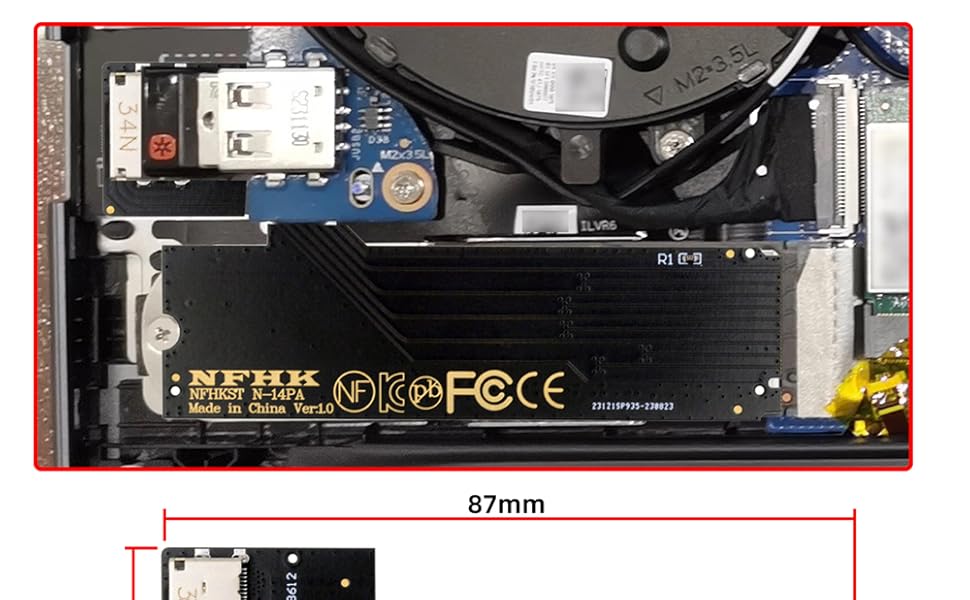
- TAILORED FOR THINK BOOK 16 - Designed exclusively for ThinkBook 16+ laptops, guaranteeing perfect fit and compatibility—no compromises.
- BLAZING FAST PC IE 3 0 X 4 THROUGHPUT - Experience ultra-responsive data transfer at up to 32 Gbps, perfect for high-performance SSDs and GPUs.
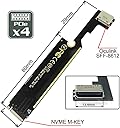
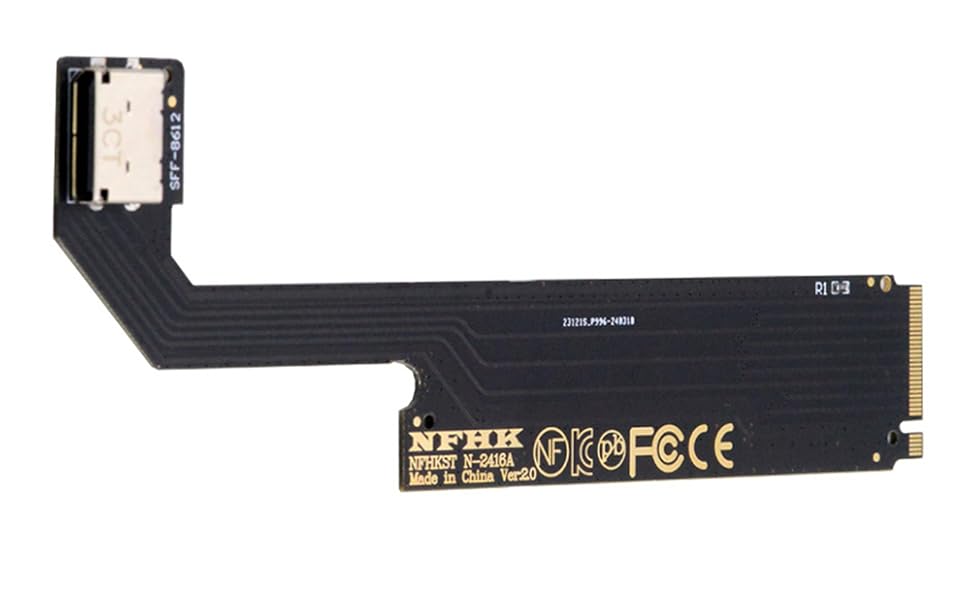
The NFHK PCI-E 3.0 M.2 M-Key to Oculink SFF-8612 adapter transforms your ThinkBook 16+ laptop by adding a high-speed external interface. Supporting PCIe 3.0 x4 at 32 Gbps and NVMe 1.2, it enables connection of external SSDs or graphics cards via SFF-8612, delivering enhanced performance and expandability tailored exclusively for ThinkBook 16+ users.