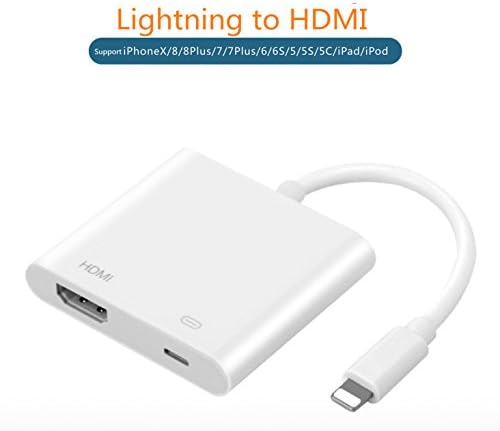
YLANK Lighting to HDMI,Lightning Digital AV Adapter,with Lightning Charging Port, Compatible iPhone, iPad HDMI Sync Screen Connector Conversion HD 1080P
Product ID: 63758762
Buy anything from 5,000+ international stores. One checkout price. No surprise fees. Join 2M+ shoppers on Desertcart.
Desertcart purchases this item on your behalf and handles shipping, customs, and support to Ireland.
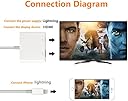
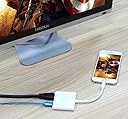
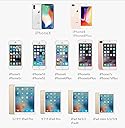
Magnify your mobile phone to share with family and friends! Use an HDMI cable to mirror device screen content-apps, presentations, websites and more - to an HDTV or HD Projector. 1. Display YouTube and net search on TV screen. Watch movies and images shot with friends and family on the big screen. 2. Play a game on a TV screen. Use in Presentation with projector. User Guide: 1. Connect the lightning to HDMI adapter with your device screen via a HDMI cable. 2. Connect the lightning to HDMI adapter with the power source via a lightning to USB cable. 3. Plug the lightning of the HDMI adapter into your iPhone, iPad, iPod. Please follow the User Guide BY STEPS. Compatibility with: iPhone X iPhone 8/8plus iPhone 7/7plus iPhone 6/6S/6plus iPhone 5/5S/5c/SE iPod Touch 5 iPod nano 7 iPad Pro iPad mini iPad air Note: (1)Must be connected to power source to function (Strongly recommended 5V/2A). (2)Please Keep 3-5 seconds to automatic identificate devices.
Trustpilot
1 month ago
5 days ago