Buy anything from 5,000+ international stores. One checkout price. No surprise fees. Join 2M+ shoppers on Desertcart.
Desertcart purchases this item on your behalf and handles shipping, customs, and support to Ireland.
⌨️🔄 Elevate your workspace: one combo, three devices, zero compromises!
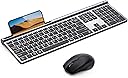
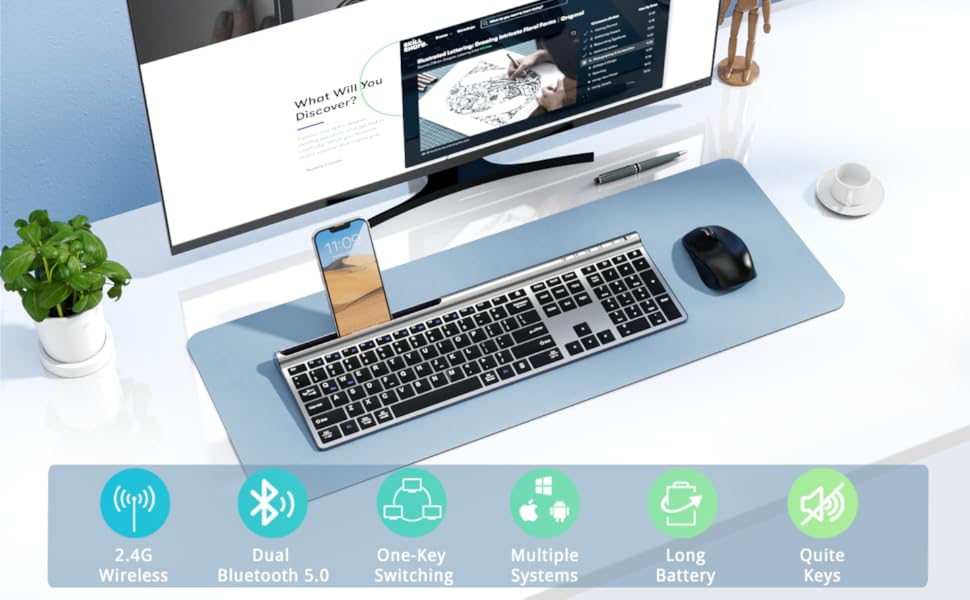
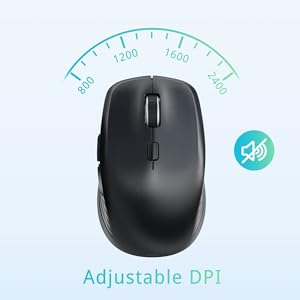
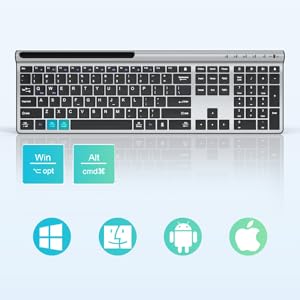
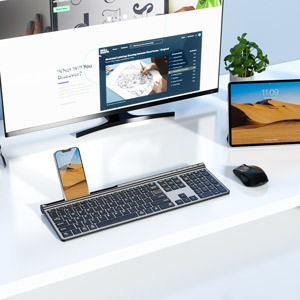
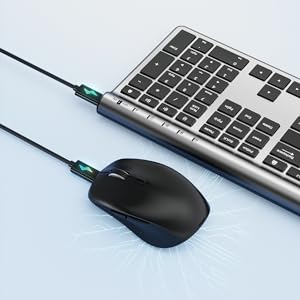
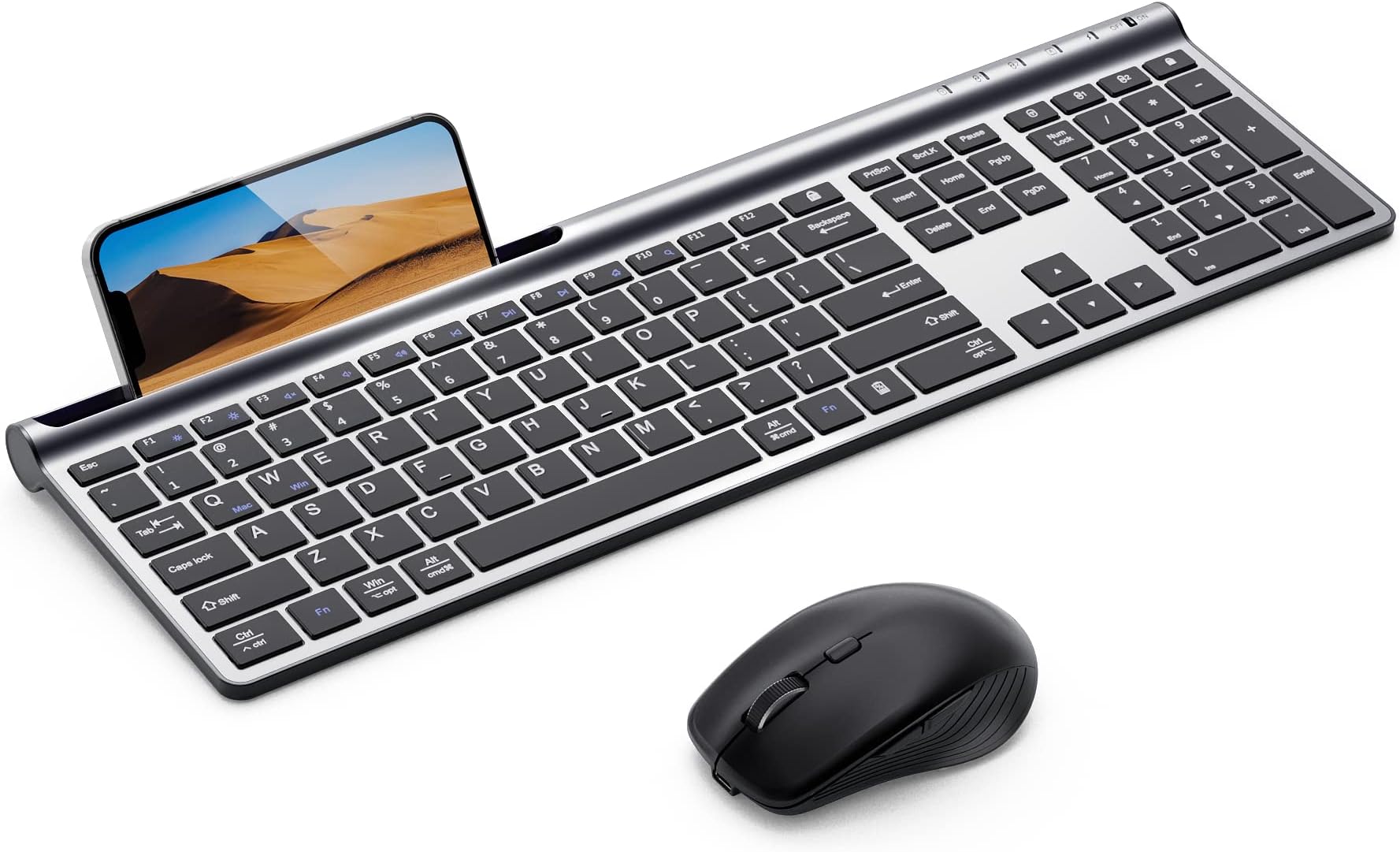
The Samsers Wireless Keyboard and Mouse Combo offers ultra-slim, rechargeable, dual-mode connectivity (Bluetooth 5.0 x2 + 2.4G) with seamless switching across three devices. Designed for MacOS, iOS, Android, and Windows, it features a silent, full-size keyboard with ergonomic mouse, fast Type-C charging, and long battery life—perfect for multitasking professionals seeking sleek efficiency.


| ASIN | B09V12Y68C |
| Additional Features | Ergonomic, Lightweight, Rechargeable |
| Antenna Location | Everyday Use, Gaming, Multimedia, Personal, Video Editing |
| Best Sellers Rank | #270 in Computer Keyboard & Mouse Combos |
| Brand | Samsers |
| Built-In Media | Keyboard, Mouse |
| Button Quantity | 110 |
| Color | Silver Black |
| Compatible Amazon Tablet Models | Amazon Fire 5th Generation, Amazon Fire 7 5th Generation, Amazon Fire 7 7th Generation, Amazon Fire 7 9th Generation, Amazon Fire 7 Kids 5th Generation, Amazon Fire 7 Kids 7th Generation, Amazon Fire 7 Kids 9th Generation, Amazon Fire 7 Kids Pro 9th Generation, Amazon Fire HD 10 5th Generation, Amazon Fire HD 10 7th Generation, Amazon Fire HD 10 9th Generation, Amazon Fire HD 6 4th Generation, Ama… |
| Compatible Devices | Laptop, PC, Smartphone, Tablet |
| Compatible Operating System Family | Android, Windows |
| Connectivity Technology | Bluetooth |
| Customer Reviews | 4.3 out of 5 stars 604 Reviews |
| Enclosure Material | Plastic |
| Hand Orientation | Ambidextrous |
| Item Dimensions L x W x H | 17.1"L x 5.3"W x 0.91"H |
| Item Weight | 0.83 Kilograms |
| Keyboard Description | Indoor |
| Keyboard Layout | QWERTY |
| Manufacturer | Samsers |
| Mfr Part Number | Wireless Keyboard and Mouse |
| Minimum Required Operating System Version | Android 4.3 Jelly Bean |
| Model Name | Dual-mode keyboard and mouse wireless |
| Model Number | Bluetooth Keyboard and Mouse |
| Number of Keys | 110 |
| Power Source | Battery Powered |
| Recommended Uses For Product | Everyday Use, Gaming, Multimedia, Personal, Video Editing |
| Special Feature | Ergonomic, Lightweight, Rechargeable |
| Unit Count | 1.0 Count |
D**H
High Quality Keyboard and Mouse
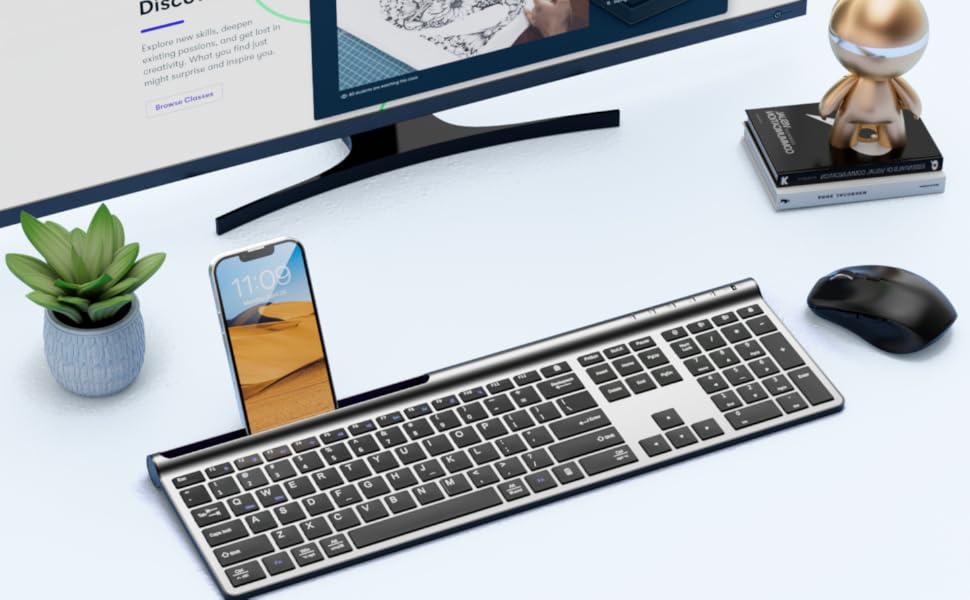
Purchased in March of 2023. Keyboard is quiet and responsive. Key feedback is good. Mouse works well. I have both connected to my HP Envy via Bluetooth. The connection occurs instantly after computer is turned off. The batteries on both the keyboard and mouse are rechargeable and last a long time between charges. You can see the charge level of the battery for the mouse on the Bluetooth device page for Windows 11 but not for the keyboard. I usually take the mouse in the backpack with the computer but have taken the keyboard - it is thin enough to pack with the computer. The phone holder on the keyboard only works without the phone case on (iPhone 15-16). Still looks like it did when I bought it.
R**M
Great keyboard
Really good, feels great and has been working for a long time now. Have to charge twice a month. Only complaint is the phone stand doesn’t allow the phone in with a case on it.
M**R
Comfortable, study & slim
I needed a keyboard for a new laptop and wanted a wireless, slim board, mouse combination. This keyboard fit the bill perfectly and the added keyboard cover (photo shows keyboard with cover on it) feels very nice when typing. No slipping of the fingers with the cover on and a hint of stickiness that feels good (I know that sounds weird, but need to experience it). Slim line design is great and charged up in a couple of hours. The mouse is fine, but I would have liked a slim line version of it is as well. The mouse is the "standard" size mouse. It came with only one charging cord (USB to USB-C) despite having two items requiring charging and no charging block was included. You will need to have something to plug the USB side into. I charged both the keyboard & mouse about 4 days ago and still doing fine, but I have not been using it heavily so far (maybe an hour a day). The keyboard and mouse work well together and it was easy to pair them with my laptop. I recommend this keyboard and feel it is a good value for the price.
J**Z
Good...now, but considered returning
After using this for a day, I am pretty pleased with it. The keyboard is smooth and responsive and the keys are quiet. I like the key layout though the buttons do not stand as proud as my old keyboard, that will take some getting used to. The size of the keyboard is perfect for me - slim and compact but not cramped at all. My Moto G phone has to be out of its case to fit in the slot; that's fine, I'm not sure how much I will truly use that now that I have it. Setting up Bluetooth on both Windows 10 laptops was very easy though I did bypass Swift Pair just to be sure. Switching the keyboard between laptops has so far been reliable and quick. As others mentioned, I do wish the keyboard had adjustable legs though, I will need to find or make something to sit under it. No backlight doesn't really bother me though. Now the mouse. I wrestled with if I was going to return this set because of it. To switch the mouse to another system, a button needs to be pushed on the bottom. I'm not sure how I thought that would work but that wasn't it. Not too big of a deal. The mouse is pretty slim but has worked well; clicking is also quiet, works well and I haven't had much if any lag. The big problems is that the forward/back buttons sit RIGHT where I rest my thumb and apparently I press my thumb more often than I realized because I have spent a good part of the day going forward to return to the page I was trying to read and testing different ways to rest my hand on this mouse. I finally downloaded a utility (X-Mouse Button Control) to disable those buttons; I never use them anyway and without disabling them I don't think I could have kept the set. I'm happy now - I'll update my review if anything changes after a day.
G**E
Cute, soft, and functional- but needs a lift!
This pink wireless keyboard and mouse set totally completes my desk aesthetic. The color is adorable, and the keyboard has a soft, slightly cushy feel when typing. I especially love the built-in phone holder, it’s such a clever little feature for multitasking or video calls! That said, the keyboard sits quite flat, which wasn’t ideal for long typing sessions. I ended up buying a separate stand and wrist rest to make it more ergonomic, and now it’s perfect. Still, for the price and the look? Worth it. Just be prepared to elevate it a bit if you need better wrist support. Shared a pic of my full setup in case it helps! ✅ Stylish ✅ Quiet typing ✅ Great starter set ➖ Needs elevation for comfort
A**U
Aesthetically pleasing but frustratingly underperforming
I had such high hopes for this purchase. I didn't have to keep spare batteries in my desk anymore. This will solve all of my problems. NOPE! PRO's - it looks COOL, charging the mouse and keyboard doesn't take long at all, you can use it while it's charging, your fingertips will glide across the keyboard, it has a thin and light profile, you can prop your phone up on the keyboard.. CON's - the bluetooth connection is finicky .. And .. I'm back to a good 'ole battery powered wireless keyboard and mouse. It's not pretty but it works. Off to replenish my desk supply of AA and AAA batteries.
K**Y
AMAZING PRODUCT 1000% WORTH YOUR MONEY
Hey so yeah the mouse is quiet click can’t hear a thing, the keyboard is quiet click but not as quiet as the mouse- the mouse pairs easily and works well with my iPhone and laptop-switching between them is fast and convenient, I’m having issues connecting both the mouse and the keyboard to my iPhone (easy set up in the computer tho) but for your online exams this is an absolute game changer please get this cheap and high quality product omg!
H**L
glitchy - being returned
It sounds good on paper, it looks good in youtube videos, but it is glitchy. It was intended for my elderly mother to use with her iPhone, controlling her device with a monitor, a keyboard, and a mouse. But it isn't like other Bluetooth devices that make automatic connections seamlessly and smoothly when turned on. These were glitchy: sometimes, the phone had to be restarted, or the devices had to be turned off/on again, and button had to be pushed. It might not be a big deal to an average user, but it defeats the purpose for an elderly who just wants to use them without the BT connection ritual, like her BT headphone that always works when turned on. It was frustrating for my mother when she wanted to send a message, by using the mouse for the message icon, and it didn't work (or erratically), and when she wanted to type on the keyboard, the iPhone said it was not connected. Once or twice might have been OK, but after more than a couple of times, she doesn't want them anymore. It gets 3 stars because the wireless dongle works fine with a Windows PC.
P**C
Connects to Bluetooth well
Connects to Bluetooth well saving a USB port on the PC. I only charge them every two days but I don't know how long they'll last without a charge. I thought that the keys lit up when the keyboard was in use but that hasn't happened and I can't find anywhere to make it happen
Trustpilot
1 month ago
5 days ago