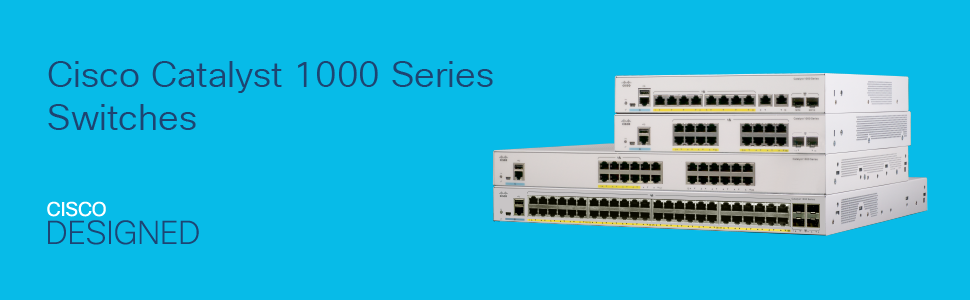
I really get this switch to replace my 6 years old Ubiquiti EdgeSwitch Lite 24 and Cisco SG 300-24. Given the type of work I do, I'm familiar with the iOS CLI and able to do basic configuration for Catalysts just fine, but the WebUI Dashboard for this switch definitely gives a good visual / overview of the configuration easily. The setup is pretty easy. You can do either the WebUI's Day Zero setup, or you can console in the Management port to start with the CLI. Either way, I was able to set things up within an hour. Having said that, you can only get the very basic configuration done if you choose to do the setup from the WebUI but if you need more advanced setup and do more customization, you must do that from the CLI. One really odd thing I notice about this switch is, the interface status LEDs blink very slowly, about one blink per second, as opposed to other Cisco, or non-Cisco switches that I have come across which blinks 4 to 5 times a second. I was a bit concern (OCD kicked in) but I haven't noticed any technical issues at all, nor I have found any hardware issues when I check the "env detail". Otherwise, this has been a fantastic switch. Thanks for reading and plus vote up this review if it's somewhat helpful. Thanks. Update on August 11, 2021: Switch has crashed randomly twice after the initial deployment, and both incidents were triggered while I was on the WebGUI, and crash did not happen on CLI. After doing a lot of research, it appears the issue was coming from the iOS which was preloaded to the switch in the manufacturer. The one which came with was 15.2(8)E , which was not found in Cisco's download website anymore. I suspect the 15.2(8)E has some catastrophic bugs which the company has pulled from distribution. There is a Cisco case CSCvw95683 opened for this random crash if you google it. I then rolled back to 15.2(7)E4, which is still on distribution from their download page appears to be a fix for the crash. Ever since I loaded this iOS, I have tried both WebGUI and CLI configuration and have not experienced problem so far. I want to give kudo to Jake at Facebound, which was the seller I received the switch from. Jake has been in contact with me with courteous and professional service. Given the subpar experience I have had with the switch's buggy iOS, I'm not taking a star off since it still serves me well and Facebound has been a responsible reseller. So, if you have the newer iOS loaded to this switch, make sure you roll back for now, until the newer fix is available.